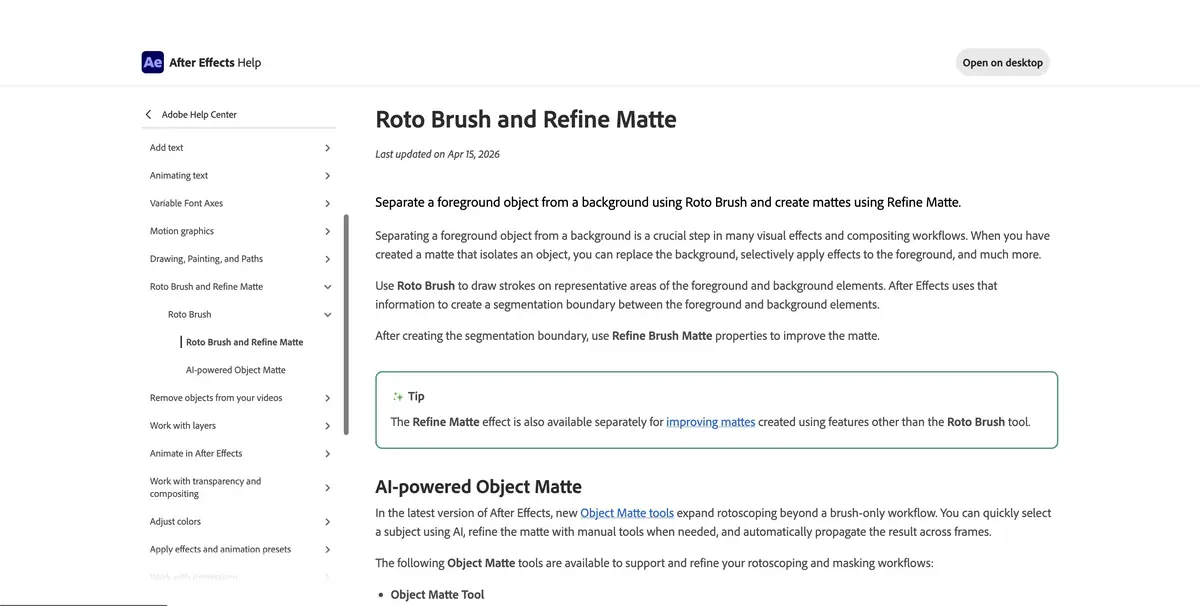
An editor for visual effects and motion graphics. Roto Brush propagates a subject selection across frames.
When to use Roto Brush
The transition of the figure to a new background is convenient to start with a short section where the person fits entirely in the frame. In After Effects, the Roto Brush tool helps to separate the foreground and move the selection between adjacent frames. Make the first selection where the silhouette is well read. Then check how the mask behaves. If the selection has captured the background, check it in the problem area before continuing processing.
Check against a contrasting background
In the training scene, the presenter passes behind the front edge of the rack, and in the background you need to replace the color of the wall. Break the frame into noticeable motion changes. When covering the stand, immediately see if the shape of the visible hand has survived. For diagnosis, put a bright monochromatic coat under the figure. It is easier to see holes, an extra stripe and parts of the original background, which would be invisible on the working background.
The edges of the hair and grease from the rapid movement are appreciated when reproducing. A clean stop frame can hide the shaking of the contour.
Before handing off to an editor
After checking, secure the calculated site and save the project. Agree whether the editor needs a ready-made composite, a separate mask or a video with transparency. Different export methods use different parameters. Before you take the entire episode, open a small sample in the recipient's program and check the color, size and edge on its substrate.
Suitable tasks
- Isolate the figure to replace the background
- Transfer the shot object to the composite scene
Strengths
- Spreading of the mask by personnel
- Separate processing of complex edges
Limitations
- The mask must be checked throughout the area.
- Transparency and motion blur may need manual cleanup
Selection and conditions
- Free access
- Not confirmed
- Trial period
- Not confirmed
- No sign-up required
- Not confirmed
- Russian interface
- Not confirmed
- Local installation
- Not confirmed
- API
- Not confirmed
“Not confirmed” means there is not enough information. The feature may still be available; check the developer’s terms.
- Input formats
- Video
- Result
- Mask, Video
Terms
The editor is installed via Adobe Creative Cloud. A compatible system and sufficient memory are important for work.From task to first result
Practical example
- Task
- Isolate the figure to replace the background
- What to prepare
- A short own video frame with a moving person and a fairly contrasting background.
Task brief or prompt
Select the figure, check the movement of the mask and put a simple color substrate under it.
Expected result
Frame with a proven foreground mask.
How to check the result
- Look at the complex footage with overlaps.
- Compare hair and small details on a light and dark background.
An editorial teaching example of a task brief, not the result of hands-on testing of the service. Check that the required mode is available, that you have rights to the source material and that the intended use of the result is permitted.
Check details
Official sources
This description is based on the developer’s material. Features, prices and availability may change; check the primary source before use.