

Desktop editor of video, images and sound. Through plugins, you can add processing with AI, including lip sync.
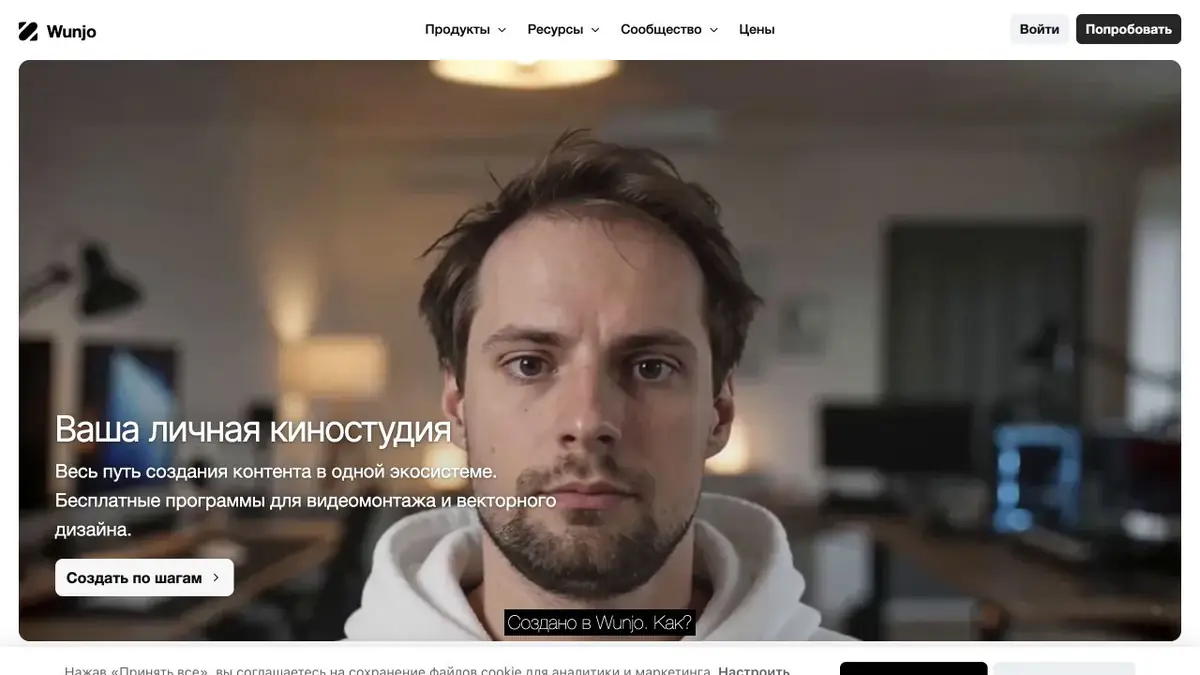
Where lip sync helps
Wunjo Make works with video, images and sound. The platform offers a separate plug-in that adjusts the movement of the lips in the photo or in the video to the audio track. So you can prepare a version of a short fragment with a new voice and check whether the movements of the mouth coincide with the replica.
Start with a picture in which the face is clearly visible. Turning the head, shadows and hand next to the mouth can complicate processing. Look at the fragment without sound, then turn on the track and check the moments when the lips should close.
Example for your instruction
Let's say the announcer allowed his image to be used to update the phrase in the training video. Prepare the original video and a clean new track. Measure the replica's pace with the plan length. After processing, review the beginning and end of the transition, the movement of the chin and the position of the face relative to the background.
Keep the original next to the processed copy. If the viewer may have a wrong impression about the words spoken in the source, note the change when publishing.
What to specify before installation
There are different terms for Wunjo Make and plugins. On the official page there are both local tools and modes with cloud computing. Therefore, it is important to check the specific plugin, supported system and file transfer rules. To process someone else’s image and voice, get the necessary permissions in advance. Compare the requirements of the plugin with how you usually store and transmit working material.
Suitable tasks
- Combine new voiceover with lip movement
- Check face processing in several phrases
Strengths
- Processing is enabled through plugins
- You can compare the excerpt with the original in the editor
Limitations
- Modes differ in the location of calculations
- Head turns and fast gestures require checking
Selection and conditions
- Free access
- Not confirmed
- Trial period
- Not confirmed
- No sign-up required
- Not confirmed
- Russian interface
- Not confirmed
- Local installation
- Not confirmed
- API
- Not confirmed
“Not confirmed” means there is not enough information. The feature may still be available; check the developer’s terms.
- Input formats
- Video, Audio, Image
- Result
- Video
Terms
Wunjo Make is installed on your computer. The launch conditions of the model and system requirements depend on the plugin selected.From task to first result
Practical example
- Task
- Combine new voiceover with lip movement
- What to prepare
- His short video and a new audio track with the permission of the participant.
Task brief or prompt
Customize the movement of the lips to a new line, keeping the source separately.
Expected result
Black plan with a new line.
How to check the result
- Check the articulation on the corners.
- Check the beginning and end of the phrase.
An editorial teaching example of a task brief, not the result of hands-on testing of the service. Check that the required mode is available, that you have rights to the source material and that the intended use of the result is permitted.
Check details
Official sources
This description is based on the developer’s material. Features, prices and availability may change; check the primary source before use.