Surfer helps plan articles, refine pages and monitor brand visibility in search and AI answers.
What an optimization score tells an editor
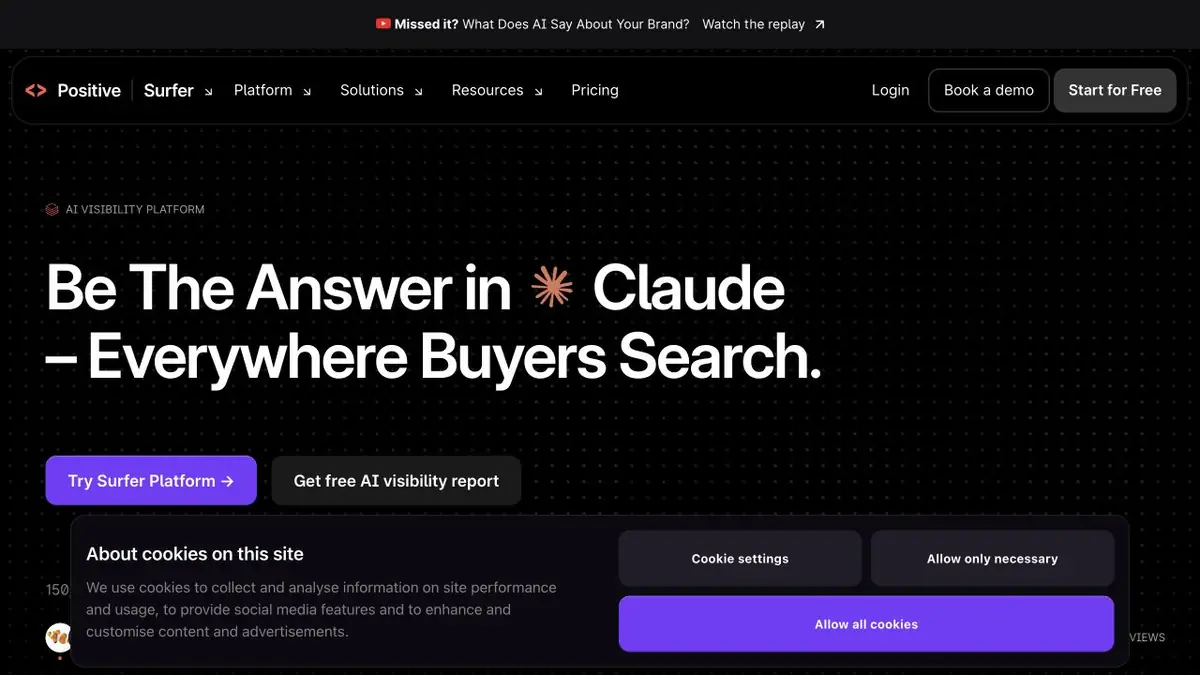
Surfer helps prepare and refine website content. Content Editor suggests topic and content guidelines; other tools identify weak pages and missing information. The current official site presents the product as Positive Surfer.
An editor score is a useful review signal, but it does not measure truthfulness. You can follow length and terminology suggestions while keeping content readers do not need. Start with the question the page should answer and the facts available to the author.
Review an existing article before rewriting it
Take a page about a desk lamp with verified specifications. Compare Surfer's suggestions with the existing text. If a useful explanation of adjustment is missing, add it using the product documentation. If a suggested use case is irrelevant, do not add a section just for the score.
Automatic expansion can easily weaken accuracy. Remove unverified comparisons, repeated benefits and unsupported promises. After editing, check the title, main heading and internal links in your publishing system.
AI-answer monitoring provides one view of brand visibility. Results depend on the questions and observation conditions you select. They do not establish presence in every search answer or a permanent position relative to a competitor.
Keep the page focused on its original question
Preserve the search intent when refining an existing page. If recommendations lead to a different question, a separate article may be more useful than adding everything to one text. Check that useful explanations and links survive before replacing the published version.
Plans and work restrictions
Features and limits vary by plan. Pricing and product pages list the editor, research tools and extras. A promotional invitation to start free does not establish unlimited, permanent free access to the whole platform.
The ecosystem includes connections, an API and MCP, but availability must be checked for the specific operation. Before automating publication, work through one page and agree on editorial criteria. Content improvement remains a task you can verify; using Surfer does not guarantee traffic growth.
Suitable tasks
- Improve an article's usefulness
- Identify gaps on an existing page
- Monitor brand visibility for selected questions
Strengths
- Editor and analysis of existing content
- AI Search Monitoring Tools
Limitations
- The score does not measure credibility
- Limits and composition of plans differ
Selection and conditions
- Free access
- Not confirmed
- Trial period
- Not confirmed
- No sign-up required
- Not confirmed
- Russian interface
- Not confirmed
- Local installation
- Not confirmed
- API
- Yes
“Not confirmed” means there is not enough information. The feature may still be available; check the developer’s terms.
- Input formats
- Text
- Result
- Text
Terms
Editing suggestions and scores require fact-checking. API access needs a separate add-on or an enterprise plan; other limits and features depend on the selected offering.From task to first result
Practical example
- Task
- Improve an article's usefulness
- What to prepare
- A practice article about choosing a desk lamp, with a verified brief covering dimensions and materials.
Task brief or prompt
Editor task: research the topic and outline the article. Compare the service's recommendations with reader questions. Add only verified specifications and avoid keyword stuffing.
Expected result
Plan and editable article draft; optimization score is not equal to traffic promise.
How to check the result
- Check the facts with the original brief.
- Remove sections that do not help to choose a lamp.
An editorial teaching example of a task brief, not the result of hands-on testing of the service. Check that the required mode is available, that you have rights to the source material and that the intended use of the result is permitted.
Check details
Official sources
This description is based on the developer’s material. Features, prices and availability may change; check the primary source before use.