

SOUNDRAW helps you choose and refine background music through genres, moods, and arrangement elements. Its confirmed core workflow uses settings and a mixer, so a text prompt is not presented as a required input.
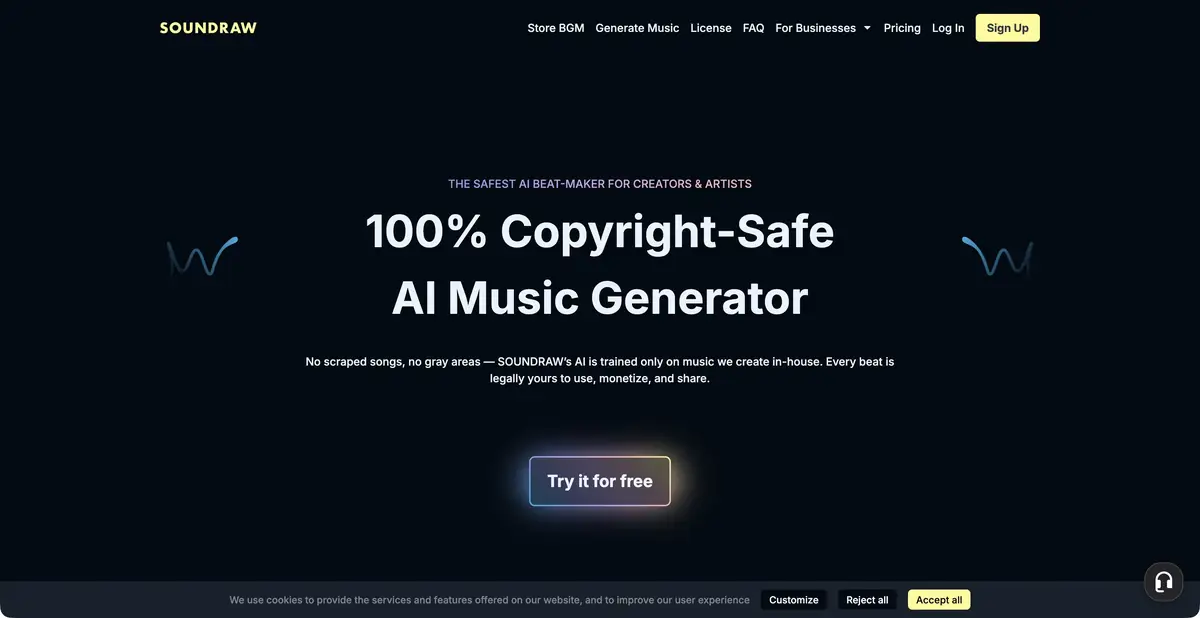
Start with parameters, then listen to options
For instrumental background music in an edit, SOUNDRAW lets you choose a musical direction and parameters, then adjust the result. The current site shows genre blending, length and energy controls, and instrument selection through Mixer. This suits creators who know the desired musical density but do not want to write a long prompt.
There is no need to invent a chatbot prompt here. For the exercise, specify genre, duration, and movement, then select the corresponding interface controls. Adjust the result by listening to it: the same mood label does not guarantee equally effective music for a scene.
Example: background music for a one-minute workshop video
Prepare your own video with an opening wide shot, hands at work, and the finished object at the end. Choose a calm musical direction and moderate energy, then set the duration. Listen to several variants with the video rather than in isolation.
During an explanatory section, reduce excessive musical density or remove an instrument that makes speech hard to understand. A more noticeable build before the final shot can work if it supports the edit. Check the opening, transitions, and ending: an abrupt stop harms the impression more than a less striking timbre. Save the original before making substantial changes so you can compare versions at the same loudness and avoid choosing only the loudest track.
Export and programmatic use
Plans differ in download counts and formats. MP3, WAV, and individual instrument tracks do not have identical availability. If you need further music editing, check stems export specifically rather than just the playback button.
SOUNDRAW has its own Music API for integrating generation into apps. The official description uses genre, mood, and theme as selection parameters. It is a separate product with platform terms; a consumer subscription does not automatically authorize delivering generation to your users. Agree on integration scope and licensing before release.
Separate tracks help when balancing music later in your music software. For example, retain a calm foundation while lowering drums only beneath a few narration lines. This is further editing work: stems do not promise automatic adaptation to every word. Before choosing a subscription, open an available export in your software and compare track durations, start times, and levels.
Background music for content and standalone song releases
Creator and Artist serve different uses. The license page permits music in eligible content, while releasing songs on music platforms requires Artist and a substantial change to the original beat, such as adding your own performance. Distributing an unchanged track and registering it with Content ID are restricted.
A separate condition on the page covers meditation, lo-fi, and relaxation content using an unchanged track: an active subscription is required to keep such content published. Do not apply this rule to every use without reading the terms, or replace it with a blanket promise of a perpetual license. Before publishing, identify your use case, check the plan, and save proof of rights with the project.
Suitable tasks
- Choose background music for a video by genre
- Reduce musical density beneath narration
- Refine the energy and duration of the track
- Embed music generation in the app
Strengths
- Clear process through musical parameters
- Mixer and energy settings
- The product’s own Music API
Limitations
- Formats and stems depend on the plan
- Releasing a song differs from using it as background music
- The license contains separate restrictions for unchanged tracks
Selection and conditions
- Free access
- Not confirmed
- Trial period
- Not confirmed
- No sign-up required
- Not confirmed
- Russian interface
- Not confirmed
- Local installation
- Not confirmed
- API
- Yes
“Not confirmed” means there is not enough information. The feature may still be available; check the developer’s terms.
- Input formats
- Parameters
- Result
- Audio
Terms
Parameter-based input is confirmed; a text prompt is not required. Export and rights depend on Creator/Artist/API terms; unchanged tracks and specific use cases have restrictions.From task to first result
Practical example
- Task
- Choose background music for a video by genre
- What to prepare
- Background music parameters: genre or genre blend, mood, duration, and desired energy; these are selected using interface controls.
Task brief or prompt
Exercise: choose a calm musical direction and a length suited to your video. In the mixer, reduce density beneath narration and check available instruments. Use the service’s actual controls; an open text prompt field is not assumed.
Expected result
Instrumental background music selected and refined using parameters; downloads depend on the plan.
How to check the result
- Listen to the beginning, transitions and endings along with the video; music should not mask speech.
- Check formats, licensing, and your use case: background music, a modified song, and standalone distribution have different rules.
An editorial teaching example of a task brief, not the result of hands-on testing of the service. Check that the required mode is available, that you have rights to the source material and that the intended use of the result is permitted.
Check details
Official sources
- Generation using parameters and Mixer
- Pricing and export formats
- License and use-case differences
- The product’s own Music API
This description is based on the developer’s material. Features, prices and availability may change; check the primary source before use.