

Snyk uses DeepCode AI in code analysis and correction suggestions. In the editor, you can study the find and check the proposed patch on your branch.
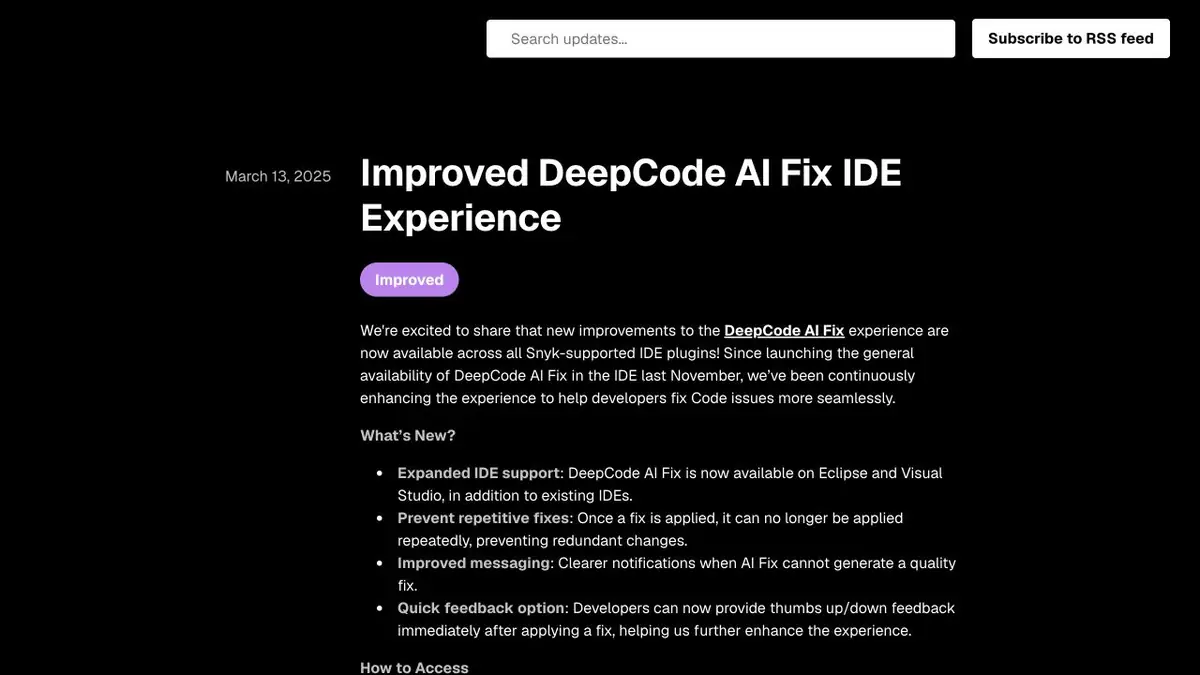
Patch to a specific find
When Snyk Code shows a place where the value from a query comes to a sensitive operation, it is useful for the developer to see the entire data path. DeepCode AI Fix may suggest a change next to the finding. Before use, open the original function and its calls. One place in the editor does not always show how the argument gets there and what options are provided by the interface. Leave a separate commit or unrecorded diff to calmly compare the behavior before and after.
Verification at the training entrance
Use a test branch you control and a function that reads a file name from a request. Prepare a valid name and an input that attempts to read outside the permitted directory. If the analyzer flags the issue and offers a patch, inspect the modified data flow. The test should confirm that unsafe input is rejected and valid input still works. Check other ways the function receives input separately.
Before closing the find
Run the re-analysis on the corrected version. The appearance of green status helps, but the decision on readiness is made by the team after the test and review. Sometimes a suitable fix already exists in the general function, and the hint offers a local workaround. Check the neighboring areas for behavior discrepancies and specify what data is leaving the editor in your Snyk setting. This analysis is useful even when the finished patch had to be rewritten.
Suitable tasks
- Uncheck the path of an unverified entry to a dangerous operation
- Check the proposed fix from the IDE
Strengths
- Offers a patch for finding the analyzer
- Snyk supports IDE and documents data processing
Limitations
- Support for a particular finding and language depends on the integration
- Review the patch and any remaining ways to bypass the fix manually
Selection and conditions
- Free access
- Not confirmed
- Trial period
- Not confirmed
- No sign-up required
- Not confirmed
- Russian interface
- Not confirmed
- Local installation
- Not confirmed
- API
- Not confirmed
“Not confirmed” means there is not enough information. The feature may still be available; check the developer’s terms.
- Input formats
- Code, Text
- Result
- Code, Text
Terms
Snyk plan terms apply. Verify that DeepCode AI Fix is available to your organization. Support for a particular finding and language depends on the integration.From task to first result
Practical example
- Task
- Uncheck the path of an unverified entry to a dangerous operation
- What to prepare
- Its test branch, analyzer message and input data to verify the find.
Task brief or prompt
Please review the proposed correction. Indicate how it affects the data path and what behavior should be stored for a valid login.
Expected result
Tested diff and reproducible test for the original problem.
How to check the result
- Check the dangerous and acceptable entrances.
- Scan the branch again and read the related places in the code.
An editorial teaching example of a task brief, not the result of hands-on testing of the service. Check that the required mode is available, that you have rights to the source material and that the intended use of the result is permitted.
Check details
Official sources
This description is based on the developer’s material. Features, prices and availability may change; check the primary source before use.