

Seer uses error information and code to describe the likely cause and prepare changes for review by the developer.
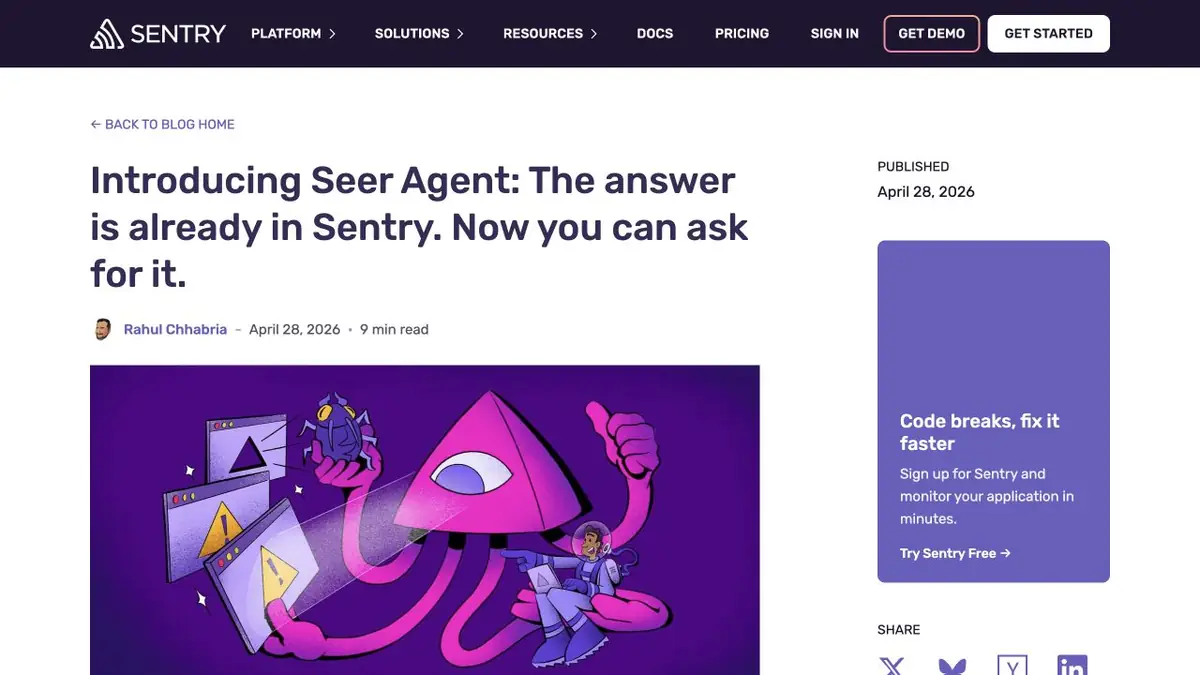
From Event to Reproduced Failure
After a site update, some requests fail. Sentry shows an exception, but the stack does not always identify the input that caused it. Seer can connect event details with code in an accessible repository. Start with one representative event. Check the release version and available data. If the event is from an older release, the file on the main branch may now look different.
Hypothesis testing
In this practice example, an older record can have an empty field that the updated handler immediately treats as a list. Ask for the line of code, the evidence, and an input that reproduces the failure. Compare it with your test data and run a check against the original code. If it reproduces the failure, inspect the proposed diff. Preserve the intended behavior for valid older records and new data.
An agent may not have enough of one event to distinguish between several reasons. Compare with another case and add only the information that is allowed to be transmitted.
Before using the patch
Run the test after correction and view other places where the same field is read. If the change affects the overall handler, check for related scenarios. Keep a connection between the find, test and accepted edit. This will later help to understand whether the cause has been eliminated or the signal simply disappeared from the observed sample.
Suitable tasks
- Check the cause of the error after release
- Transfer the confirmed fix to a separate branch
Strengths
- Uses error context from Sentry
- Can work with a connected repository
Limitations
- Incomplete telemetry limits the quality of the hypothesis
- Edits and external access to code require verification
Selection and conditions
- Free access
- Not confirmed
- Trial period
- Not confirmed
- No sign-up required
- Not confirmed
- Russian interface
- Not confirmed
- Local installation
- Not confirmed
- API
- Not confirmed
“Not confirmed” means there is not enough information. The feature may still be available; check the developer’s terms.
- Input formats
- Text, Code
- Result
- Text, Code
Terms
Seer terms depend on the Sentry plan and setup. Verify the rules of accounting for active participants and the method of payment before connecting the project. Incomplete telemetry limits the quality of the hypothesis.From task to first result
Practical example
- Task
- Check the cause of the error after release
- What to prepare
- Training failure in Sentry, stack, release version and allowed repository.
Task brief or prompt
Show the probable cause and event on which the hypothesis is based. Offer a test that reproduces the error on the previous code.
Expected result
Analysis of the failure with reference to the data, the test and the checked patch.
How to check the result
- Check the release, stack and file in the right branch.
- Run the test before and after correction.
An editorial teaching example of a task brief, not the result of hands-on testing of the service. Check that the required mode is available, that you have rights to the source material and that the intended use of the result is permitted.
Check details
Official sources
This description is based on the developer’s material. Features, prices and availability may change; check the primary source before use.