

Scholarcy helps break long material into structured cards, highlight important passages and save notes. These summaries support a first reading and revisiting sources you have already studied.
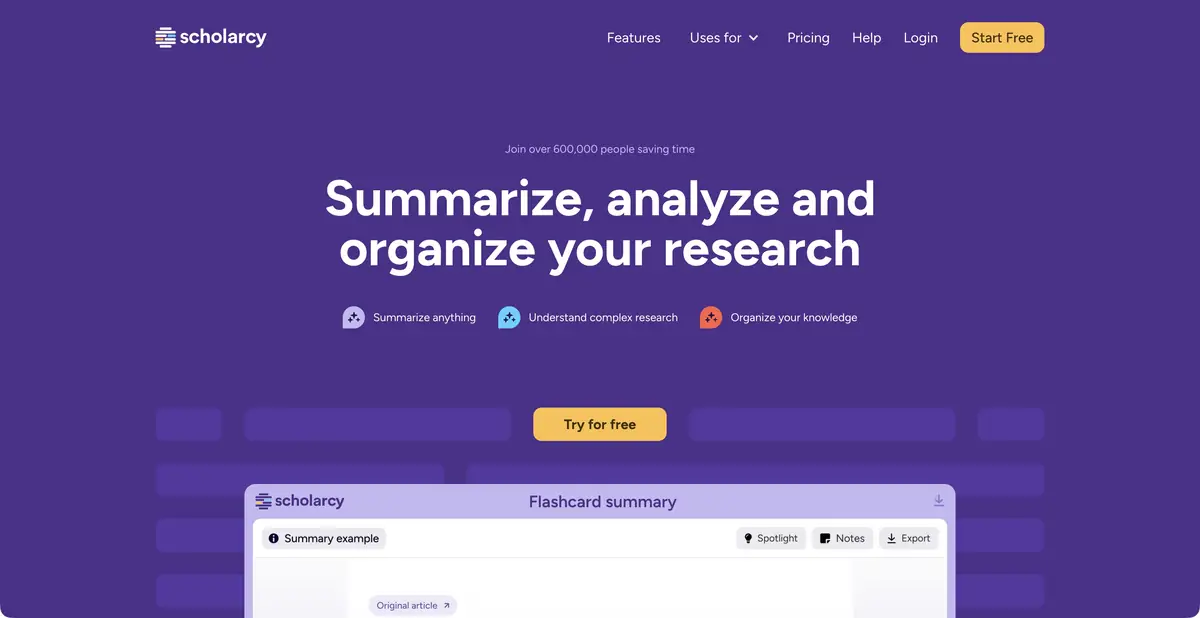
Understand an article's structure before reading it in detail
Scholarcy is designed to work with research articles, chapters and other complex texts. It creates interactive cards with basic information so that the reader can see the question, approach and results of the material faster. This is a useful preparation for reading, not a replacement for the publication itself.
The difference is especially clear when revisiting a source a week later: a compact structure replaces trying to recall dozens of pages. A summary always omits something, so verify important definitions and qualifications in the original.
Import, notes and library
The official product supports PDF, Word, plain text and other sources described in the help. There are imports from research and cloud tools. In the cards, you can highlight fragments, keep notes and organize materials in the library and collections.
The level of detail in a summary can be adjusted. A short version is useful for an initial overview; discussing methodology requires a more thorough analysis. When comparing papers, keep your own notes separate from automatically extracted points — otherwise it becomes unclear over time whose wording they are.
Example: prepare for a discussion with a research supervisor
Suppose you need to read several papers on student engagement before a meeting. Create a card for each and record the same questions: who participated, how engagement was defined, how data was collected and which limitations the authors acknowledged. Then revisit the source sections describing measurements.
It makes sense to bring two different lists to the meeting: confirmed characteristics of the works and questions that remained after reading. If Scholarcy missed a negative result or the condition of applicability, supplement the card manually.
Comparison and export
Paid features include Literature Matrix, batch card export and bibliography tools. They help carry collected information into further research. Choose the export format for its recipient: a comparison table, bibliographic data for a reference manager or individual cards for notes.
Test a small export first. Make sure headings, links and your own comments are preserved as expected. Useful working notes should let you quickly return to the source page rather than leave you with a convincing statement of unknown origin.
How to choose access mode
A free summarization tool has limits, and the expanded version offers a trial. Subscriptions add storage, organization and other features; check included features and what happens when the trial ends before signing up. Not all library features are free.
Where to check the notes
Results depend on file structure and subject area. Formulas, tables, complex layouts and terminology require extra checking. Do not upload unpublished or private material without permission, or attribute a conclusion to a paper's author based solely on an abbreviated card.
Suitable tasks
- Get a structured summary of the scientific article
- Prepare to discuss multiple sources
- Store cards, highlights and your own notes
- Compare literature and transfer information to other tools
Strengths
- The structure of the cards helps to quickly return to what you read
- Document import and research-source support
- Notes, library and collections
- There are tools for comparison and export
Limitations
- A short card may omit an important qualification
- Complex tables and formulas should be checked with the original
- Library and batch workflows depend on the subscription
- Source materials must be available for legal processing
Selection and conditions
- Free access
- Yes
- Trial period
- Yes
- No sign-up required
- Not confirmed
- Russian interface
- Not confirmed
- Local installation
- Not confirmed
- API
- Not confirmed
“Not confirmed” means there is not enough information. The feature may still be available; check the developer’s terms.
- Input formats
- Document, Text
- Result
- Text
Terms
The free summarizer is limited; the library, Literature Matrix and batch export require expanded access.From task to first result
Practical example
- Task
- Get a structured summary of the scientific article
- What to prepare
- A scientific article or chapter that is available for lawful processing and needs to be read.
Task brief or prompt
Work assignment: get a structured summary of the material and check the question, method, main results and limitations in it. Keep your own comments separate from the author’s information; check the essential wording with the original.
Expected result
A card for reading and notes, which helps to return to the source and does not replace the full text.
How to check the result
- Find evidence in the source for every important result.
- Check tables, numbers, negative conclusions and conditions of applicability.
An editorial teaching example of a task brief, not the result of hands-on testing of the service. Check that the required mode is available, that you have rights to the source material and that the intended use of the result is permitted.
Check details
Official sources
This description is based on the developer’s material. Features, prices and availability may change; check the primary source before use.