

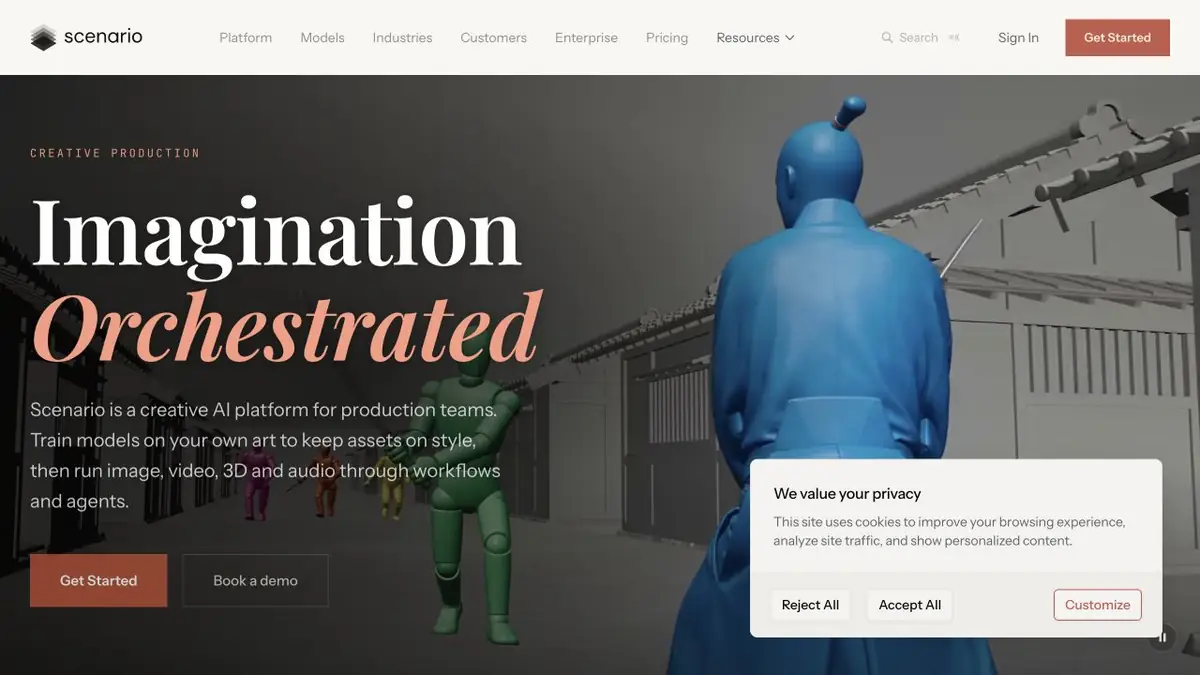
Platform for serial generation of assemblies. You can use references, train your model and repeat the stages of work.
When you need your references
Scenario combines the generation of assets, work with references and training of user models. For a one-time picture, it is enough to check how the selected model uses the sample. For a series in one style, it can be useful to train a separate model on agreed materials. The selection should show the desired style and do not contain random details that should not go into the result.
The documentation describes different ways of learning, including LoRA for visual tasks. The input data and requirements depend on the method. Prepare several test tasks that do not literally repeat the original pictures.
Check on a series of items
For example, for the game you need illustrations of tools in one design. Collect your approved samples, disassemble them by topic and remove pictures with unwanted signatures. After training, try to create a new subject that was not in the set. Check the thickness of the lines, palette and readability of the silhouette when reduced.
If the model transfers a repeating background to each item, correct the set and compare the new series with the original sample. Do not consider the visual similarity as a confirmation of the rights to use.
Access and Computing
In Scenario, you can choose a general or your own model, and some tasks can be automated through the API. Before training and a long series, check the calculation cost for the current plan conditions. If the materials belong to the customer, specify whether it is possible to upload them to the platform and use them for training.
Suitable tasks
- Prepare a series of illustrations in one style
- Train the model on permitted materials
Strengths
- User training and managed references
- There is a documented API for generation
Limitations
- The result may deviate from the sample
- Training requires rights.
Selection and conditions
- Free access
- Not confirmed
- Trial period
- Not confirmed
- No sign-up required
- Not confirmed
- Russian interface
- Not confirmed
- Local installation
- Not confirmed
- API
- Yes
“Not confirmed” means there is not enough information. The feature may still be available; check the developer’s terms.
- Input formats
- Image, Text
- Result
- Image
Terms
Scenario works through an account. You can choose your own trained models.From task to first result
Practical example
- Task
- Prepare a series of illustrations in one style
- What to prepare
- Selection of your own approved style samples.
Task brief or prompt
Train the model on samples and create an item that was not in the collection.
Expected result
A series of pictures to compare the design.
How to check the result
- Check the shape and palette.
- Mark the random transfer of the background.
An editorial teaching example of a task brief, not the result of hands-on testing of the service. Check that the required mode is available, that you have rights to the source material and that the intended use of the result is permitted.
Check details
Official sources
This description is based on the developer’s material. Features, prices and availability may change; check the primary source before use.