

Neural interpolation of intermediate frames. Practical-RIFE contains weight options and video processing commands or image sequences.
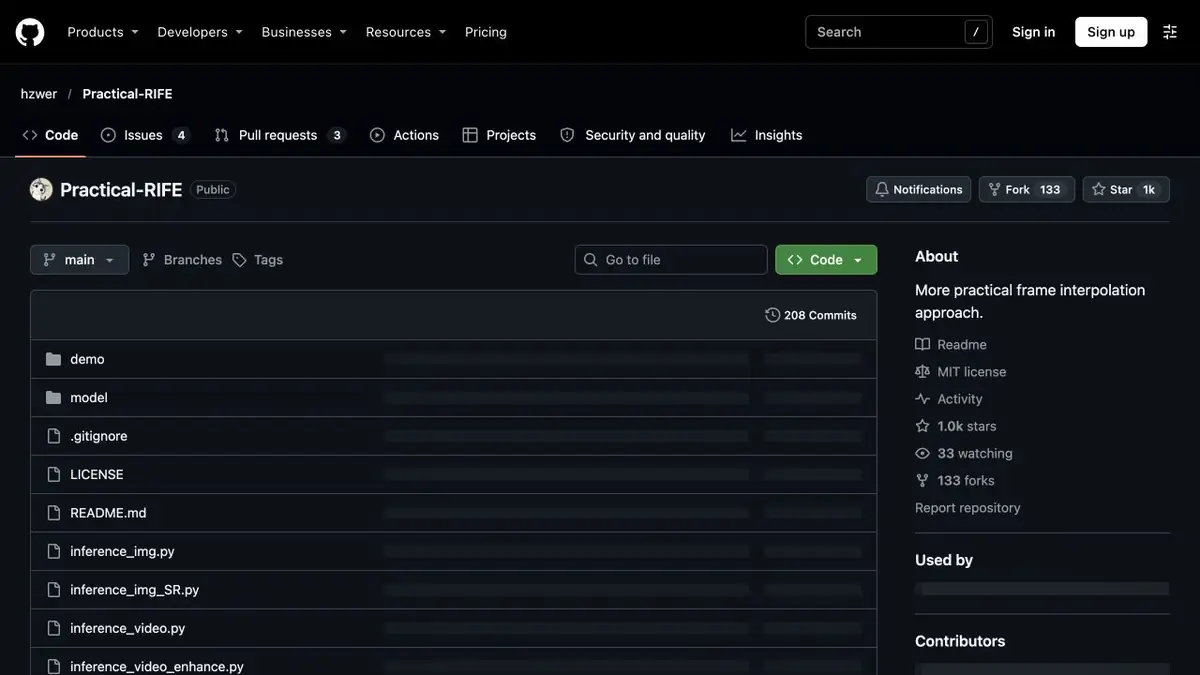
Inserting frames between known positions
RIFE estimates the intermediate movement by two adjacent frames. A synthetic frame is needed where the original roller does not contain the right moment. To increase the frequency of reproduction or deceleration, it is useful to first select a separate plan without gluing. If there are different scenes in neighboring frames, models have to build a transition between incompatible images. This transition is usually better left outside of interpolation.
Shooting with two objects crossing
In the training sample, take off how the hand carries a dark object in front of a light vertical stand. Handle the short plan, then stop it on the frame, where one contour closes the other. Check if the double edge has appeared and does not stretch after the hand. Make sure the duration is appropriate for the task. If you keep the usual playback speed, separately check the sound with the original roller.
Another indicative segment is obtained with a quick turn of the camera. An intermediate frame can mask the jerk, but at the same time distort a thin grid or an inclined line.
Version selection and output options
Practical-RIFE provides examples for video and image sequences. Select the supported weights and determine what frequency is needed in the final file. It is convenient to process a large project according to plans in order to locally replace an unsuccessful passage. Compare the result in the target playback program, because a change in duration, format or frequency is sometimes noticeable only during subsequent assembly.
Suitable tasks
- Increase the frame rate of a single shot
- Check the deceleration on a short roller
Strengths
- Interpolation from video and image sequences
- Selection of the frame rate increase factor
Limitations
- Covering objects can create split contours
- The audio sticks and synchronization should be checked separately.
Selection and conditions
- Free access
- Not confirmed
- Trial period
- Not confirmed
- No sign-up required
- Not confirmed
- Russian interface
- Not confirmed
- Local installation
- Yes
- API
- Not confirmed
“Not confirmed” means there is not enough information. The feature may still be available; check the developer’s terms.
- Input formats
- Video
- Result
- Video
Terms
The author's repository Practical-RIFE describes the local installation. To run, you need a suitable version of Python, weights and compatible dependencies.From task to first result
Practical example
- Task
- Increase the frame rate of a single shot
- What to prepare
- Short continuous video plan and separately marked mounting gluing.
Task brief or prompt
Build intermediate frames within one plan. Look at the movement and areas where objects close each other.
Expected result
A black copy of the plan with an increased frame rate.
How to check the result
- Check the duration and synchronization of the sound.
- Find the split contours and deformations in the intermediate frames.
An editorial teaching example of a task brief, not the result of hands-on testing of the service. Check that the required mode is available, that you have rights to the source material and that the intended use of the result is permitted.
Check details
Official sources
- Practical-RIFE with installation, models and modes
- Original work of the authors on the interpolation of RIFE
- RIFE implementation for research
This description is based on the developer’s material. Features, prices and availability may change; check the primary source before use.