

Reclaim AI reserves calendar time for tasks, habits and meetings.
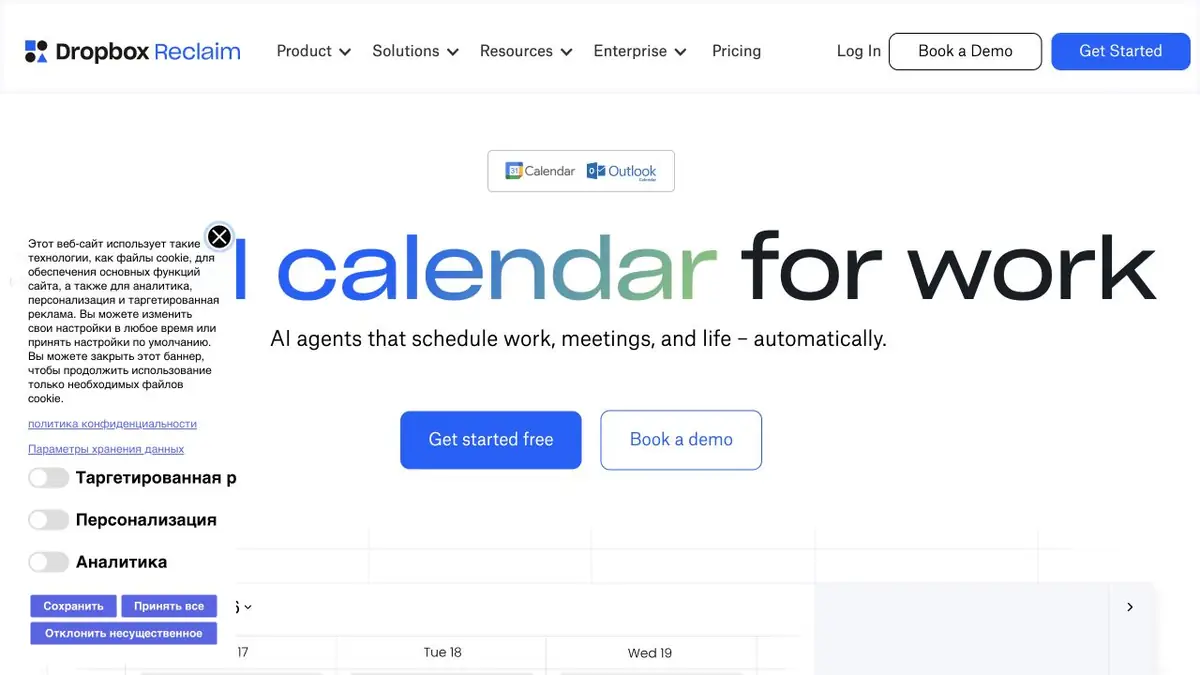
Protect time for work, not just meetings
Reclaim AI schedules more than calls: it also places tasks, recurring activities and focused work in your calendar. You define rules, and the service finds available slots and moves blocks as the schedule changes.
Focus Time, Habits and other tools address different needs. A recurring activity needs suitable hours and regularity; a one-off task needs a deadline and enough time. Without these conditions, an automatically selected slot may be free on paper but inconvenient.
Check rescheduling after a new meeting
Create a ninety-minute sample task with a deadline. After it is scheduled, add a meeting nearby. Check that enough work time remains and that the block has not moved outside working hours.
Check the time zone and connected calendars next. Your personal calendar may contain commitments missing from work. If sync is incomplete, time marked free in the system may not actually be free for you.
For team meetings, consider participant rules and real rescheduling constraints. A suggestion does not replace agreeing on an important meeting or guarantee that every colleague is available.
Review recurring blocks too. A habit that suited an earlier schedule may become inconvenient after a project or time-zone change. Revisit allowed windows and priorities so automation does not keep enforcing outdated rules.
What depends on the plan
The current offering includes free Lite, paid plans and evaluation options. Check calendar counts, planning horizons and extra tools for your tier. Personal-use terms do not automatically extend to managing a large team.
The official website describes integrations with calendars and work services. First, connect those sources that really affect the schedule. To evaluate the result, it is useful to look at several real days: whether buffers remain, whether tasks are feasible and whether it is clear why the system moved a particular block.
Suitable tasks
- Protect time for the task
- Schedule a recurring habit
- Check schedule after rescheduled meeting
Strengths
- Takes into account tasks and focus time
- Calendar and work integrations
Limitations
- Depends on availability rules
- Team features depend on the plan
Selection and conditions
- Free access
- Yes
- Trial period
- Yes
- No sign-up required
- Not confirmed
- Russian interface
- Not confirmed
- Local installation
- Not confirmed
- API
- Not confirmed
“Not confirmed” means there is not enough information. The feature may still be available; check the developer’s terms.
- Input formats
- Text, Data
- Result
- Data
Terms
The service schedules tasks and habits in a connected calendar using your rules. Free Lite is limited; additional calendars and team features depend on the plan.From task to first result
Practical example
- Task
- Protect time for the task
- What to prepare
- A sample calendar with two meetings, a ninety-minute task and a Friday deadline.
Task brief or prompt
Planner task: set the duration, deadline and working hours, then schedule the task. Move one meeting and review the revised schedule before accepting it.
Expected result
A draft schedule with a work block for the task and the original meetings preserved.
How to check the result
- Make sure that the time does not overlap with the meeting.
- Check the deadline, time zone and buffers between events.
An editorial teaching example of a task brief, not the result of hands-on testing of the service. Check that the required mode is available, that you have rights to the source material and that the intended use of the result is permitted.
Check details
Official sources
This description is based on the developer’s material. Features, prices and availability may change; check the primary source before use.
