

An editor for 3D character animation. AccuLIPS creates editable mouth shapes from recorded speech.
From recording to lip-sync keys
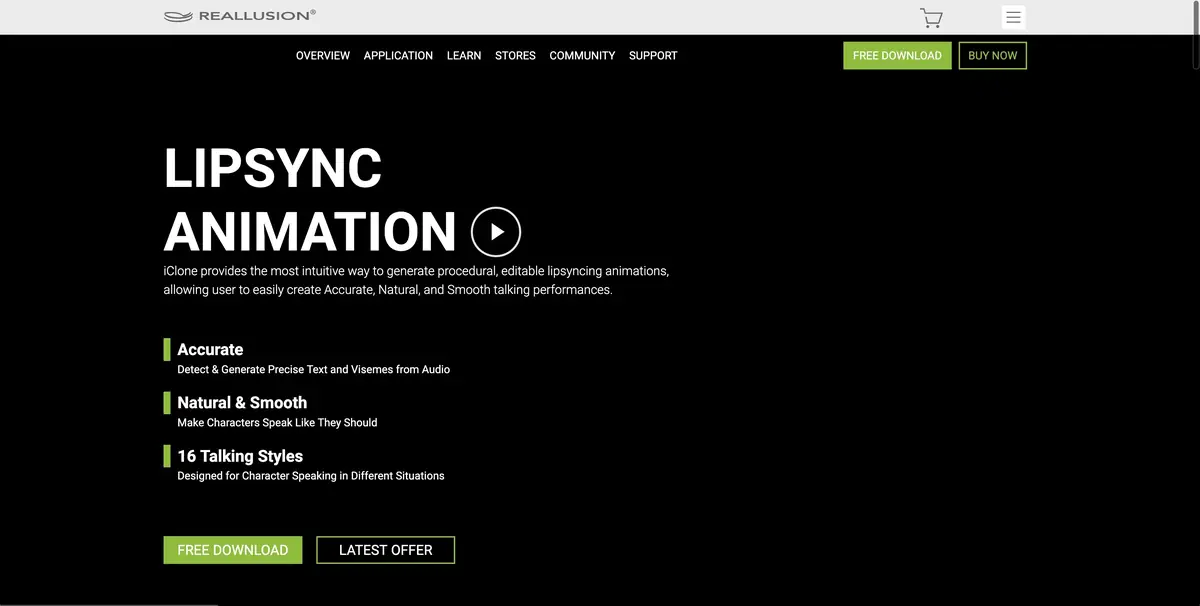
AccuLIPS in iClone converts a spoken line into a sequence of mouth shapes. A prepared transcript can help align the written words to the recording. This provides a starting point for frame-by-frame edits. The built-in dictionary is English. Reallusion describes a separate preparation workflow for other languages. Try it with one sentence before animating the whole scene.
A line with an unfamiliar name
For the training frame, write down an English phrase where the character is introduced and calls a fictional workshop. Give a little pause before the name. Compare the recording with the prepared text and view the movement of the mouth on this word. If the keys fall on neighboring syllables, adjust them manually. Then look at the side. Some too sharp movements of the jaw are better seen outside the frontal angle.
Also check the end of the sentence. The character must complete the articulation before the next movement, if there is a pause between them.
Export for the next production stage
Before handoff, establish whether the next animator needs a video render or an editable project. Save the original audio with the animation keys. Check that the export stays in sync at the same frame rate. Reallusion documents facial capture separately from articulation, so check which add-ons your project needs. Use a short recording of your own to test a line. Check the first export through a brief pause after the line.
Suitable tasks
- Give a Short Quote to the Character
- Synchronize pronunciation with mouth movements
Strengths
- Fitting movements by speech and script
- Editing the shape of the mouth and the strength of articulation
Limitations
- The default dictionary is for English
- Non-standard names need attention
Selection and conditions
- Free access
- Not confirmed
- Trial period
- Not confirmed
- No sign-up required
- Not confirmed
- Russian interface
- Not confirmed
- Local installation
- Not confirmed
- API
- Not confirmed
“Not confirmed” means there is not enough information. The feature may still be available; check the developer’s terms.
- Input formats
- Audio, Text
- Result
- 3D animation
Terms
iClone is installed on a compatible computer. To begin with, you need a record and a supported character with face settings.From task to first result
Practical example
- Task
- Give a Short Quote to the Character
- What to prepare
- His own short line and prepared digital character with a set of mouth shapes.
Task brief or prompt
Tie the line to the character and check the moments when the mouth closes. Save the original audio track.
Expected result
Black animation of the spoken line.
How to check the result
- Check the beginning of words with the movement of the mouth.
- Manually correct noticeable errors on pauses.
An editorial teaching example of a task brief, not the result of hands-on testing of the service. Check that the required mode is available, that you have rights to the source material and that the intended use of the result is permitted.
Check details
Official sources
This description is based on the developer’s material. Features, prices and availability may change; check the primary source before use.