

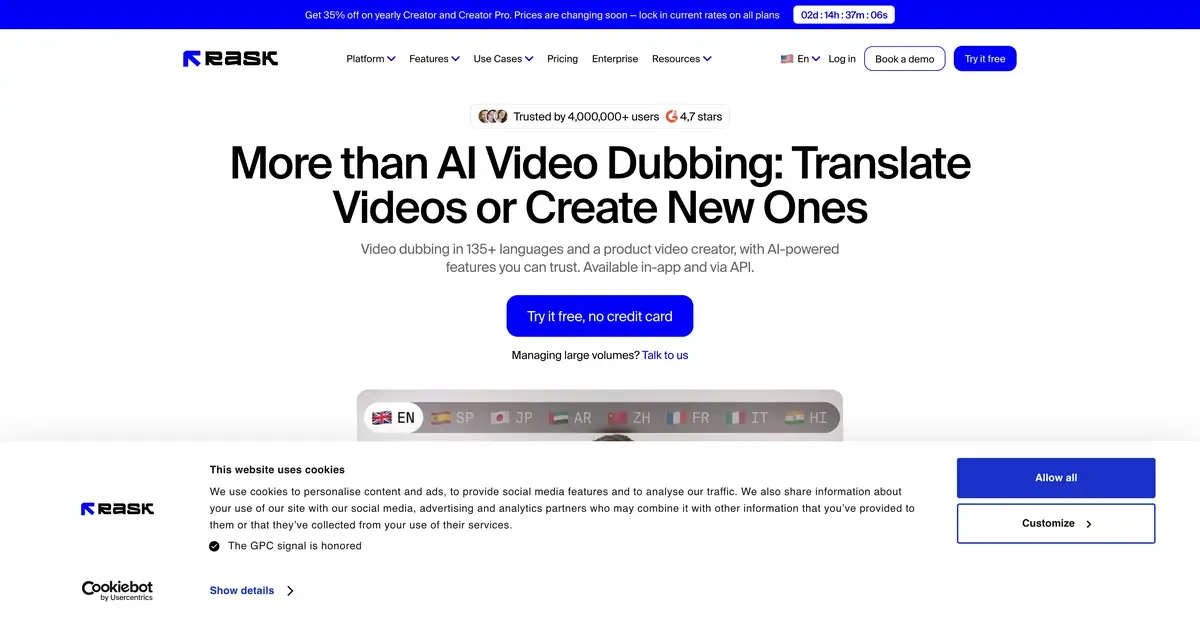
Rask AI helps create language versions of existing material. Transcription, translation, new speech, and synchronization each need separate checks; the platform offers tools to refine them in sequence.
Localization starts with the original meaning
Rask AI is designed for translating and dubbing audio and video. Its current platform includes a segment editor, voice tools, captions, and lip synchronization. Automation reduces manual transfers between stages, but does not decide which translation correctly conveys a term, form of address, or important qualification.
The platform also creates content from screen recordings. For localization, first identify the source video and target language, then verify the path to a finished export. Do not assume every advertised feature is included in a simple translation request.
Example: translate a feature demonstration
For an exercise, use your own short instructional video with a presenter’s voice you are authorized to use. Check the source transcript first: a misrecognized button name or number will carry through to the translation. Prepare a short list of terms that should sound consistent and apply the available dictionary.
Check the translation before final narration. Statements of possibility, restriction, and required action must retain the original force. Listen to the new track with the video: speech should not describe a step that has not appeared yet. For lip-sync, separately inspect side profiles, obscured faces, and shot changes. Matching lips do not prove translation accuracy or fix a faulty source instruction.
Separately list the text viewers see: button labels, slide headings, and warnings. Translating audio does not make these elements understandable in a new language. If using the platform’s on-screen text translation operation, check availability and additional usage. When retaining original English names, align them with narration and subtitles: three translations of one button make viewers search for a nonexistent control. For a long course, approve this list before processing all videos.
Voices, subtitles and automation
Cloning helps preserve the identity of an authorized voice, while the segment editor allows text and delivery corrections. Language support differs between translation and cloned speech. Using someone else’s voice and likeness requires appropriate permission; consent to recording should not automatically be treated as consent to every new use.
The official API documentation covers media uploads, projects, transcription, dictionaries, voice operations, and lip-sync. The API uses Rask’s own workflow. Use current integration guides: the old interface has officially been retired. Your app remains responsible for managing jobs, checking statuses, and saving files.
Minutes can measure different operations
A limited trial and subscriptions with localization allowances are available. Pricing documentation explains that translating into several languages increases usage, while lip sync and on-screen text translation may consume additional units. The source file’s duration therefore does not equal the final charge for the whole project.
Before processing a video series, test one authorized excerpt from upload to export, including the required subtitles and voice. Clarify redubbing terms, minute rollover, and API access on the selected plan. For publication in an unfamiliar language, arrange a separate editorial review: natural-sounding audio can conceal errors of meaning.
Suitable tasks
- Prepare a language version of the video demonstration
- Correct the translation before re-dubbing
- Keep terminology consistent with a dictionary
- Automate localization of a video library
Strengths
- An editable translation and dubbing workflow
- Segments, voices, subtitles and lip-sync
- The product’s own localization API
Limitations
- Translation and synchronization require separate checks
- Language coverage of voice and translation is different
- Additional operations increase the consumption of minutes
Selection and conditions
- Free access
- Not confirmed
- Trial period
- Yes
- No sign-up required
- Not confirmed
- Russian interface
- Not confirmed
- Local installation
- Not confirmed
- API
- Yes
“Not confirmed” means there is not enough information. The feature may still be available; check the developer’s terms.
- Input formats
- Audio, Video
- Result
- Audio, Video, Text
Terms
The trial is limited. Translation, additional languages, and lip-sync may consume different minute allowances; API access depends on the plan. Voice and likeness are used with permission.From task to first result
Practical example
- Task
- Prepare a language version of the video demonstration
- What to prepare
- Your own short video or audio, a target language, and a terminology list; permission covers the voice and likeness.
Task brief or prompt
Assignment: prepare another language version of an instruction. First check the source transcript, then verify translated terminology, negations, and numbers before creating the dub. If using lip-sync, separately check the moving face and shot changes.
Expected result
A draft localized audio track or video with verifiable segments; this is an editorial scenario, rather than a published service result.
How to check the result
- Compare the translation with the original meaning, and have important material reviewed by a target-language editor.
- Check timing, voices, subtitles, and resource usage for additional languages or lip-sync.
An editorial teaching example of a task brief, not the result of hands-on testing of the service. Check that the required mode is available, that you have rights to the source material and that the intended use of the result is permitted.
Check details
Official sources
This description is based on the developer’s material. Features, prices and availability may change; check the primary source before use.