

A family of speech synthesis models that uses a separate text description to control delivery.
Two text inputs
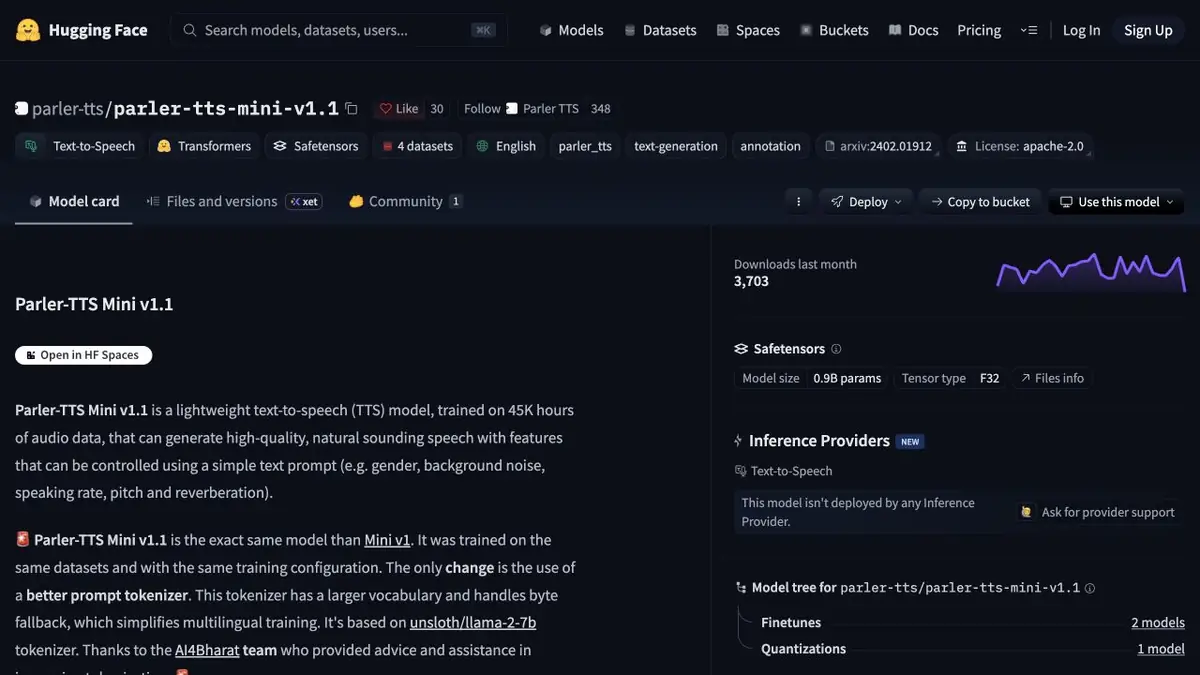
Parler-TTS receives the spoken line and a separate description of how it should sound. You can describe pace, expressiveness, and recording conditions. This lets you compare deliveries of one line without recording a voice sample. Use English with the Mini checkpoint described in the developer's model card. Consult the corresponding documentation for other releases.
Voice options for a short scene
Write a fictional announcement about a library closing. For the first take, describe a calm, confident voice in a quiet room. Keep the line unchanged in the second take and vary only the pace. Listen to both tracks. Compare the emphasis and how clearly you can hear the closing time. If timing matters for the edit, measure both files and check whether the line fits the shot.
Write a description with simple signs. When it is simultaneously set to a fast pace and long pauses, it is difficult to determine which trait influenced the result.
Local setup and quality checks
The repository includes code for generating audio from both text inputs. Set up the environment, download the weights, and try a short passage before processing a large batch. When changing versions, save the settings with the audio. The same script may sound different with other weights or settings. Check pronunciation against the written line and discard takes with unclear words.
Suitable tasks
- Compare two intonations for one phrase
- Create a temporary voice track for an edit
Strengths
- The spoken text and voice description are provided separately
- Code and weights published
Limitations
- The wording does not specify the exact duration
- Language depends on specific weights
Selection and conditions
- Free access
- Yes
- Trial period
- Not confirmed
- No sign-up required
- Not confirmed
- Russian interface
- Not confirmed
- Local installation
- Yes
- API
- Not confirmed
“Not confirmed” means there is not enough information. The feature may still be available; check the developer’s terms.
- Input formats
- Text
- Result
- Audio
Terms
For self-starting, select the control weights and install the library according to the instructions. Test the language of a particular model.From task to first result
Practical example
- Task
- Compare two intonations for one phrase
- What to prepare
- Short native text in English and a description of the voice if the model supports it.
Task brief or prompt
The library closes at six today. Please return your books at the front desk.
Expected result
Test voiceover for listening.
How to check the result
- Check the pronunciation and place of pause.
- Compare the length of time with the time allotted.
An editorial teaching example of a task brief, not the result of hands-on testing of the service. Check that the required mode is available, that you have rights to the source material and that the intended use of the result is permitted.
Check details
Official sources
This description is based on the developer’s material. Features, prices and availability may change; check the primary source before use.