

OpenVoice transfers vocal timbre and can run in your own environment.
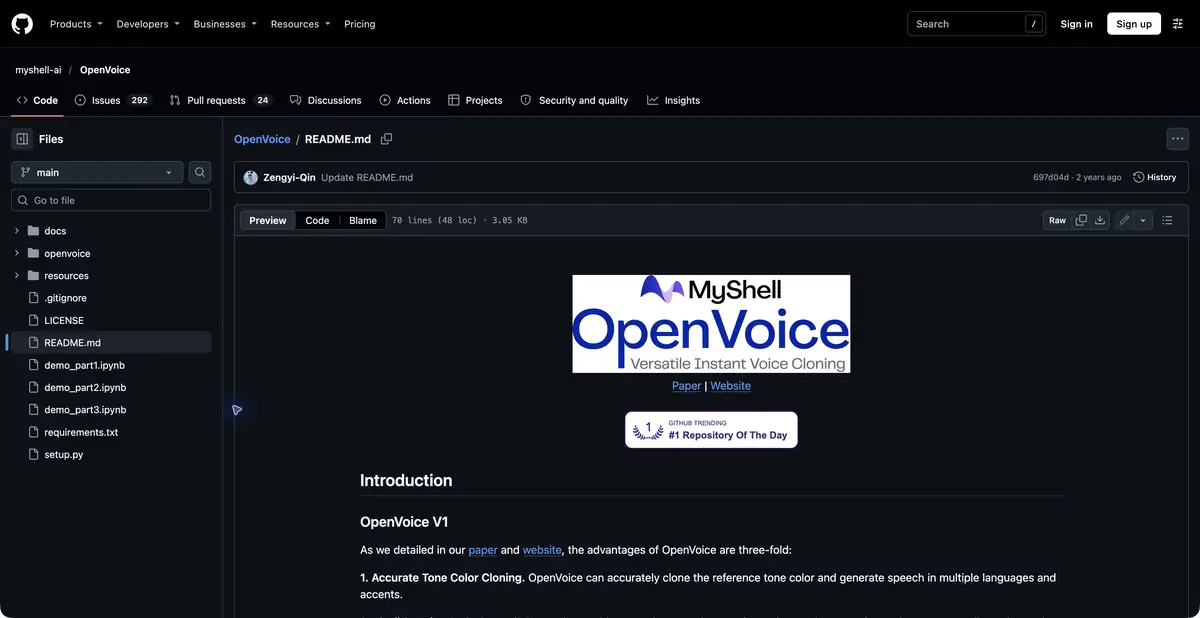
What the model transfers
OpenVoice clones vocal timbre from a short speaker sample. The research project also describes speech style controls and transfer across languages. It does not promise to reproduce a person’s whole identity or the exact intonation of any source phrase. Assess recognizable timbre separately from performance quality.
The repository contains V1 and V2 generations of the same model. V2 lists six natively supported languages: English, Spanish, French, Chinese, Japanese and Korean. Demonstrations in other languages do not make them equally supported production modes. Check the language and speech pipeline before preparing a long recording.
Preparing your own sample
For a practice exercise, record your voice in a quiet room and prepare a few short sentences. Someone else’s interview excerpt is not a substitute for the performer’s permission. Check the source first: loud background noise, clipping and unclear speech make it harder to tell which changes come from the model.
After generation, compare pronunciation, pauses and timbre consistency in short and long words. Check sibilants, word endings and volume changes too. A similar sounding version that drops words needs correction or replacement. Save the source, settings and intermediate results; one good passage does not guarantee the whole narration.
To repeat an example, record the code version, model weights and audio preparation steps. Replacing one synthesis component can change pronunciation while leaving the sample unchanged. This log helps distinguish model effects from changes elsewhere in the software pipeline. One audio file alone does not establish reproducibility.
The license and your own environment
The official repository specifies MIT for V1 and V2 and allows commercial model use under that license. Rights to a person’s voice, source recordings and text still apply. Permission to use code and consent to reproduce a particular voice are separate matters.
Running the model requires dependencies, weights and related synthesis components. Equipment and maintenance remain your costs even without a model fee. A research model is not a ready cloud service with guaranteed speed and support. Before a sensitive publication, also make the synthetic origin of the speech clear.
Suitable tasks
- Create narration with an authorized voice sample
- Explore timbre transfer across languages
- Build your own speech synthesis pipeline
Strengths
- Code and models under the MIT license
- Local execution and research documentation
Limitations
- A synthesis environment must be prepared
- Language support and audio quality need checking
Selection and conditions
- Free access
- Yes
- Trial period
- Not confirmed
- No sign-up required
- Not confirmed
- Russian interface
- Not confirmed
- Local installation
- Yes
- API
- Not confirmed
“Not confirmed” means there is not enough information. The feature may still be available; check the developer’s terms.
- Input formats
- Text, Audio
- Result
- Audio
Terms
MIT covers the model, not rights to a person’s voice or source recordings. Set up your own environment; V2 native support is limited to the languages listed by the developer.From task to first result
Practical example
- Task
- Create narration with an authorized voice sample
- What to prepare
- Your own short English text and an authorized voice recording, with an OpenVoice V2 environment prepared.
Task brief or prompt
Hello. We will check the notification settings. First, open your profile. Then open the settings and find notifications. Save your changes.
Expected result
A draft English narration for listening checks. Assess timbre similarity, pronunciation and pauses separately.
How to check the result
- Check pronunciation and missing words against the English text.
- Compare timbre with the authorized sample at equal volume.
- Keep the code and model weight versions and audio preparation settings.
An editorial teaching example of a task brief, not the result of hands-on testing of the service. Check that the required mode is available, that you have rights to the source material and that the intended use of the result is permitted.
Check details
Official sources
This description is based on the developer’s material. Features, prices and availability may change; check the primary source before use.