

A neural vocoder that converts mel spectrograms to waveforms. It can serve as the final stage of an audio synthesis pipeline.
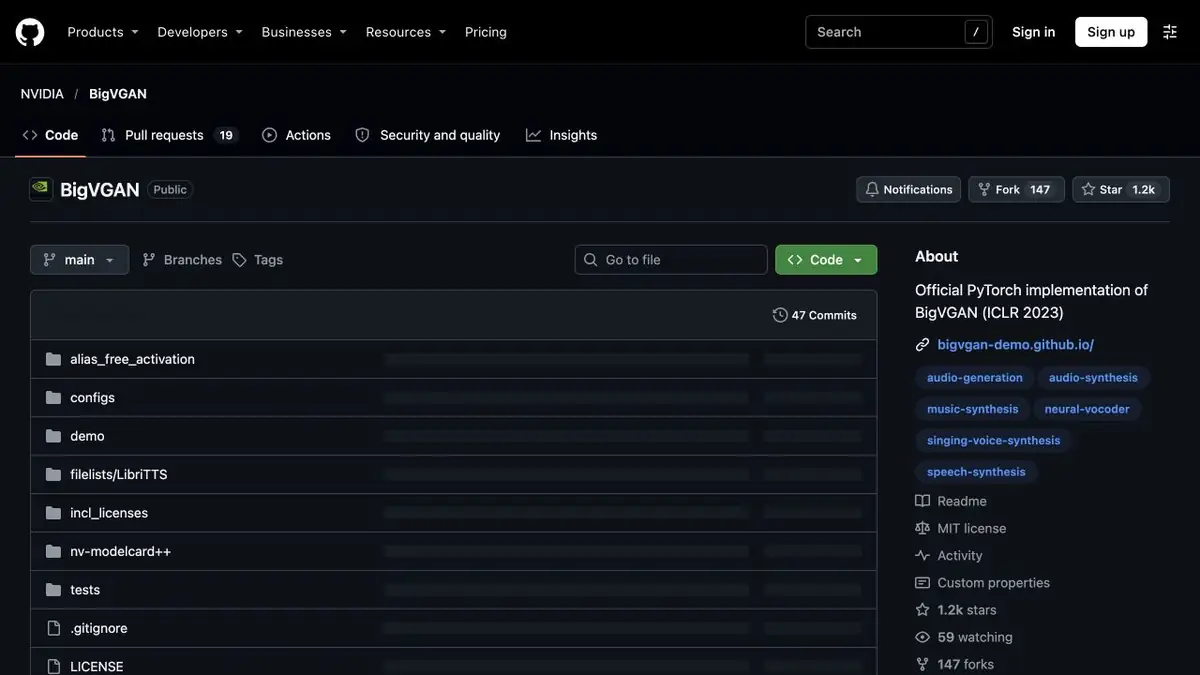
Place of Vocoder in Speech Synthesis
BigVGAN converts a numerical representation of sound into a waveform. In NVIDIA’s examples, the input is a mel spectrogram describing how frequencies change over time. For text-to-speech, an earlier component has to produce that spectrogram. BigVGAN works on these numerical features and does not read the script or choose words.
Checking on own record
For a study test, write down two phrases with a pause and quiet hissing. Calculate the spectrogram according to the selected weights settings and restore the sound. Check if the tempo and duration match, and then compare the beginnings of consonants and the endings of words. If the result sounds higher or lower than the source, first check the sampling frequency and conversion parameters. Replacing the reference point without such verification can add another variable.
Leave the original record next to the processed one and compare them at the same level. The loud option is easy to take for a clearer even with the same legibility.
Connecting to your pipeline
NVIDIA provides local inference examples and the configuration for each checkpoint. If another model generates the spectrogram, check the sampling rate, window size, and number of mel bands. Record those parameters and the checkpoint name when processing a series. This helps reproduce the results on a different system or GPU.
Suitable tasks
- Restore the learning sound fragment from the spectrogram
- Connect a Vocoder to Your Audio Conveyor
Strengths
- Ready-made control points with configurations
- Official example of spectrogram calculation and sound recovery
Limitations
- Compatible frequency and spectrogram parameters are required
- To work with text requires a separate model before the vocoder
Selection and conditions
- Free access
- Yes
- Trial period
- Not confirmed
- No sign-up required
- Yes
- Russian interface
- Not confirmed
- Local installation
- Yes
- API
- Not confirmed
“Not confirmed” means there is not enough information. The feature may still be available; check the developer’s terms.
- Input formats
- Audio
- Result
- Audio
Terms
The NVIDIA repository contains PyTorch implementations, control points, and an example of processing. Choose weights with a configuration that is compatible with the original data.From task to first result
Practical example
- Task
- Restore the learning sound fragment from the spectrogram
- What to prepare
- A short voice recording and a configuration that can produce a compatible mel spectrogram.
Task brief or prompt
Calculate the spectrogram by model parameters and restore the sound. Compare hissing and pauses with the original record.
Expected result
Sound wave from a spectrogram with a proven sampling frequency.
How to check the result
- Check conversion parameters and recording frequency.
- Listen to the transitions between quiet and loud areas.
An editorial teaching example of a task brief, not the result of hands-on testing of the service. Check that the required mode is available, that you have rights to the source material and that the intended use of the result is permitted.
Check details
Official sources
- Implementation, weights and example of BigVGAN synthesis
- Publication of authors about the device of the BigVGAN vocoder
This description is based on the developer’s material. Features, prices and availability may change; check the primary source before use.