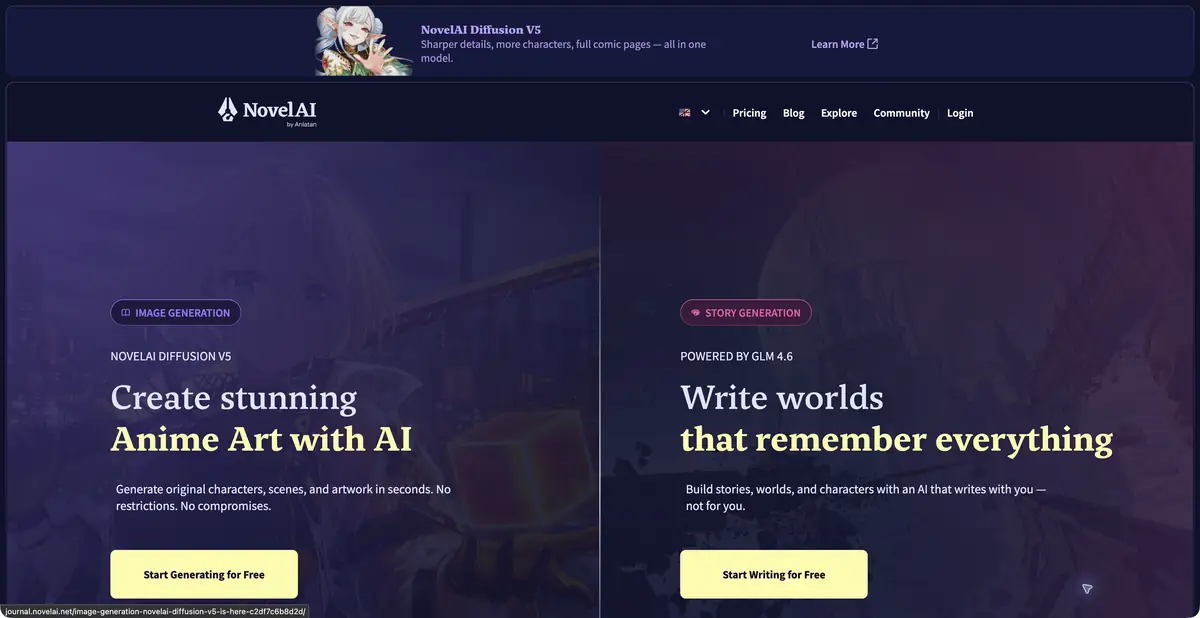
NovelAI combines story and illustration generation.
Two modes with different source materials
NovelAI supports fiction writing and image creation. Stories start from a written passage and its context. Illustrations depend on the description, tags and selected model settings. An attractive picture does not establish that the service understood the whole plot.
The text tools include an editor, story settings and Lorebook for world and character information. Image documentation separately explains tags, character positioning, source images and other controls. Check whether each operation is available in the mode you select.
Do not mix the memory of the story with the desired continuation
For a practice task, provide a short scene with one character and an unresolved question. Generate a continuation and compare it with the established facts. If the character promised not to open a letter, an accidental opening should not quietly become an accepted plot development.
Record information needed throughout the story separately from your next author instruction. A Lorebook entry does not guarantee that every long episode will use it consistently. Check names, motivation, event order and what the character can know.
What to check before payment
NovelAI is supported by subscriptions. Text generation, images, context capacity and image resources have different terms. Unlimited use in one mode cannot be assumed to cover every model and output size.
For illustrations, establish a clear composition before refining details. A complex scene with several characters needs a separate check of poses and relative positions. Save generated versions with their settings if you want to return to them later.
The service is not a general scientific editor or a source of verified facts. Judge a fiction project by control and fidelity to the intended story, not by the confidence of a continuation. Before publishing, check recognizable borrowed imagery, rights to source material and the final content.
Suitable tasks
- Continue a sample scene
- Collect information about the world in Lorebook
- Create an illustration from a description
Strengths
- Story and image-mode controls
- Detailed official documentation
Limitations
- Context does not exclude contradictions
- Different modes use different resources
Selection and conditions
- Free access
- Not confirmed
- Trial period
- Not confirmed
- No sign-up required
- Not confirmed
- Russian interface
- Not confirmed
- Local installation
- Not confirmed
- API
- Not confirmed
“Not confirmed” means there is not enough information. The feature may still be available; check the developer’s terms.
- Input formats
- Text, Image
- Result
- Text, Image
Terms
Stories and images are created in different modes. Subscription and computing resources depend on the plan chosen; context and result require verification.From task to first result
Practical example
- Task
- Continue a sample scene
- What to prepare
- Your own practice passage: At dusk, Mira finds a sealed letter in the empty railway office. She has promised not to open it.
Task brief or prompt
Author task: add the passage to the story context and generate a short continuation in English. Preserve the character's name and promise, then select useful phrases and revise them.
Expected result
A draft scene continuation for author selection, with no guarantee of plot consistency.
How to check the result
- Check that the heroine did not break the promise without explanation.
- Check the time, place and point of view of the narrator.
An editorial teaching example of a task brief, not the result of hands-on testing of the service. Check that the required mode is available, that you have rights to the source material and that the intended use of the result is permitted.
Check details
Official sources
This description is based on the developer’s material. Features, prices and availability may change; check the primary source before use.