

Real-time timbre conversion plugin. Applies the available model to the sound from the project and allows you to work with the result in the arrangement.
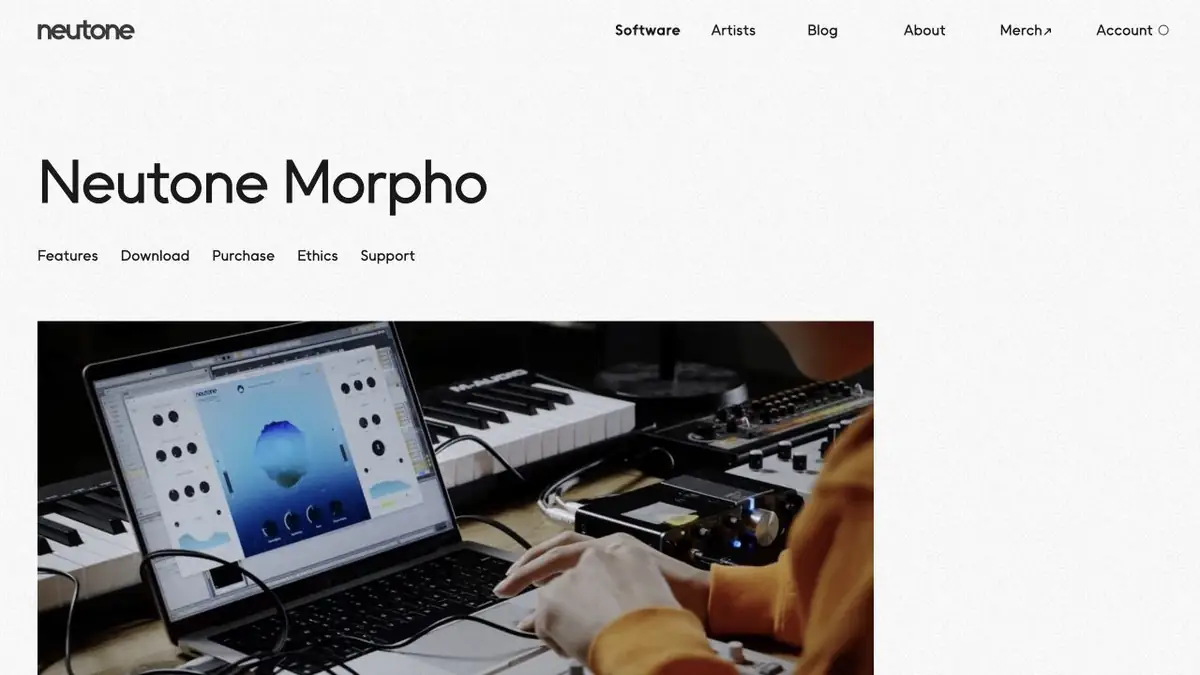
New timbre for existing execution
Neutone Morpho takes the sound that is already playing in the project and changes its timbre to the selected neural model. This is convenient for the musical layer, where the rhythm and accents are already suitable, and you want to try another color. Start with a short phrase in which you can hear both a blow and a long attenuation. The result depends on the input signal and the selected model, so a single preset can give different results even on similar versions.
Sample with rhythm from everyday sounds
Write down a few of your own blows on the wooden surface and place them on a separate track. Turn Morpho on its copies and compare the two timbre models. Separately listen to the first attack and quiet strikes. Then mix the treated track to the arrangement. If the effect takes up too much space or is not distinguishable from the background of the bass, change the input level or try a different model.
Keep the original version close by. When comparing options, level the perceived volume, otherwise a louder layer may seem more expressive without benefit to the composition.
Models and conditions of your training
The developer separately describes a free kit, an extended license and training the model on its own material. Check the compatibility of the plugin format with your program. For training, use audio, the rights to which allow such processing. If the project only needs a quick timbre option, first assess whether one of the available models and conventional installation is enough.
Suitable tasks
- Make a timbre layer from your own execution
- Check converted rhythm in arrangement
Strengths
- Input processing by neural model
- Free version for first comparisons
Limitations
- Available models depend on the license
- The sound changes with the input level
Selection and conditions
- Free access
- Yes
- Trial period
- Not confirmed
- No sign-up required
- Not confirmed
- Russian interface
- Not confirmed
- Local installation
- Yes
- API
- Not confirmed
“Not confirmed” means there is not enough information. The feature may still be available; check the developer’s terms.
- Input formats
- Audio
- Result
- Audio
Terms
The developer offers a plugin for a compatible sound program and a separate application. Conditions for access to models and training are indicated on the website.From task to first result
Practical example
- Task
- Make a timbre layer from your own execution
- What to prepare
- Short own execution and timbre model available in the plugin.
Task brief or prompt
Convert the timbre to track copies. Leave the rhythm the same and compare the sound in the arrangement.
Expected result
A black sound layer with a different timbre.
How to check the result
- Compare attacks and pauses with the original.
- Check how the effect is heard at the same volume.
An editorial teaching example of a task brief, not the result of hands-on testing of the service. Check that the required mode is available, that you have rights to the source material and that the intended use of the result is permitted.
Check details
Official sources
This description is based on the developer’s material. Features, prices and availability may change; check the primary source before use.