

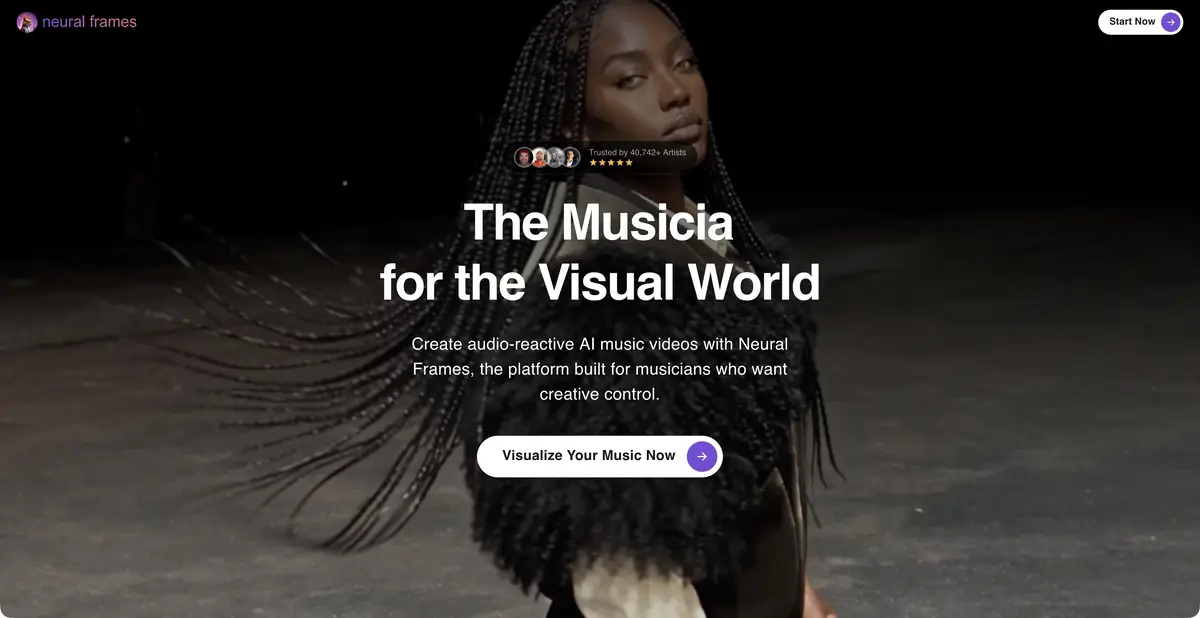
Neural Frames builds AI music videos from a recording and visual concept.
The song sets the structure
Neural Frames starts with a music recording. You upload the track, choose a visual concept and characters, and set the synchronization style. The official page describes analysis of rhythm, energy and song structure. This suits a video or visual accompaniment whose scene changes need to follow the music rather than merely fill a running time.
The service shows the automated creation of a video sequence and the ability to specify scenes. The plans also list audio-reactive effects, working with the lyrics of the song and other modes. The specific set depends on the selected plan. It is useful to determine in advance whether you need a coherent plot, abstract visualization or several repetitive images for the concert screen.
Check one fragment first.
For a learning example, make a video for your own instrumental composition. Choose an excerpt with a clear transition from a quiet passage to a more intense one. Describe one location and a few objects. Request more motion or light on a musical accent, then assess the result with the sound.
If a transition arrives too early, revisit the scene structure and synchronization settings. Too many new characters and locations make control harder. Check for abrupt appearance changes, extra objects and unpleasant flicker. Keep the original composition and selected supporting scenes when handing the material over for editing.
How to prepare a full clip
Maintain a shared visual language: color, lighting, imagery and camera behavior. Develop individual scenes while keeping the song’s parts connected. Watch the complete video even when each excerpt looks good. Poorly coordinated transitions can break the rhythm, while illustrating every lyric too literally can overload the result.
Neural Frames subscriptions use credits and differ in models, additional tools and export options. Check the mode you need before preparing the whole song. Use your own music or a recording you are allowed to process; permission to upload a file and permission to publish the finished video are separate questions.
Suitable tasks
- Collect a visual draft of the video for your song
- Link movement and light with musical accents
Strengths
- Specialization in music video
- Scenes can be refined and agreed upon
Limitations
- Check rights to music and characters
- Models and export options vary by plan
Selection and conditions
- Free access
- Not confirmed
- Trial period
- Not confirmed
- No sign-up required
- Not confirmed
- Russian interface
- Not confirmed
- Local installation
- Not confirmed
- API
- Not confirmed
“Not confirmed” means there is not enough information. The feature may still be available; check the developer’s terms.
- Input formats
- Audio, Text, Image
- Result
- Video
Terms
Neural Frames works on subscriptions with credits. Models, synchronization methods, and exports differ between plans; music and references need appropriate rights.From task to first result
Practical example
- Task
- Collect a visual draft of the video for your song
- What to prepare
- Your own music recording and a short description of a visual concept.
Task brief or prompt
Task: divide the song into scenes, choose a consistent look and align lighting and movement with musical accents.
Expected result
A draft music-video sequence to review with the original recording.
How to check the result
- Review transitions between verse and chorus with the video.
- Check character consistency and unexpected style changes between scenes.
An editorial teaching example of a task brief, not the result of hands-on testing of the service. Check that the required mode is available, that you have rights to the source material and that the intended use of the result is permitted.
Check details
Official sources
This description is based on the developer’s material. Features, prices and availability may change; check the primary source before use.