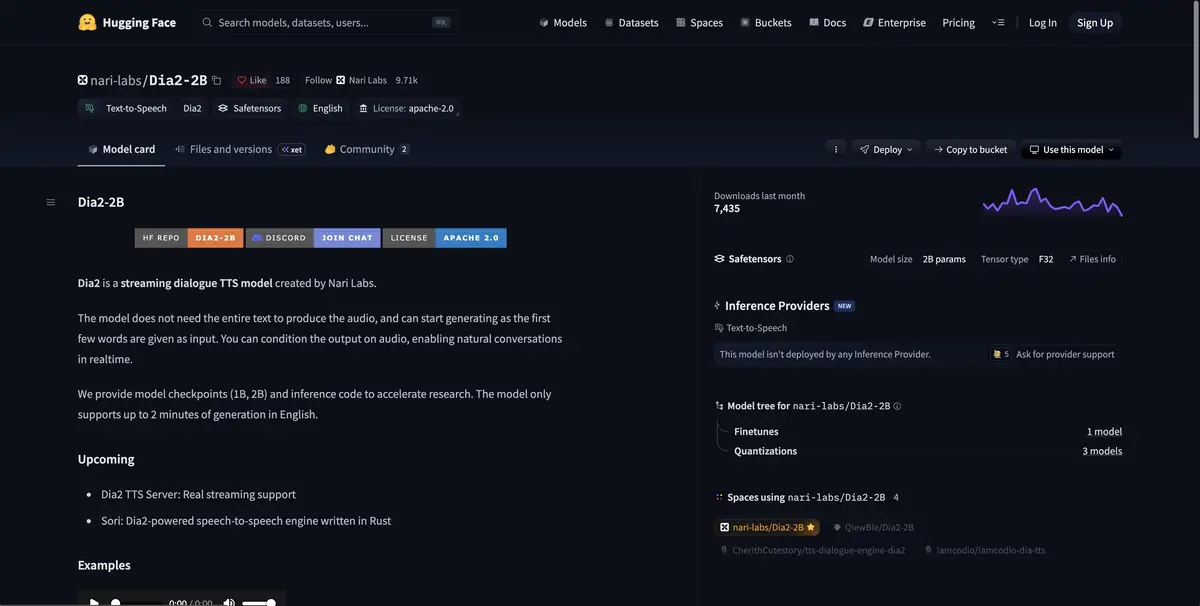
A family of dialogue synthesis models. Dia2 supports streaming output and works with English text.
Two speaking roles in one clip
Dia creates an audio dialogue from the script with designated speakers. In Dia2, the developer describes a streaming generation that outputs sound as it computes. Available weights are designed for English and have a duration limit. For the first run, take a short conversation to quickly evaluate the change of roles and make sure that the text format from the repository is followed.
Test a practice dialogue
A fictional visitor asks when the workshop opens. The second voice responds briefly and adds through which door to enter. First, prepare one sentence for each role. Listen to whether the participants are distinguishable by the timbre and whether there is a natural pause between them. If the model merges the answer with the question, shorten the wording and check the role marking. For comparison, save the successful version of the script and parameters.
When the dialogue is used as a temporary voiceover, check whether it fits in the allotted time. The speed of sound can change after a new generation.
Environment and source recordings
The developer publishes requirements for CUDA and models of different sizes. Start with the environment specified for the selected weights. Separately check the rights to voice examples if you use audio context. Keep the output file and text together. So it is easier to check the lines and notice words that sound different than in the original scenario. Check the names of roles with labels in the developer example.
Suitable tasks
- Prepare a trial dialogue for the scene
- Check how a sequence of spoken lines sounds
Strengths
- Dia2 streaming generation
- Separate marking of speakers in the text
Limitations
- Dia2 is designed for short English speech
- A suitable graphics processor is required for local startup
Selection and conditions
- Free access
- Yes
- Trial period
- Not confirmed
- No sign-up required
- Not confirmed
- Russian interface
- Not confirmed
- Local installation
- Yes
- API
- Not confirmed
“Not confirmed” means there is not enough information. The feature may still be available; check the developer’s terms.
- Input formats
- Text
- Result
- Audio
Terms
For Dia2, the developer publishes code and control weights. Requirements for CUDA and the environment are listed in the repository.From task to first result
Practical example
- Task
- Prepare a trial dialogue for the scene
- What to prepare
- A short fictional dialogue in English with two clearly identified participants.
Task brief or prompt
Speaker one asks when the repair shop opens. Speaker two answers that it opens at nine. Keep both lines short and preserve the pause.
Expected result
Black audio of two lines for listening.
How to check the result
- Distinguish the voices and check the change of the speaker with the text.
- Check pronunciation, duration of pauses and the right to voice examples.
An editorial teaching example of a task brief, not the result of hands-on testing of the service. Check that the required mode is available, that you have rights to the source material and that the intended use of the result is permitted.
Check details
Official sources
This description is based on the developer’s material. Features, prices and availability may change; check the primary source before use.