

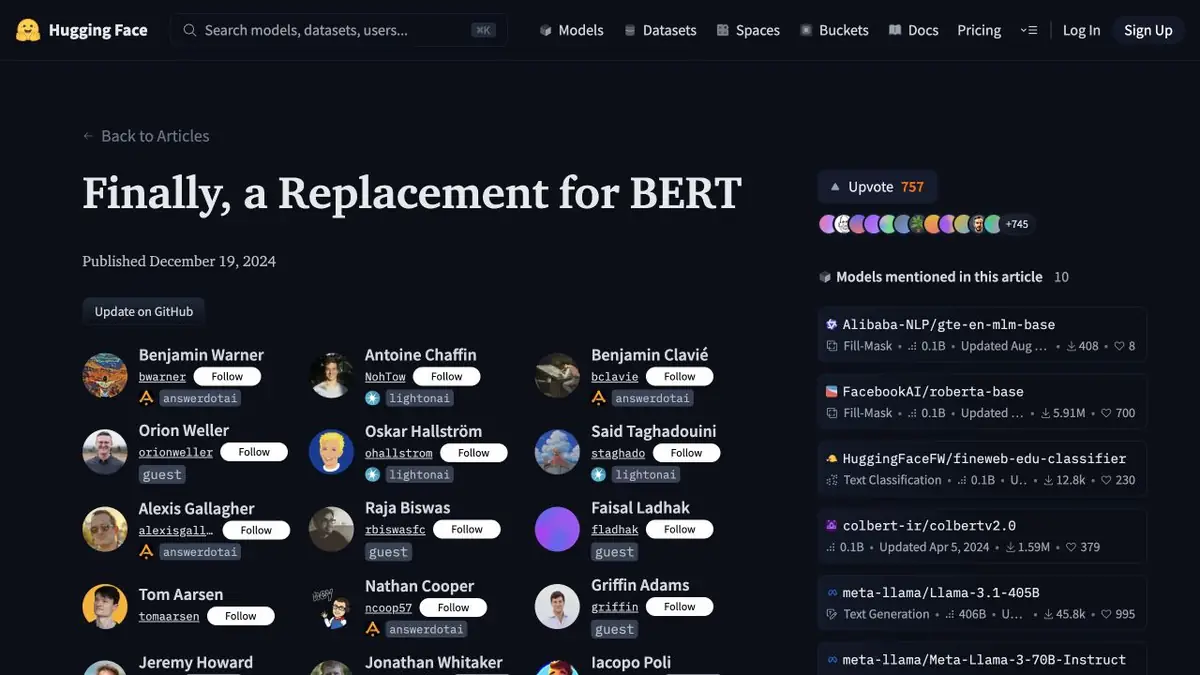
ModernBERT is a family of encoders. For a task with its own tags, the developer can add a classification part and train it on the markup.
Marks are given by team
Customer service wants to distinguish payment error from billing issue. ModernBERT gives a textual representation on which you can train the classifier. Before choosing a model size, describe the boundaries of categories and decide what to do with the message on two topics. Ask two people to independently mark out a few difficult examples. Their differences will suggest what rules still need to be clarified.
Educational separation of entrances
Use fictional requests and split them by source or time. Copies of a message should not appear in both training and evaluation. Include short and long messages, with some important details near the end. Fine-tune on the training data, then analyze errors by class and message length. Compare with a simple keyword baseline.
If your team works in Russian, evaluate on a Russian corpus. A general model description is no substitute for testing the target language.
Where to apply the result
After training, save the version of the weights, pruning rules and a list of labels. Check that the empty entry and theme outside known categories are handled according to an agreed rule. If the classification determines the route of the application, the erroneous result should have a clear method of correction by the operator. When you change the message structure, collect a new delayed sample before expanding the model application. Save and errors of a simple benchmark for comparison.
Suitable tasks
- Train the encoder to distinguish types of text messages
- Check the effect of text length on classification
Strengths
- Encoder weights and documentation are available
- Supports connection of the application part for classification
Limitations
- The basic encoder does not know the category of a particular service
- Similar documents in training and verification distort the assessment
Selection and conditions
- Free access
- Yes
- Trial period
- Not confirmed
- No sign-up required
- Not confirmed
- Russian interface
- Not confirmed
- Local installation
- Yes
- API
- Not confirmed
“Not confirmed” means there is not enough information. The feature may still be available; check the developer’s terms.
- Input formats
- Text, Data
- Result
- Data, Model
Terms
Weight conditions are indicated in the model card. Training and execution require own or cloud resources. The underlying encoder does not know the category of a particular service.From task to first result
Practical example
- Task
- Train the encoder to distinguish types of text messages
- What to prepare
- Marked training applications, class definitions and deferred messages from new sources.
Task brief or prompt
Teach the classifier over the encoder. Compare class errors on short and long messages.
Expected result
A model with a log of errors on delayed inputs.
How to check the result
- Do not allow copies of one treatment between samples.
- Verify rejections on messages outside of known classes.
An editorial teaching example of a task brief, not the result of hands-on testing of the service. Check that the required mode is available, that you have rights to the source material and that the intended use of the result is permitted.
Check details
Official sources
This description is based on the developer’s material. Features, prices and availability may change; check the primary source before use.