

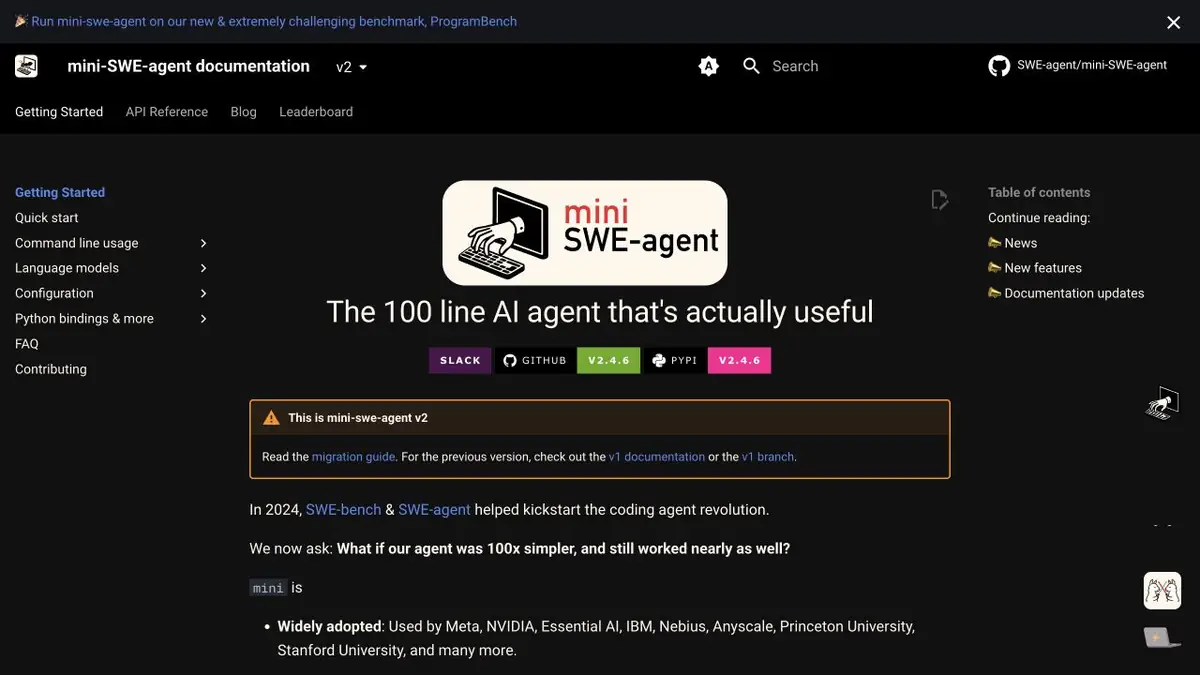
mini-SWE-agent runs the selected language model and command line tools to work on the task in the repository. There is an interactive launch and isolation options.
When the agent has enough terminal
mini-SWE-agent gets the task and works with available commands. In the interactive mini mode, the user can confirm the proposed actions. For a script with an unfamiliar project, this gives you the opportunity to see which files the agent is going to read and which test to run. Before work, it is better to open the training copy, remove unnecessary secrets from the environment and specify the exact verification command.
The project has launch options in an isolated environment. They will be useful if the task includes executing someone else's code or repeated runs on individual copies of the repository.
Error with empty list
In the curriculum, the function should return an empty result, but refers to the first element. Give the agent a play command and indicate that the behavior for non-empty data does not need to be changed. Ask for a small test that drops to the edit. After work, look at what is being tested in the test. Replacing the exception with others can make the report calmer and leave the expected behavior unchecked.
Remove the work tree before it is finished. Temporary environment files and dependency changes should not accidentally get into the patch for one function.
The environment and model are configured separately
Commands can be executed next to a project or in a separate environment. The call of the model depends on the settings of the provider. Before working with a closed repository, determine what data the selected configuration sends and what paths the process sees.
Suitable tasks
- Prepare a patch to describe a small error
- Run change check in a separate environment
Strengths
- Interactive mode supports command confirmation
- There are configurations for isolated environments
Limitations
- The user selects the model and configures the environment
- Local start of commands does not mean that the request text remains on the device
Selection and conditions
- Free access
- Yes
- Trial period
- Not confirmed
- No sign-up required
- Not confirmed
- Russian interface
- Not confirmed
- Local installation
- Not confirmed
- API
- Not confirmed
“Not confirmed” means there is not enough information. The feature may still be available; check the developer’s terms.
- Input formats
- Code, Text
- Result
- Code, Text
Terms
Code published by MIT. The cost of model calls and computing environment are determined separately. Local start of commands does not mean that the request text remains on the deviceFrom task to first result
Practical example
- Task
- Prepare a patch to describe a small error
- What to prepare
- Training list processing function, play command and correct result for empty login.
Task brief or prompt
Play the crash, add a test for an empty list and make a minimal edit. Keep the behavior on the non-empty entrance.
Expected result
A small patch with a test and a list of executed commands.
How to check the result
- Run the test before and after editing.
- Browse the work tree and eliminate temporary files.
An editorial teaching example of a task brief, not the result of hands-on testing of the service. Check that the required mode is available, that you have rights to the source material and that the intended use of the result is permitted.
Check details
Official sources
This description is based on the developer’s material. Features, prices and availability may change; check the primary source before use.