

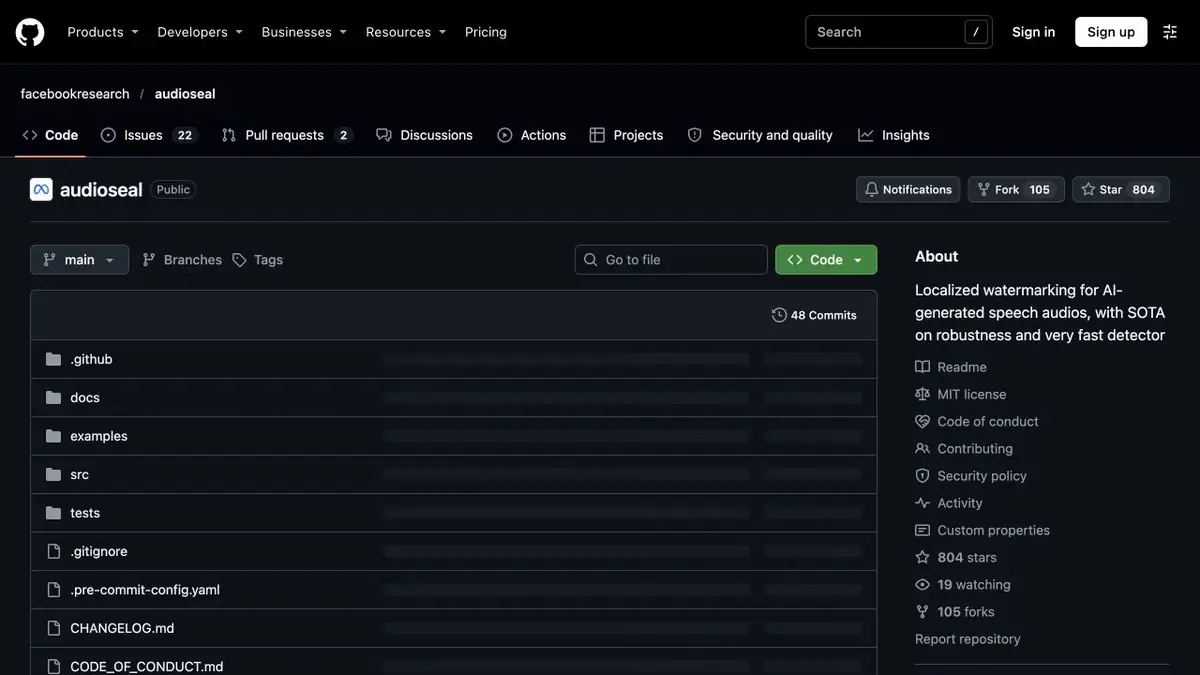
Model of application and detection of a sound watermark. The detector evaluates the presence of the AudioSeal label and helps to find marked areas.
How to check your label
AudioSeal consists of a watermark generator and a detector that are trained together. The first changes the sound wave so that it includes the specified mark. The second one looks for this label and helps to localize it in time. The approach is useful when the writer controls the processing chain and knows in advance which signal has been labeled. The presence of a label does not by itself tell who is speaking and how the original sound is recorded.
Test with two control copies
Make two copies of your own short line. Put a mark on one and start the detector on both. Then apply the same export from the audio editor to each and repeat the comparison. Save sampling frequency, export parameters and model responses. This experience allows you to check your procedure, because the origin of files is known and the difference between them is set in advance.
If the treatment gives an unexpected answer, repeat the test without trimming and recoding. It is easier to understand exactly where the signal for the detector has changed.
What does not show the absence of a label
A negative response means that the AudioSeal label is not detected in the selected configuration. This happens for audio created in a different way, and after part of the transformation. To verify the origin of a record, you need independent information about its creation and changes. In the report, it is useful to specify the version of the generator and detector, settings and the known history of the test file.
Suitable tasks
- Check the safety of the label after installation
- Find marked areas in the training record
Strengths
- Individual models of embedding and label detection
- Example of local call from Python
Limitations
- Detector searches for AudioSeal tag, not any synthesis
- Editing a record can affect the response
Selection and conditions
- Free access
- Yes
- Trial period
- Not confirmed
- No sign-up required
- Yes
- Russian interface
- Not confirmed
- Local installation
- Yes
- API
- Yes
“Not confirmed” means there is not enough information. The feature may still be available; check the developer’s terms.
- Input formats
- Audio
- Result
- Audio, Data
Terms
The official project contains a tag generator, a detector and a call example from Python. You can check locally on your own audio files.From task to first result
Practical example
- Task
- Check the safety of the label after installation
- What to prepare
- Its audio file and two copies for comparison, one of which will remain without a label.
Task brief or prompt
Embed the AudioSeal tag in one copy and run the detector on both. Repeat the check after the file is converted.
Expected result
Comparison of detector responses on files with known origin.
How to check the result
- Save the settings and source file.
- The absence of a label does not prove anything about the way to create a record.
An editorial teaching example of a task brief, not the result of hands-on testing of the service. Check that the required mode is available, that you have rights to the source material and that the intended use of the result is permitted.
Check details
Official sources
- AudioSeal generator and detector, license and examples
- Author's publication Meta about the device AudioSeal
- Research work on tag localization in record
This description is based on the developer’s material. Features, prices and availability may change; check the primary source before use.