

A music platform where AI mastering processes an already mixed track. Compare previews, choose settings and obtain a master under your plan; music creation and mixing remain separate tasks.
Mastering after mixing
LANDR offers AI mastering for a completed mix: it analyzes the track and applies processing for the final sound. This follows recording and mixing. If vocals are too quiet relative to instruments or the source clips, automated mastering cannot replace correcting the balance in the original session.
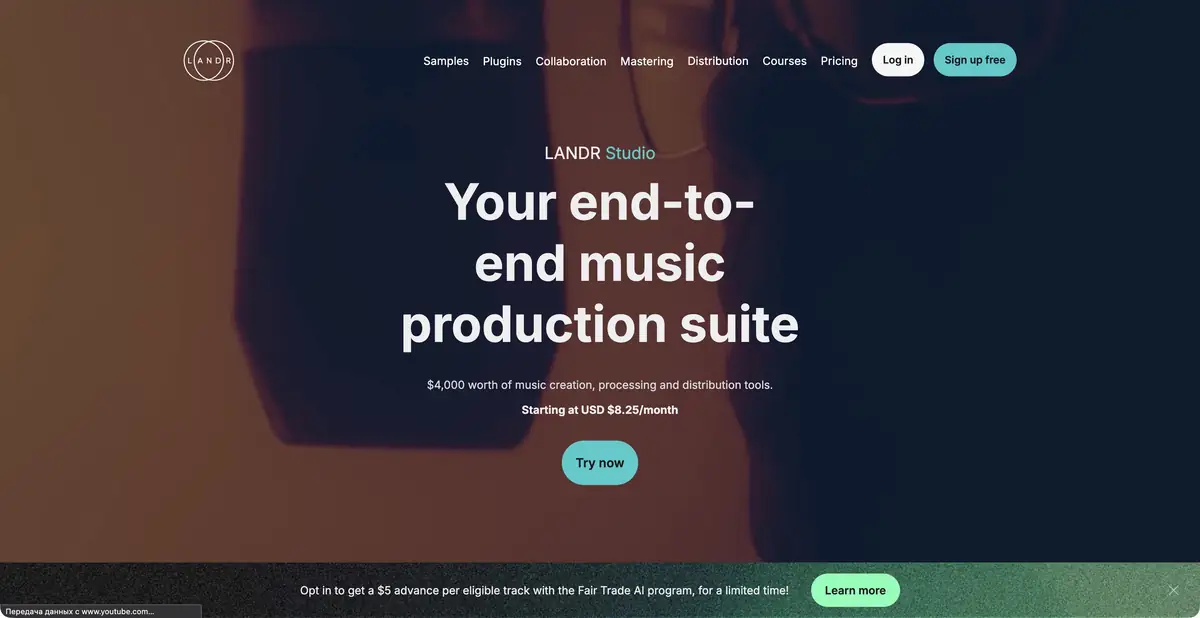
The main input is an audio file, preferably lossless. The output is a processed master in an available format. LANDR Studio brings together related music products, including distribution, samples and plugins. Their inclusion depends on the offer; not every operation on a track belongs to one universal free service.
Comparison, references and albums
Official tools include previews, processing character and intensity options, reference mastering and album mastering. A reference guides the sound but does not turn your arrangement into someone else's recording. An album needs consistency, so assess an impressive individual result alongside neighboring tracks.
Volume matching is useful for comparison. A louder version can seem better even if it loses dynamics or becomes tiring over time. Compare bass, sharp consonants, stereo width and dense sections at similar levels, then listen to a quiet passage.
Example: the final version of your song
Export the mixed track without accidentally cutting its beginning or tail. Upload it and compare the available versions. If harsh highs or excessive lows obscure the vocals, return to the mix and address the cause. Save settings and label the version so the team discusses the same file.
Open the delivered master in your player or editor and check duration, clicks and the required format. Listen on several familiar systems. A technically suitable file does not guarantee acceptance by every release platform: distribution requirements and music rights need separate checks.
What is free and how to integrate the workflow
LANDR offers free previews, including without registration; downloading the complete master requires payment under the selected terms. One-off purchases and subscriptions are offered. Formats and plugin access differ, so check the exact export you need before processing an album.
A separate mastering API supports integration into other products, alongside a DAW plugin. The plugin's existence is not used as proof of fully local operation: consult its documentation for the processing location. The API has separate connection terms. Keep the original mix, final master and purchased access terms together in the project archive.
Suitable tasks
- Master your own mix
- Compare processing at matched volume
- Use a reference you have permission to use
- Integrate mastering through a plugin or API
Strengths
- A focused mastering workflow
- Previews before purchasing the result
- Reference and album mastering
- Official plugin and mastering API
Limitations
- Mastering cannot fix every mixing error
- Complete downloads are paid
- Formats depend on the offer
- A plugin alone does not establish local processing
Selection and conditions
- Free access
- Yes
- Trial period
- Not confirmed
- No sign-up required
- Yes
- Russian interface
- Not confirmed
- Local installation
- Not confirmed
- API
- Yes
“Not confirmed” means there is not enough information. The feature may still be available; check the developer’s terms.
- Input formats
- Audio
- Result
- Audio
Terms
Previews are free; complete master downloads require a one-off payment or subscription. Formats, plugin and API have separate terms. Online mastering and a plugin for compatible DAWs. Previews need no registration; purchases and project management use an account.From task to first result
Practical example
- Task
- Master your own mix
- What to prepare
- Your own completed mix without accidental clipping, in a suitable audio format; optionally a reference you may use.
Task brief or prompt
Task: upload the completed mix, compare available mastering versions at similar volume and choose the processing character you prefer. Return to mixing if the balance is wrong. Check the beginning, tail, dynamics and required format before paying for a download.
Expected result
A preview master for listening; complete audio downloads follow the service and plan conditions.
How to check the result
- Match the source and processed versions in volume when comparing.
- Check bass, sharp consonants, stereo and dynamics.
- Listen to the finished file on familiar systems.
- Keep the original mix, master, version and usage terms.
An editorial teaching example of a task brief, not the result of hands-on testing of the service. Check that the required mode is available, that you have rights to the source material and that the intended use of the result is permitted.
Check details
Official sources
This description is based on the developer’s material. Features, prices and availability may change; check the primary source before use.