

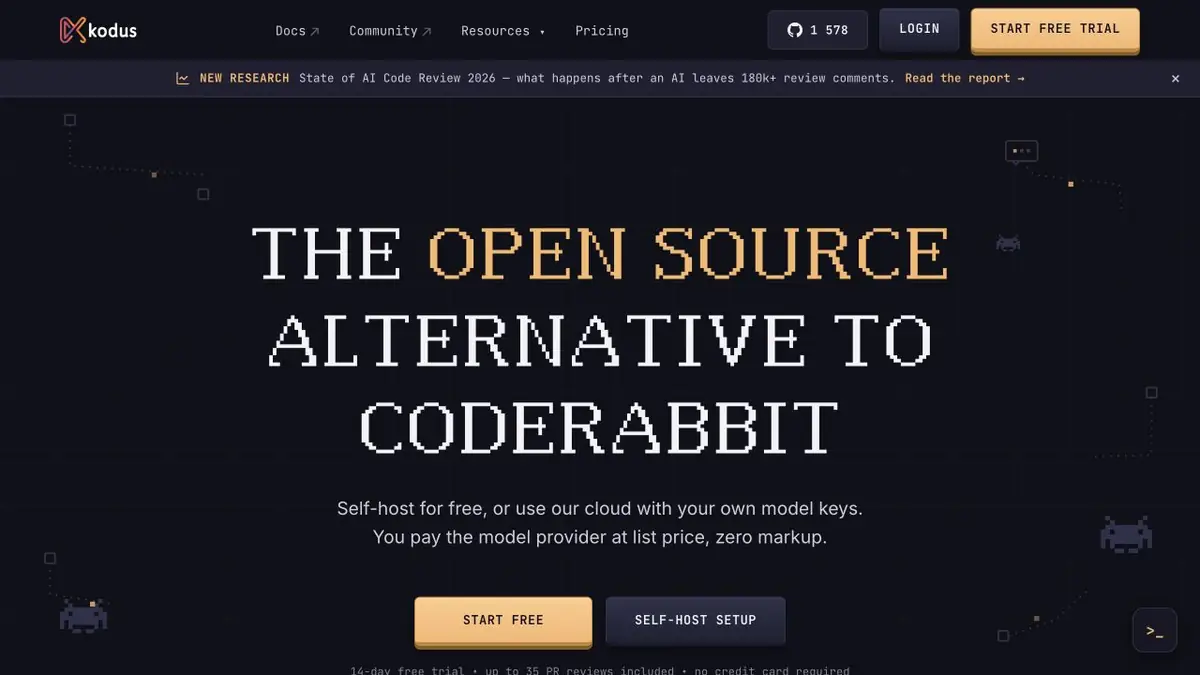
Kodus releases agent Kody for automatic review. It reads the changes in the repository and formulates comments taking into account the policy that the team sets.
Checking a rule from a specific project
A review is more useful when a comment refers to a team rule. One repository might route every write through an audit service, while another requires this only for administrative actions. In Kodus, you can set a review policy and connect Kody to the repository. The agent reviews the changes and the developer decides whether a comment matches the rule in force.
Start with a requirement that can be expressed unambiguously. Formulation about the required field of the event identifier will give a verifiable result. Please keep an eye on the clean code leaves too many options for interpretation.
Event without journal entry
The example merge request adds a way to change a user role. Give the agent a rule that requires an audit entry and point to the existing audit handler. A useful comment identifies which action is skipped and under what condition. Check whether logging is called from a shared wrapper. An agent that reads only the new function may miss this path.
After the fix, test both the access-denied path and the successful path. Seeing a logging call in the code does not tell you which data will appear in the entry.
Integration and Model
The source code of Kodus is open, there is an option to deploy and connect the model provider’s own key. Before integration, decide what repositories the agent sees and what data the model receives. This is especially important when working with internal service names, configuration content, and vulnerability descriptions.
Suitable tasks
- Find violations of project rules in a new merge request
- Add automated code review to the team workflow
Strengths
- Familiarizes with the context of the repository when preparing comments
- There is an open repository and a variant of its deployment
Limitations
- Need rights to integrate with the repository system
- Its deployment does not determine where the connected model receives requests
Selection and conditions
- Free access
- Yes
- Trial period
- Yes
- No sign-up required
- Not confirmed
- Russian interface
- Not confirmed
- Local installation
- Not confirmed
- API
- Not confirmed
“Not confirmed” means there is not enough information. The feature may still be available; check the developer’s terms.
- Input formats
- Code, Text
- Result
- Code, Text
Terms
The Community plan is available without Kodus payment. In the mode with its own key, requests are paid to the model provider. Trial access is described for Teams. Its deployment does not determine where the connected model receives requestsFrom task to first result
Practical example
- Task
- Find violations of project rules in a new merge request
- What to prepare
- An example merge request that changes a role, plus a rule requiring an audit entry.
Task brief or prompt
Check if the audit record appears after a successful role change. Consider the common handlers. For comment, specify the condition and line of code.
Expected result
Comment with a reproduced rule violation or an indication of a valid entry in the journal.
How to check the result
- Open common handlers that have not changed in the request.
- Check for successful role change and denial of access.
An editorial teaching example of a task brief, not the result of hands-on testing of the service. Check that the required mode is available, that you have rights to the source material and that the intended use of the result is permitted.
Check details
Official sources
This description is based on the developer’s material. Features, prices and availability may change; check the primary source before use.