Collects a resume in a template and helps write drafts of experience points and letters.
Compile a document from the original facts
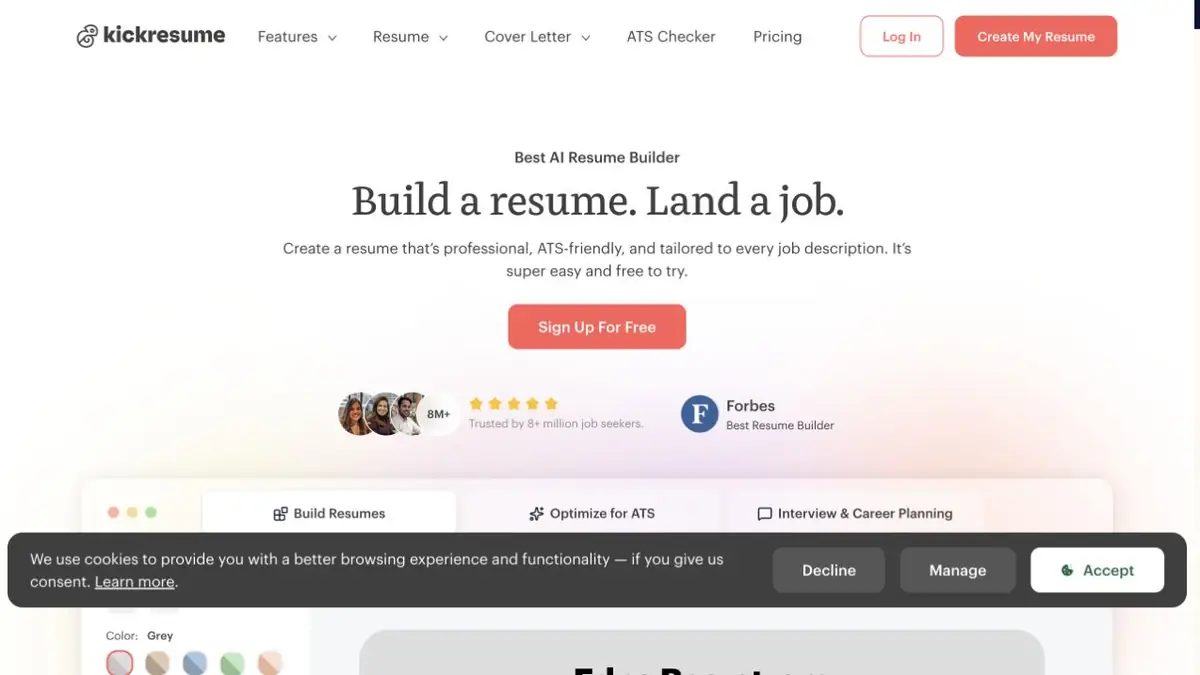
Kickresume combines resume builder, templates and text generation. In the experience card, write down the facts first: the role, the work done, the tools used and the confirmed result. It is easier for an assistant to make a suitable draft from such data than from one title of a post.
Separately there is a generation of a cover letter. It will fit two facts from the resume and a specific piece of the vacancy. Review the result so that the letter explains the interest in the role and is related to your experience.
Example for the first summary
The graduate helps the training laboratory keep records of equipment. He moved records, specified storage locations and prepared a list of missing details. Choose a suitable template and ask to make two points from these facts. If there is a fictional team size or percentage savings, remove it. For a novice specialist, an accurate description of a small work is more useful than a spectacular invention.
Open the saved document separately from the editor. Check the order of blocks, readability of contacts and transfers. In some templates, the main achievement is easily lost on the second page. Open the file on a narrow screen and check if the main experience is noticeable.
Access to templates and generation
There is a free initial plan and paid levels. The set of patterns and scope of AI use vary. Before preparing several versions, make sure that the selected format and the necessary operations are included in the plan. The downloaded file is re-read according to the initial information: the design and convincing tone do not confirm the new fact.
Suitable tasks
- Collect the first summary of facts
- Prepare a letter for a specific vacancy
- Check the readability of the downloaded document
Strengths
- Template and text are edited together
- Individual assistants for resumes and letters
Limitations
- Generation can add unconfirmed experience
- Pattern conditions and AI depend on the plan
Selection and conditions
- Free access
- Yes
- Trial period
- Not confirmed
- No sign-up required
- Not confirmed
- Russian interface
- Not confirmed
- Local installation
- Not confirmed
- API
- Not confirmed
“Not confirmed” means there is not enough information. The feature may still be available; check the developer’s terms.
- Input formats
- Text, Document
- Result
- Document, Text
Terms
The set of templates and generative functions depend on the plan. Information about the experience is verified by the author.From task to first result
Practical example
- Task
- Collect the first summary of facts
- What to prepare
- Fictional position of a procurement specialist, own text of the resume without contacts and description of the vacancy.
Task brief or prompt
Compare the responsibilities from the vacancy with the experience available. Rewrite one item about the work done. Keep facts, leave unconfirmed skills outside the resume.
Expected result
One checked draft of the paragraph for a summary and a list of requirements that should be clarified.
How to check the result
- Verify the position, term and result with the original resume.
- Remove invented numbers, programs and qualifications.
An editorial teaching example of a task brief, not the result of hands-on testing of the service. Check that the required mode is available, that you have rights to the source material and that the intended use of the result is permitted.
Check details
Official sources
This description is based on the developer’s material. Features, prices and availability may change; check the primary source before use.