

Multimodal models of Jina provide vectors for comparing text and images. For a training run, it is useful to check the issue on similar pictures and requests without coincidences.
Search for images without the exact file name
In the training collection there are photos of objects. The file names don’t say anything about the content, but it is known that one frame has a green mug. The multi-modal model of Jina allows you to get numerical representations of images and text query. The app compares them and returns a few close frames. Save the link between the vector, file and image data so that the result can be verified in the original collection.
What to include in the control collection
Add a green glass, a mug of a different color and a photo with two objects. Check the request for the mug and the request for color. Separately specify the description of the object that is not in the archive. The index can still return similar images. Mark this as a separate script and choose under what conditions the interface will warn of a weak match.
If two languages are important, compare the results for the same description in both. Do not mix in one index representations of different sizes and models without a compatible method of comparison.
Where to check the launch right
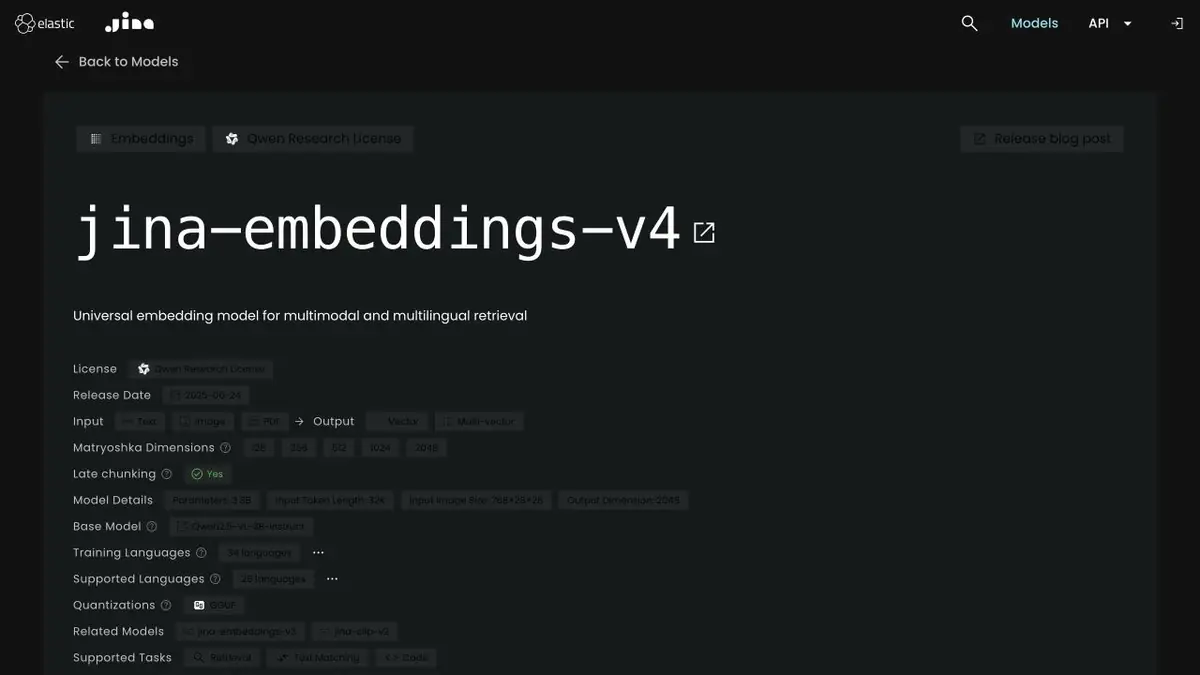
The model release, hosted access, and your own data can have different terms. Jina says that v4 weights are under a research license that does not permit commercial use. Before deploying, check the terms for the specific model and access mode. Save the vector settings so you can rerun the evaluation on the original collection after updating the index.
Suitable tasks
- Find an illustration in the educational archive by description
- Compare issuance for items of the same shape or color
Strengths
- Supported version builds text and image views
- Examples of obtaining vectors and a model card are published
Limitations
- The v4 license restricts the use of downloaded weights
- Review results manually and consider which images are in the archive
Selection and conditions
- Free access
- Not confirmed
- Trial period
- Not confirmed
- No sign-up required
- Not confirmed
- Russian interface
- Not confirmed
- Local installation
- Yes
- API
- Not confirmed
“Not confirmed” means there is not enough information. The feature may still be available; check the developer’s terms.
- Input formats
- Image, Text
- Result
- Data, Embedding
Terms
The API and local weights have separate terms. Jina limits jina-embeddings-v4 weights to research and non-commercial use. The v4 license restricts the use of downloaded weights.From task to first result
Practical example
- Task
- Find an illustration in the educational archive by description
- What to prepare
- His educational archive of photographs of objects, similar frames and short requests.
Task brief or prompt
Create images and queries. Show the first suitable frames and save the link to the source file.
Expected result
Issuance of images with verifiable links and examples of errors.
How to check the result
- Check the combination of color and object.
- Repeat the request that does not match anything in the collection.
An editorial teaching example of a task brief, not the result of hands-on testing of the service. Check that the required mode is available, that you have rights to the source material and that the intended use of the result is permitted.
Check details
Official sources
- The official page of the multimodal model Jina
- Jina Embeddings v4 Weight Card
- Jina's licensing conditions
This description is based on the developer’s material. Features, prices and availability may change; check the primary source before use.