

A local library of neural denoisers for ray-traced images. Its filters can use color, albedo, and surface-normal buffers.
Why filter needs additional buffers
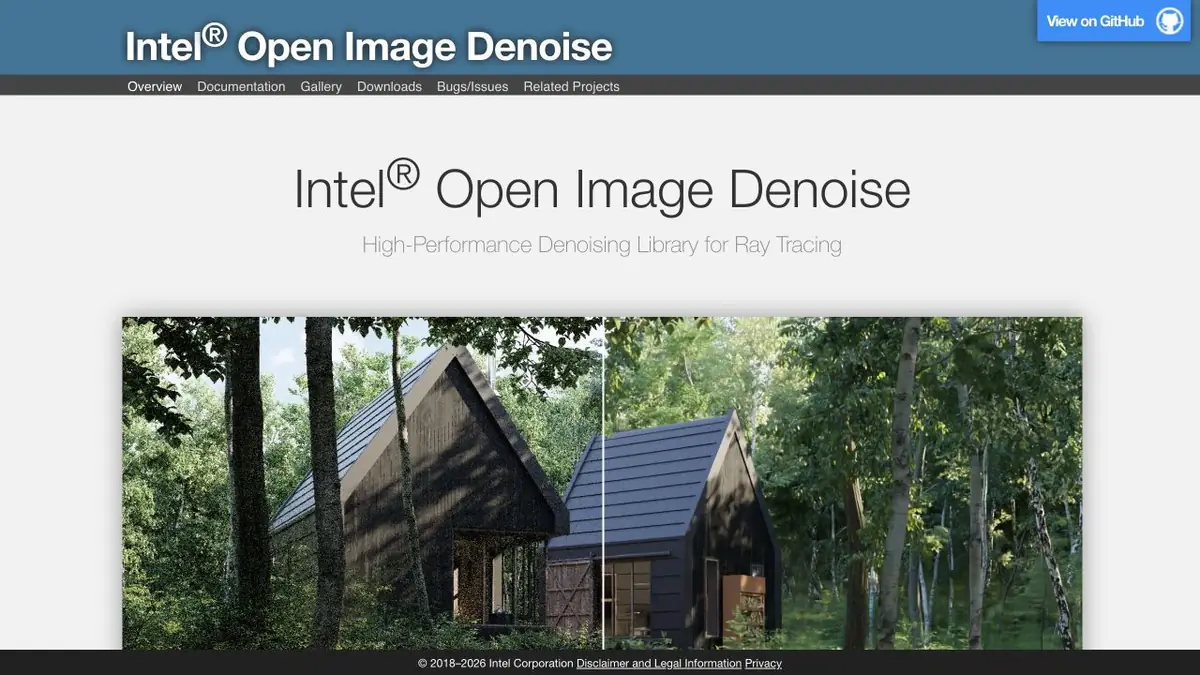
Intel Open Image Denoise is designed for images obtained by tracing rays. A noisy color buffer can be applied to the entrance. If the renderer also gives albedo and normal, the filter can take into account the color of the materials and the direction of the surface. This information helps to distinguish the boundary of the object and random noise. In applications, the names of the parameters vary, so check what data is actually transmitted to the library.
Render with fabric and indirect light
Take the training scene with a fabric curtain, a smooth wall and a thin shade from the window sill. Save the fast noisy render. Process it first by color, then with suitable additional buffers. Compare the pixel-to-pixel scale options. The smooth wall should become smoother, but the folds of the curtains and a thin shadow should remain readable.
For animation, view the neighboring frames in a row. Unnoticeable when single viewing difference in the processing of small invoice can give a flicker.
What to consider when choosing settings
The library is available as part of some renderers and as a separate component for developers. Before assembly, check the matrix of devices and system requirements. For an important frame, a standard with a large number of samples is useful, at least on a small plot. The comparison will show where the filter removed the noise, and where smoothed out the useful part. Keep the original buffer until the final result is approved. For comparison, turn off additional effects that also change contrast or sharpness.
Suitable tasks
- Clear Interior Pre-Render
- Check the invoice retention before final processing
Strengths
- Neural network filter for ray tracing renderers
- Support for albedo and normal support buffers
Limitations
- Too noisy source can lose details
- Available accelerators depend on platform and version
Selection and conditions
- Free access
- Yes
- Trial period
- Not confirmed
- No sign-up required
- Yes
- Russian interface
- Not confirmed
- Local installation
- Yes
- API
- Yes
“Not confirmed” means there is not enough information. The feature may still be available; check the developer’s terms.
- Input formats
- Image
- Result
- Image
Terms
Intel publishes source code and builds. The mode and the available device depend on the version of the library and renderer in which it is used.From task to first result
Practical example
- Task
- Clear Interior Pre-Render
- What to prepare
- Noise rendering of the interior and, if available, color buffers of materials and normals.
Task brief or prompt
Handle a copy of the renderer. Compare thin shadows and edges at pixel-to-pixel scale.
Expected result
An image with more even areas, the suitability of which is checked by the original render.
How to check the result
- Check the junction of wall and floor, reflections and fine texture.
- For the series, view the adjacent footage in motion.
An editorial teaching example of a task brief, not the result of hands-on testing of the service. Check that the required mode is available, that you have rights to the source material and that the intended use of the result is permitted.
Check details
Official sources
- Documentation and comparison of render with noise reduction
- Source code, filter device and OIDN license
This description is based on the developer’s material. Features, prices and availability may change; check the primary source before use.