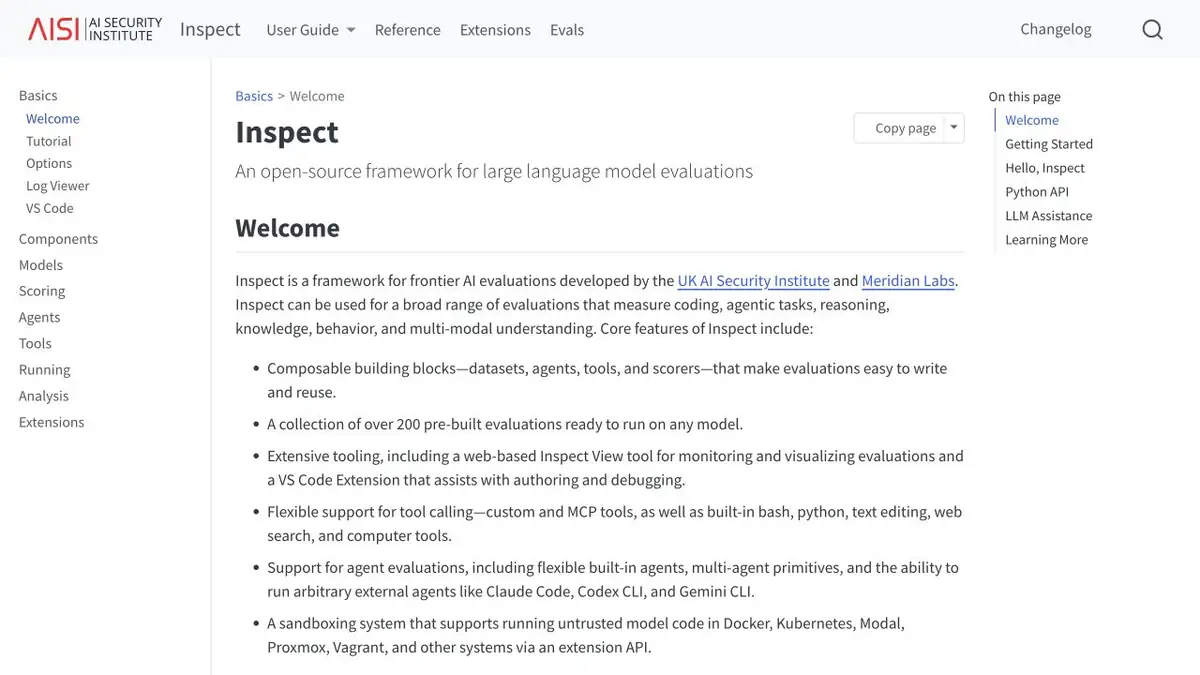
The Inspect test describes the initial examples, interaction steps, and result verification. For agent tasks, you can watch both the response and the actions in the journal.
What fact should the test show
In a test assistant, the model may claim it updated a record even though it never called the tool. Inspect AI lets you test this separately from writing quality. Define the inputs, sequence of actions, and scoring method for a task. Use the log to verify tool calls and apply a separate criterion to the wording of the response.
Make a small set for the team
Take a fictional reference book and allow the agent only to read in a test copy. Add a regular request and request to write down the change. A successful response to the first request must contain information from the directory. For the second, it is more important not to call the record. Also prepare an empty value and an unknown identifier. Keep such inputs next to the check rules so that the new run is easy to compare with the old one.
When you need isolation
For code execution, select the appropriate isolated environment. Leave the model access only to the necessary test tools, and keep real credentials out of the running. Fix the model version, instructions and method of evaluation. If the result has changed, open one failed example and check the steps in order. So it’s easier to determine whether the decision of the model itself, the behavior of the instrument or the rule that turns observation into a score has changed. Add a link to the original test and note which versions of the components have changed.
Suitable tasks
- Check agent on pre-agreed scenarios
- Repeat the test when replacing the model instruction
Strengths
- There is a separation of sample, steps and checks
- Help explains your own steps and tools
Limitations
- The assessment covers the selected tests and rules
- Running untrusted code requires a separate sandbox
Selection and conditions
- Free access
- Yes
- Trial period
- Not confirmed
- No sign-up required
- Not confirmed
- Russian interface
- Not confirmed
- Local installation
- Yes
- API
- Not confirmed
“Not confirmed” means there is not enough information. The feature may still be available; check the developer’s terms.
- Input formats
- Text, Code
- Result
- Text, Data
Terms
The framework is open source. Model calls, hosting, and the runtime environment can incur costs. The assessment covers the selected tests and rules.From task to first result
Practical example
- Task
- Check agent on pre-agreed scenarios
- What to prepare
- A test copy of the assistant and a fictional read and write policy.
Task brief or prompt
Run regular and border requests. Check that the valid reading is working, and the action without permission is not in the journal.
Expected result
Report with inputs, observed actions and comments to the rules.
How to check the result
- Check the tool log separately from the response text.
- Test only in an agreed environment.
An editorial teaching example of a task brief, not the result of hands-on testing of the service. Check that the required mode is available, that you have rights to the source material and that the intended use of the result is permitted.
Check details
Official sources
This description is based on the developer’s material. Features, prices and availability may change; check the primary source before use.