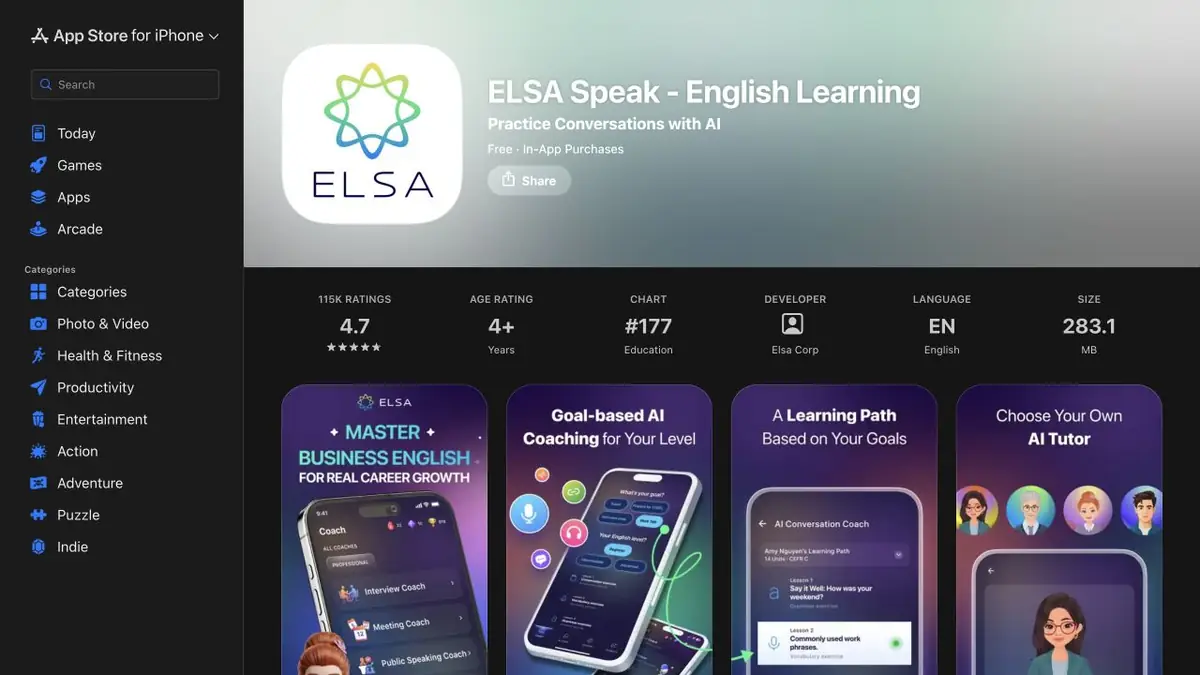
Analyzes English speech and gives clues about sounds, stress, and intonation.
A separate sound within the phrase
The student can correctly pronounce the word in the exercise and again lose the right sound in a quick phrase. ELSA Speak uses speech recognition and English pronunciation analysis. The clues may relate to sounds, stress and intonation. This allows you to select one recording area, listen to the sample and try again. It is useful to compare records made under the same conditions.
If words merge, start with a short phrase. Noise, echoes and too quiet recording make it difficult to understand whether the tip is related to pronunciation or to the quality of the sound.
Check the phrase about the deadline
Take a teaching cue about when you can finish the job. Choose one word where the accent changes, or a couple of sounds that are often confused. Say the phrase as usual. After the feedback, listen to the difficult word in the sample and write down the whole line again. Then remove the text and repeat it at a freer pace.
Listen to the difference yourself. If the hint jumps between attempts, repeat the recording in a quiet place. To check the meaning, you can ask the interlocutor to say what time he heard.
What the assessment shows
The score refers to the record that the service was able to process. It helps to choose a place for repetition. The clarity of the phrase and the appropriateness of the expression are also important for real conversation. Check the set of exercises and analytics for the selected subscription and device.
Suitable tasks
- Check two entries of one English phrase
- Select a sound to try again
Strengths
- Separate hints on sounds and stress
- You can check pronunciation by rewriting
Limitations
- Background sound affects the result
- The tip does not measure language proficiency in its entirety
Selection and conditions
- Free access
- Not confirmed
- Trial period
- Not confirmed
- No sign-up required
- Not confirmed
- Russian interface
- Not confirmed
- Local installation
- Not confirmed
- API
- Not confirmed
“Not confirmed” means there is not enough information. The feature may still be available; check the developer’s terms.
- Input formats
- Audio, Text
- Result
- Text, Audio
Terms
For comparison, write down the same line on one microphone.From task to first result
Practical example
- Task
- Check two entries of one English phrase
- What to prepare
- The topic of the conversation is in the language studied and three expressions that the student wants to use.
Task brief or prompt
Practice to specify the time of the meeting. First ask about two possible options, then confirm one. After the dialogue, repeat a line that was harder to say.
Expected result
An oral learning dialogue and a specific cue to try again.
How to check the result
- Listen to the phrase in the example.
- Repeat the answer without a hint and check that the meeting time is clear.
An editorial teaching example of a task brief, not the result of hands-on testing of the service. Check that the required mode is available, that you have rights to the source material and that the intended use of the result is permitted.
Check details
Official sources
This description is based on the developer’s material. Features, prices and availability may change; check the primary source before use.