

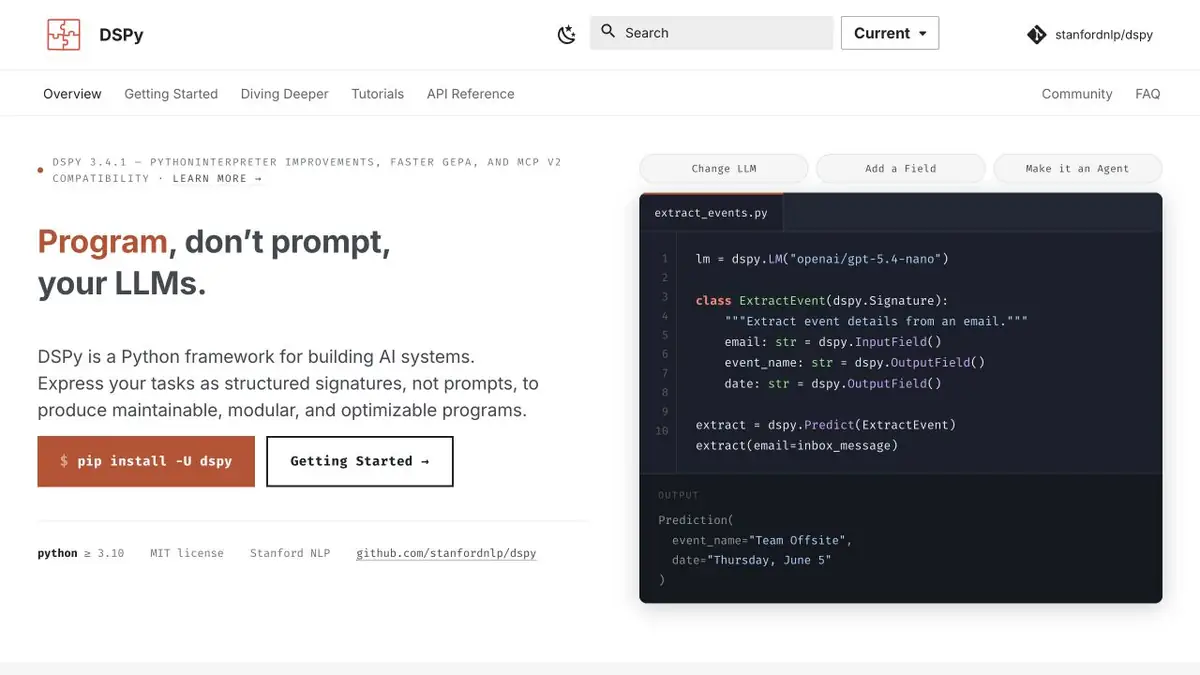
In DSPy, the task is described by inputs and outputs, and the optimizer tries to improve the program according to the selected metric. The result is checked on deferred examples.
First, decide what improvement means.
When a model extracts an address and an issue type, a filled table can seem like success. A guessed address can be worse than a blank cell. In DSPy, describe the task with a signature and give the optimizer a metric. Define what counts as a correct field and what should happen if the source has no address. Otherwise, the optimizer may improve a number unrelated to application quality.
Two sets of examples
Prepare practice requests with short descriptions, missing information, and multiple addresses. Use one set for optimization and hold the other back for evaluation. Record the original program’s results, apply the chosen optimizer, then rerun the held-out tasks with the same model settings. Compare correctly filled fields and errors on incomplete inputs. A useful metric distinguishes a missing value, a correct extraction, and a guess.
How much does the improvement cost
Write down the selected optimizer, limit of attempts, time and number of calls. When changing a model or examples, repeat the initial estimate first. A customized program can be useful in a particular process and behave differently on another topic. Before transferring, check several fresh entries manually. This will help to see if the program uses real-world task features or relies on random properties of the training kit. Save the original configuration for further comparison.
Suitable tasks
- Select instructions and examples to extract fields
- Compare the optimized program with the original version
Strengths
- Separates task description and optimization method
- The official manual describes modules and metrics
Limitations
- A poor metric rewards the wrong behavior
- Keep a separate evaluation set and track costs
Selection and conditions
- Free access
- Yes
- Trial period
- Not confirmed
- No sign-up required
- Not confirmed
- Russian interface
- Not confirmed
- Local installation
- Yes
- API
- Not confirmed
“Not confirmed” means there is not enough information. The feature may still be available; check the developer’s terms.
- Input formats
- Text, Data, Code
- Result
- Code, Data
Terms
The framework is open source. Run costs depend on the models, number of attempts, and compute. A poor metric rewards the wrong behavior.From task to first result
Practical example
- Task
- Select instructions and examples to extract fields
- What to prepare
- Training applications with known fields, a basic program and a separate control sample.
Task brief or prompt
Set up a field extraction metric program. Compare the original and configured options with examples that were not involved in the setup.
Expected result
Comparison with errors by field and taking into account the number of model calls.
How to check the result
- Check that the control requests were not used by the optimizer.
- Look at examples where the results are worse.
An editorial teaching example of a task brief, not the result of hands-on testing of the service. Check that the required mode is available, that you have rights to the source material and that the intended use of the result is permitted.
Check details
Official sources
This description is based on the developer’s material. Features, prices and availability may change; check the primary source before use.