

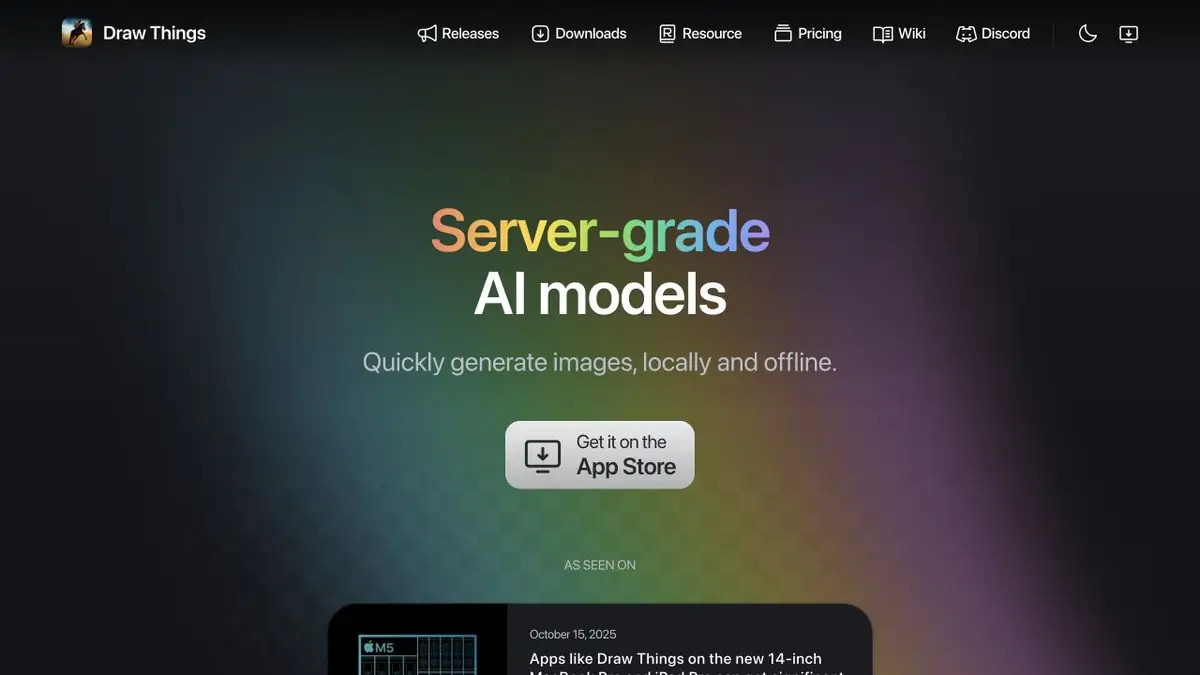
Image generator for Apple devices. Models can be run locally and change settings between options.
What runs on the device
Draw Things gives you access to image generation on iPhone, iPad and Mac. In local mode, the calculations are on the device itself. Loading weights must be scheduled in advance if the network is unavailable. This mode is convenient when repeated experiments are needed or the source material cannot be sent to the cloud.
The model and its settings affect the size of the result, detail and load on the device. Before a long series, it is useful to get a small trial image.
Example with a series of illustrations
For three cards about working in the workshop, prepare a common color set and three short descriptions. First, generate a cover on one model and write down the parameters. Then change only the task for the next card. It is easier to see what differences are associated with the wording, and which appeared when changing settings.
Check the pictures on one scale. Lines of objects, random symbols and signatures to tools require separate viewing.
What to check before installing the model
The application and a specific set of weights can be distributed under different conditions. Check the origin of the model and the rules for using the results before taking illustrations into a commercial layout.
Local and cloud startup
Draw Things has an additional cloud mode. If you go to it, check which models and settings are available on your plan. For the local series, free space and memory of the device are important. Cloud work adds separate file sending conditions and computation limits.
When transferring the series to another device, check the selected model and settings. The saved text of the description by itself does not reproduce the entire generation process.
Suitable tasks
- Make a series of illustration options
- Run a supported model without passing a request to the cloud
Strengths
- Local Mode
- Generation settings are available in the application
Limitations
- Memory requirements change with the model
- Application license does not replace the weights license
Selection and conditions
- Free access
- Yes
- Trial period
- Not confirmed
- No sign-up required
- Not confirmed
- Russian interface
- Not confirmed
- Local installation
- Yes
- API
- Not confirmed
“Not confirmed” means there is not enough information. The feature may still be available; check the developer’s terms.
- Input formats
- Text, Image
- Result
- Image
Terms
The application is distributed through the App Store. For local work, you need a compatible device and a downloaded model.From task to first result
Practical example
- Task
- Make a series of illustration options
- What to prepare
- A compatible local model and two short descriptions of the series.
Task brief or prompt
Load the weights in advance. Save the parameters of the first illustration and change the description of the object for the second.
Expected result
Two illustrations for comparison with the same settings.
How to check the result
- Measure small details on a single scale.
- Make sure local calculations are selected.
An editorial teaching example of a task brief, not the result of hands-on testing of the service. Check that the required mode is available, that you have rights to the source material and that the intended use of the result is permitted.
Check details
Official sources
This description is based on the developer’s material. Features, prices and availability may change; check the primary source before use.