

Devin is working on an engineering task in a separate session. You can connect it to the repository, instruct it to play an error, and request a verifiable patch.
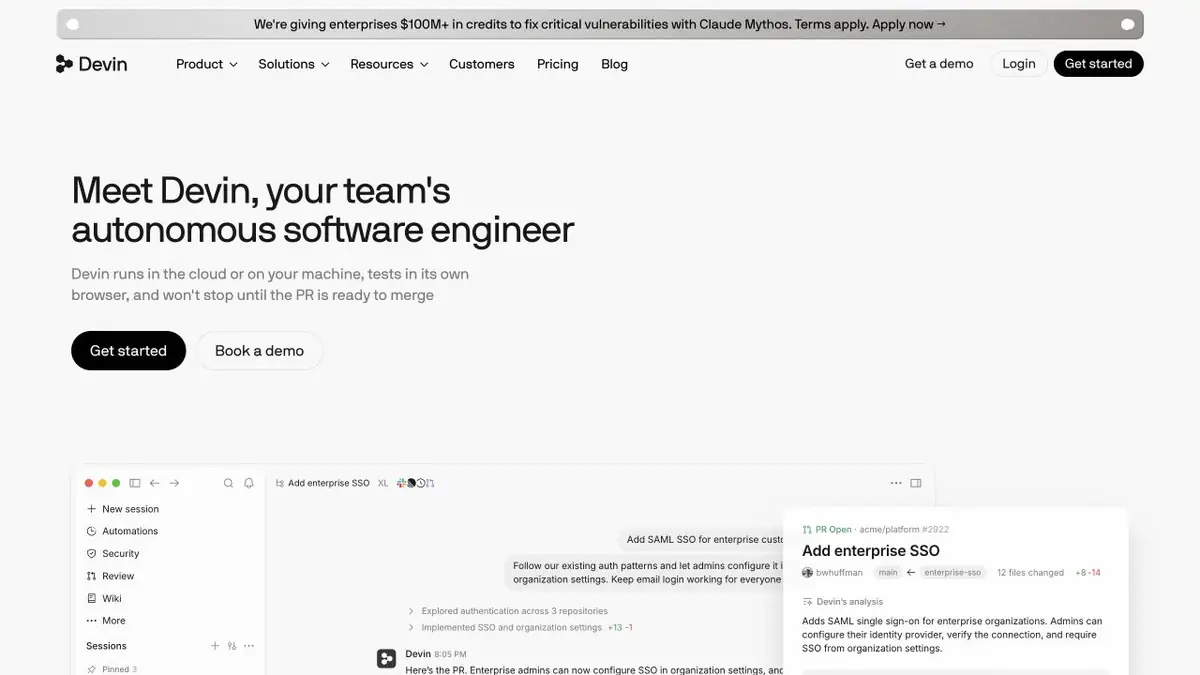
A task that can be accepted
Devin is convenient where verification of the result is already known. For example, the task specifies which request causes the error and which response is expected. The agent can read the project code, execute commands and check changes within the session. Prepare a playable input, the expected result and the test run command. This task is easier to understand whether the reason has been corrected or only the text of the message has changed.
In an unfamiliar repository, it is useful to limit the search area. Specify the service or directory where the error occurs, and separately name files that cannot be changed. If playback requires access keys to real systems, replace them with test data.
Reprocessing check
In this example, a handler receives the same notification twice and creates two records. Give the agent an anonymized event, the unique key schema, and the command to run the test locally. Ask it to show where repeat events go unchecked, then add a test with two identical requests. During review, check separately that two different events still work as before.
In the patch, see where uniqueness is defined. Protection only at the level of one process can skip simultaneous requests. If the test runs events sequentially, it confirms a particular scenario but leaves the competition question open.
Access to the environment
Connect the repository and configure the environment separately. The team decides what code and tools are available in the session. Before accepting the patch, review the changes, run the tests from a clean branch, and compare the behavior with the task requirements.
Suitable tasks
- Reproduce the reported error and prepare a patch
- Check the change in a separate branch
Strengths
- Performs commands and tests during the session
- There is documentation for connecting repositories
Limitations
- Before work, you need to give access to the code and prepare startup commands
- Repository rights and result check by team
Selection and conditions
- Free access
- Not confirmed
- Trial period
- Not confirmed
- No sign-up required
- Not confirmed
- Russian interface
- Not confirmed
- Local installation
- Not confirmed
- API
- Not confirmed
“Not confirmed” means there is not enough information. The feature may still be available; check the developer’s terms.
- Input formats
- Code, Text
- Result
- Code, Text
Terms
Tariffs differ in the volume and conditions of accounting for the agent’s work. Check the limits of the selected plan. Repository rights and result check by teamFrom task to first result
Practical example
- Task
- Reproduce the reported error and prepare a patch
- What to prepare
- A synthetic event with a repeating identifier, an expected response, and a test run command.
Task brief or prompt
Play the creation of a double on two identical events. Show the error location, add the test and correct the processing. Do not change the data without explanation.
Expected result
Patch with a test to repeat the event and a brief explanation of the selected check.
How to check the result
- Check that two different events are handled as before.
- Run the test from a clean branch.
An editorial teaching example of a task brief, not the result of hands-on testing of the service. Check that the required mode is available, that you have rights to the source material and that the intended use of the result is permitted.
Check details
Official sources
This description is based on the developer’s material. Features, prices and availability may change; check the primary source before use.