

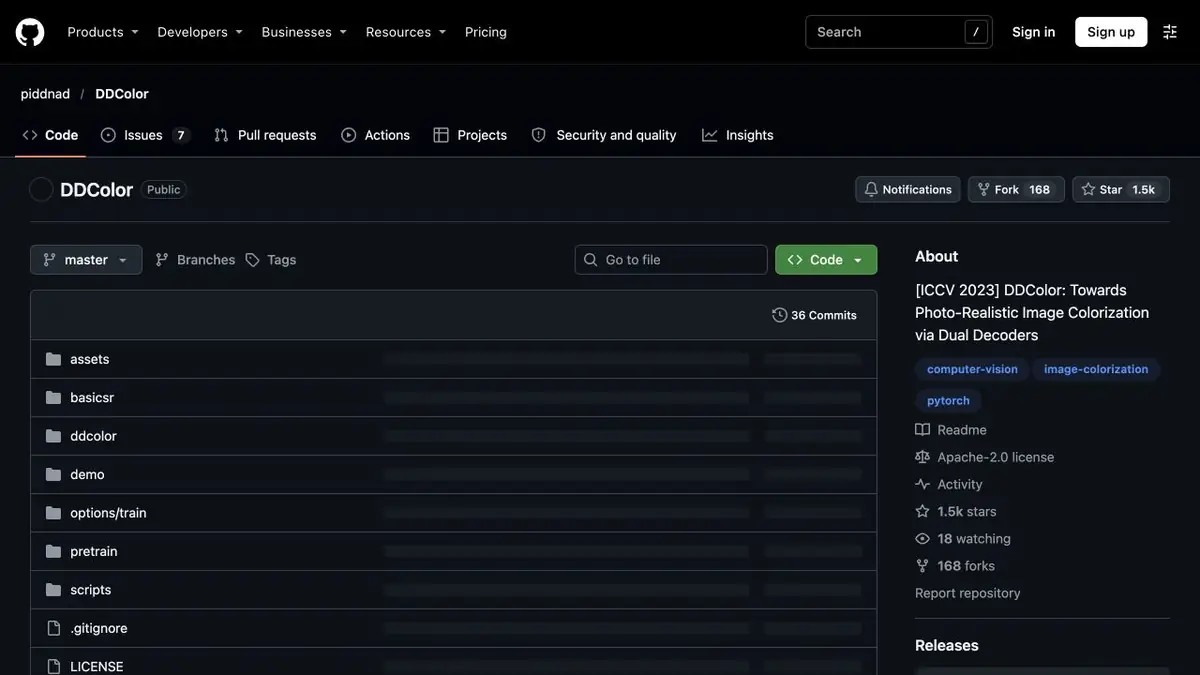
Model of automatic coloring of images. Suitable for color interpretations of monochrome photos and checking design options.
Color as an Editorial Interpretation
DDColor receives a colorless image and offers a color version. The model is based on the signs of objects that you see in the picture. It can offer the usual shade of sky, clothing or skin, but the brightness of pixels is impossible to know the real color of the dress or sign. If a known color is important for family history, write it down separately and compare it to the model’s proposal.
Frame for family album
For a training example, take your own scan of the photo where people stand by a wooden fence. Before processing, save the source and remove a strong bias of the frame, if there is one. In the painted version, increase the places where the hand touches the fence, and the edges of the light shirt. At such borders, it is convenient to notice that the color of the tree has passed to the skin or tissue.
Show the album a monochrome original next to a color copy. A signature on the method of processing will help the reader to distinguish the documentary scan from the alleged colors.
Weight selection and close-up verification
The authors publish different weight sets and commands for processing files. Start with one representative scan, and then evaluate whether the same option is appropriate for the entire series. Too active color processing distracts from the face and can make a set of pictures uneven. To print separately, check the sample fragment at the desired size and save the version with the original shades of gray.
Suitable tasks
- Get a color version of the family photo
- Compare coloring options for the album
Strengths
- Local processing of published weights
- Multiple model variants in the official repository
Limitations
- Colors in original image unknown model
- Color can cross the boundaries of small objects
Selection and conditions
- Free access
- Yes
- Trial period
- Not confirmed
- No sign-up required
- Yes
- Russian interface
- Not confirmed
- Local installation
- Yes
- API
- Not confirmed
“Not confirmed” means there is not enough information. The feature may still be available; check the developer’s terms.
- Input formats
- Image
- Result
- Image
Terms
The authors publish PyTorch code, several weight sets and instructions for local processing of individual images and folders.From task to first result
Practical example
- Task
- Get a color version of the family photo
- What to prepare
- Monochrome scan and, if available, independent information about the colors of important parts.
Task brief or prompt
Paint a copy. Compare the skin, clothing and background with the original scan, checking the color boundaries.
Expected result
Color interpretation of the photo with a stored source.
How to check the result
- Check the transitions between objects.
- Note which colors are restored presumably.
An editorial teaching example of a task brief, not the result of hands-on testing of the service. Check that the required mode is available, that you have rights to the source material and that the intended use of the result is permitted.
Check details
Official sources
This description is based on the developer’s material. Features, prices and availability may change; check the primary source before use.