

ColPali constructs the representation of a page as an image and evaluates its proximity to the question. At the exit you can get the position of the source page in the issue.
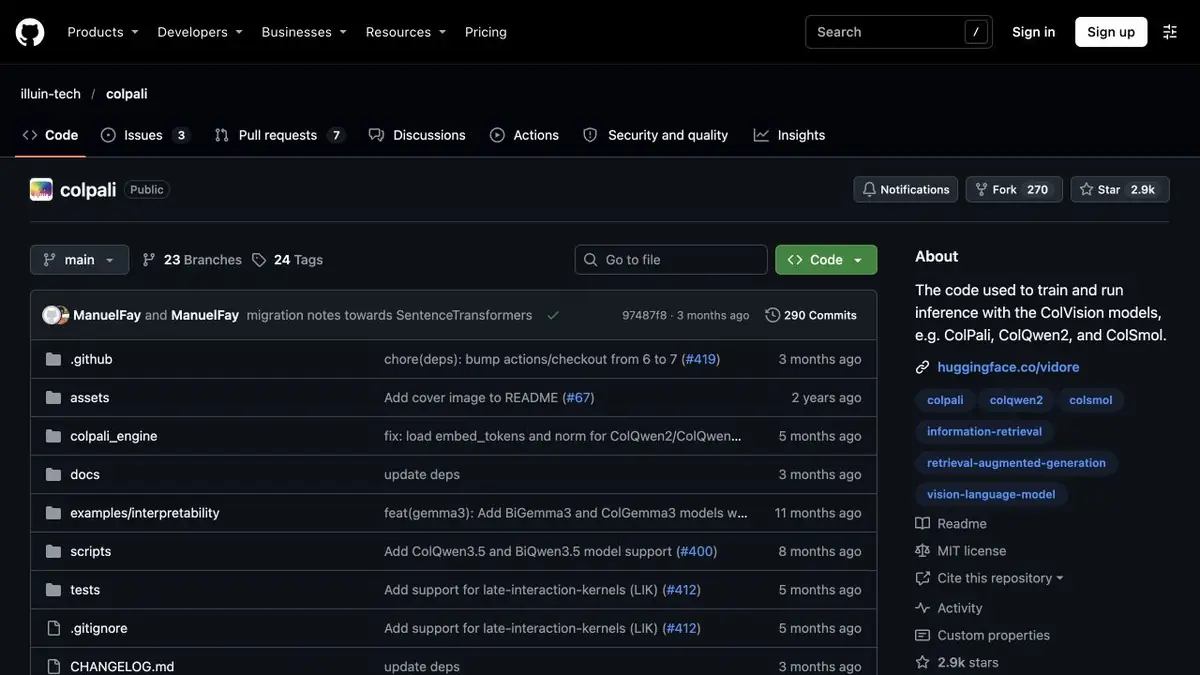
Search on the page where the diagram is important
Imagine a report with identical headings for several years. The right chart is identified by a legend or a caption near a table, and an old scan lacks a usable text layer. ColPali indexes images of pages and matches them against text queries. Store a document link and page number with each representation, so a good match leads to the source rather than an internal record ID.
How to arrange a training set
Take a few of your own pages. On one place the expenditure table by quarters, on another similar income chart, on the third leave one title. Ask the question in which the cost chart is important, and open the first pages of the issue. Then ask about the indicator that is not in the set. This will help to set the rule for showing results when there is a weak match.
Compare with search by text layer on the same set. Separately note the issues for which the appearance of the page gives an advantage.
What does the found page mean
The model ranks pages to open. Read exact values and captions by another method and verify them against the original. Check image quality, particularly where labels are small, and record the index settings. When the report changes, re-index the affected pages and check that the old version no longer appears.
Suitable tasks
- Find the chart page in the scanned report
- Compare results on pages with a similar title
Strengths
- It takes the page image into account when searching
- There is an official code and model cards for working with documents
Limitations
- The ranking does not extract exact values from retrieved tables
- Multi-vector representations affect index size
Selection and conditions
- Free access
- Yes
- Trial period
- Not confirmed
- No sign-up required
- Not confirmed
- Russian interface
- Not confirmed
- Local installation
- Yes
- API
- Not confirmed
“Not confirmed” means there is not enough information. The feature may still be available; check the developer’s terms.
- Input formats
- Document, Image, Text
- Result
- Data
Terms
Weights and code have their own licenses. Preparing pages, computing representations, and storing the index require resources. The ranking does not extract exact values from retrieved tables.From task to first result
Practical example
- Task
- Find the chart page in the scanned report
- What to prepare
- Several of its report pages, including two with similar titles and different graphs.
Task brief or prompt
Find a spending chart page by neighborhood. Return the numbers of the first pages and the link to the original.
Expected result
Issuance with verifiable numbers and source images of pages.
How to check the result
- Check out the question that needs chart features.
- Open the found page and compare it with a similar one.
An editorial teaching example of a task brief, not the result of hands-on testing of the service. Check that the required mode is available, that you have rights to the source material and that the intended use of the result is permitted.
Check details
Official sources
This description is based on the developer’s material. Features, prices and availability may change; check the primary source before use.