

CodeMate offers a CORA agent for planning code changes and a Toolbox workbench through which tools connect to the editor.
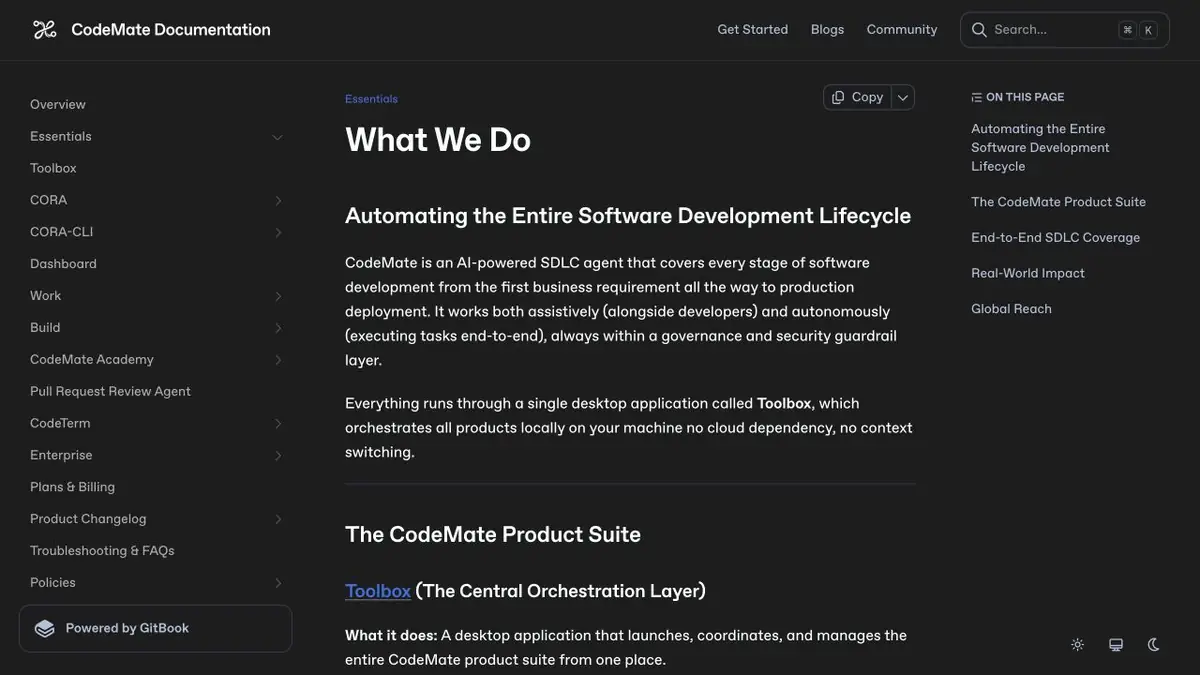
How to distribute a change between files
CORA in CodeMate is able to turn the task description into a sequence of actions. This is useful when the edit affects the data type, request handler and tests. The Toolbox application configures the tools, and the extension connects them to the editor. For the task on the existing code, specify the branch and the entry point. The list of steps is more convenient to check before several files change at once.
A training example with a new field of response
An additional order status appeared in the application. In one place it is shown by the interface, in another on it the final report is considered. Ask CORA to find areas where valid statuses are listed and mark tests for an unknown value. When the plan is ready, compare it with a search for the repository. A third-party client can expect an old set of values even if internal checks are already going through.
When accepting, read the contract changes separately. Go through the script in which the old entry is loaded after the update. If the agent suggested changing all the lines with the status name, specify what matches relate to this task.
What parts of the set are needed
CodeMate describes CORA and Build as separate work scenarios. Build accepts Figma’s product description, requirements or materials to prepare a browser application. To edit an existing project, first determine if you need a CORA agent and whether the editor used is supported. Check the access plan for the right tool. The free features of CORA do not describe the conditions of the entire set.
Suitable tasks
- Break down the change in response format to related tasks
- Find out which parts of the code will affect the fix
Strengths
- The agent makes a plan taking into account dependencies
- Toolbox links editor to CodeMate tools
Limitations
- Plan coverage should be checked for actual calls
- The desktop shell by itself does not confirm the local processing of all model requests
Selection and conditions
- Free access
- Yes
- Trial period
- Not confirmed
- No sign-up required
- Not confirmed
- Russian interface
- Not confirmed
- Local installation
- Not confirmed
- API
- Not confirmed
“Not confirmed” means there is not enough information. The feature may still be available; check the developer’s terms.
- Input formats
- Code, Text
- Result
- Code, Text
Terms
CORA has a free plan with basic capabilities. The limits CORA and conditions of other products CodeMate are described separately. The desktop shell by itself does not confirm the local processing of all model requestsFrom task to first result
Practical example
- Task
- Break down the change in response format to related tasks
- What to prepare
- A branch of the training application, a description of the new order status and an old example of a server response.
Task brief or prompt
Find the users of the status field and make a plan to support the new value. Mark where you want to save the old records.
Expected result
Change plan with dependencies affected by checks and list of field consumers.
How to check the result
- Compare the plan with the search for the repository.
- Check that an older recording still loads after the update.
An editorial teaching example of a task brief, not the result of hands-on testing of the service. Check that the required mode is available, that you have rights to the source material and that the intended use of the result is permitted.
Check details
Official sources
This description is based on the developer’s material. Features, prices and availability may change; check the primary source before use.