

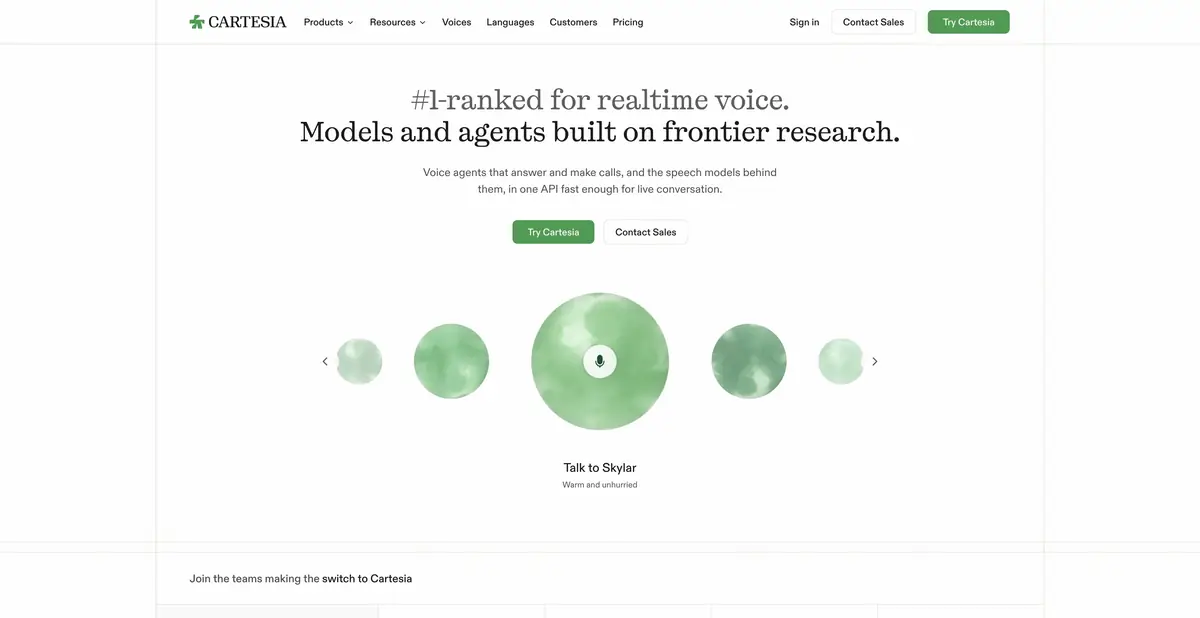
Cartesia is developing its own speech models and voice agent creation tools. Synthesis, recognition and conversation management can be connected separately or used in a common platform.
The voice app must be able to listen
A conversational interface needs more than a well-delivered answer. It must detect the beginning and end of an utterance, handle interruptions, and maintain the task’s flow. Cartesia combines its own Sonic speech synthesis models, Ink speech recognition models, and managed agents. The documentation distinguishes these components: synthesis converts text to audio, recognition produces text from audio, and the agent connects speech with conversation, tools, and a selected language model.
This separation helps you choose how much of the system you need. TTS is sufficient for spoken notifications. A telephone assistant also needs context, audio transport, action rules, and error monitoring. A developer offering the full range does not remove the team’s responsibility for its app’s logic.
Verification on a simple scenario
A practice agent can give opening hours for a fictional workshop. Provide a short approved reference and prohibit inventing available appointment slots. The user asks about weekends, then interrupts to clarify the address. Define criteria in advance: the agent stops its prior utterance, answers the clarification, and does not announce a nonexistent booking.
Listen specifically to names, addresses, and alphanumeric identifiers. In the log, distinguish recognition errors, reasoning errors, and incorrect synthesized intonation: each needs a different fix. First test a short conversation and recovery after a lost connection. Only then extend its duration and connect external actions. This example describes task setup, rather than a measured Cartesia speed.
API, voice, and deployment
A browser environment, official REST/WebSocket interfaces, and developer examples are available. Cloning and voice creation are separate features with access conditions. A voice file alone is insufficient when using a real person’s voice: their consent and the rights for the intended use are required.
Deployment in your own infrastructure
The site describes cloud, self-hosted, and on-device deployment. These are not equivalent to a freely downloadable home app: deployment packages and terms need agreement. If processing region matters, clarify the endpoint, data storage, and availability of the required model in that deployment option.
Credits and managed agents
Cartesia offers a limited free plan and paid tiers. Its pricing page separately explains voice model credits and agent charges. Conversation minutes and synthesized text therefore cannot be combined into one assumed quota.
Before integration, evaluate your combination of recognition, generation, and agent logic. A useful trial workflow includes authentication, input submission, audio retrieval, failure handling, and checking the final usage meter. Speech language support does not establish a Russian interface, and advertised latency does not promise the same speed on your network.
Suitable tasks
- Embed streaming synthesis into product
- Build a voice assistant using a reference guide
- Recognise speech in a conversational application
- Check interruptions and utterance completion
Strengths
- Proprietary synthesis and recognition models
- Separation of models and managed agents
- REST and WebSocket with official examples
Limitations
- Conversational application needs its own rules of action
- Models and agents consume different resources
- Self-hosting terms are arranged separately
Selection and conditions
- Free access
- Yes
- Trial period
- Not confirmed
- No sign-up required
- Not confirmed
- Russian interface
- Not confirmed
- Local installation
- Yes
- API
- Yes
“Not confirmed” means there is not enough information. The feature may still be available; check the developer’s terms.
- Input formats
- Audio, Text
- Result
- Audio, Text
Terms
The free plan is limited by credits. Model credits and agent resources are tracked separately. On-premise/on-device options are available on the developer’s terms; this does not promise a free local app.From task to first result
Practical example
- Task
- Embed streaming synthesis into product
- What to prepare
- Authorized audio input and a short approved reference about a fictional workshop, without personal data.
Task brief or prompt
Agent setup exercise: answer only using the reference guide’s opening hours and address. If appointment slots are absent, do not promise a booking. The user asks a question, interrupts to clarify the address, then requests an unavailable action. Check interruption handling and appropriate refusal to invent the action.
Expected result
A conversation with voice responses and an accessible transcript; business actions require separately configured tools and permissions.
How to check the result
- Check that the agent stops its previous utterance when interrupted and retains the meaning of the clarification.
- Check facts against the reference; a spoken promise does not confirm that a record was actually created.
An editorial teaching example of a task brief, not the result of hands-on testing of the service. Check that the required mode is available, that you have rights to the source material and that the intended use of the result is permitted.
Check details
Official sources
This description is based on the developer’s material. Features, prices and availability may change; check the primary source before use.