

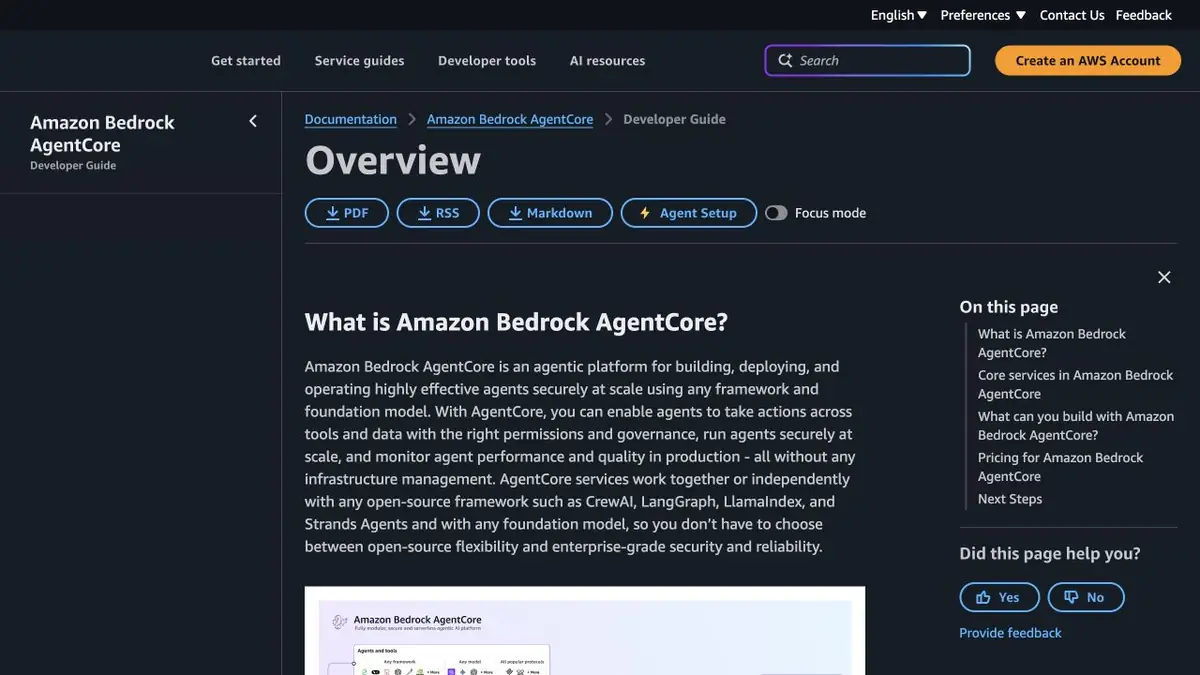
AgentCore provides agents with a managed execution environment and components to connect tools, status, and surveillance.
Running code in a managed environment
The agent can work well on a laptop and require a separate infrastructure when multiple users appear. Amazon Bedrock AgentCore has a runtime environment for its own code of agents and tools. The model can be selected for the task, and the packaging and interface of the application should be checked with the AWS manual. When deploying, decide where the journal is written, how the session is identified and which commands are eligible to run the application.
Two training sessions
Try an agent that reads the status of a test task. Give two account contexts different records and separate session IDs. Test normal reads, repeated requests, and an attempt to retrieve the other account’s result. Start with one permitted action for an external tool. Record the IAM permissions needed and verify that an unavailable action is refused.
Where to watch for error
Simulate a model error and a tool failure separately. The log should show where the workflow stopped and whether it affected an external system. Decide what may be kept in traces and when to end a session. Break down execution, model, and component costs after the run. Call counts depend on application structure even for similar requests. Save the configuration and run duration for comparison.
Suitable tasks
- Deploy your own agent application to AWS
- Check the boundaries of two user sessions
Strengths
- The environment runs its own agent code and tools
- There are separate services of memory, connection and observation
Limitations
- You need to configure IAM and understand session boundaries
- Component hosting and calls may be metered separately
Selection and conditions
- Free access
- Not confirmed
- Trial period
- Not confirmed
- No sign-up required
- Not confirmed
- Russian interface
- Not confirmed
- Local installation
- No
- API
- Yes
“Not confirmed” means there is not enough information. The feature may still be available; check the developer’s terms.
- Input formats
- Code, Text
- Result
- Data, Annex
Terms
AWS meters AgentCore components according to their individual terms. Models, storage, and other connected services may incur extra charges. You need to configure IAM and understand session boundaries.From task to first result
Practical example
- Task
- Deploy your own agent application to AWS
- What to prepare
- Two synthetic accounts, an agent with a simple reading tool and separate session identifiers.
Task brief or prompt
Turn over the test agent. Make sure that each account receives its own data, and the repeated request follows the specified rules for working with the session.
Expected result
Deployed agent and log checks for isolation, rights, and re-call.
How to check the result
- Check reading from two accounting contexts.
- Try calling an unconnected tool and check for a failure.
An editorial teaching example of a task brief, not the result of hands-on testing of the service. Check that the required mode is available, that you have rights to the source material and that the intended use of the result is permitted.
Check details
Official sources
- Amazon Bedrock AgentCore Review
- Agent Deployment in AgentCore Runtime
- Pricing for Amazon Bedrock AgentCore
This description is based on the developer’s material. Features, prices and availability may change; check the primary source before use.