

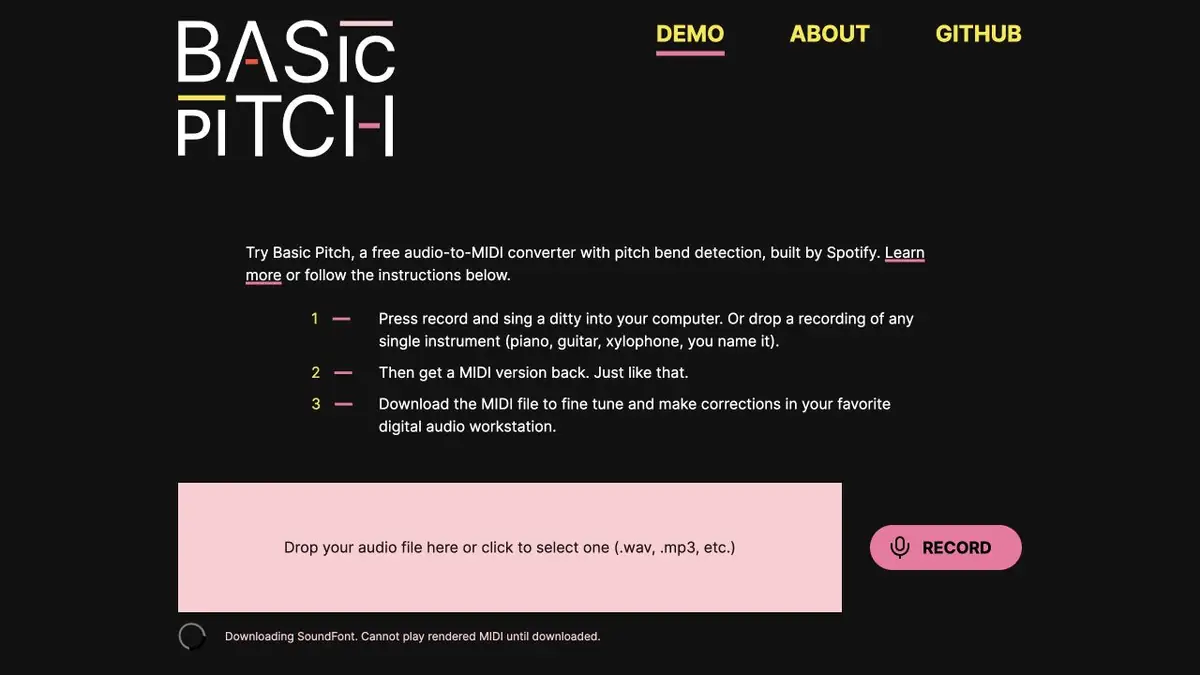
The Spotify model translates sounding notes into MIDI. A demonstration in the browser, Python library and a command for local start are available.
Why turn sound into notes?
Basic Pitch analyzes the recording and evaluates which notes and when they sound. The result can be opened in the sequencer as MIDI and edit the height and duration of individual events. So it is easier to sketch a synthesizer part on the recorded motif than to re-pick it up by ear.
MIDI stores musical events, so the finished file does not store the timbre of a voice or instrument. A complex recording with percussion, effects and multiple timbres also does not automatically turn into a neat score. The documentation notes that the tool works better with one tool at a time.
Test on a short motive
Write down a few bars of pure bass. After the conversion, open MIDI next to the original track and check the input of each note. Remove false events next to finger slides. Listen to the version with a simple timbre and compare it with the recording: it is easier to hear extra notes or an incorrect octave.
If smooth changes in height are important, check the support for these events in your editor. For a simple batch, make a decision about grid alignment after comparing with live performance.
Launch Options
A demonstration in the browser gives a quick way to check a short entry. For regular operation, Spotify publishes a code and instructions for local startup. The repository also describes compatible audio formats and additional library outputs. When working with stereo, keep in mind that the model reduces channels into mono before analysis.
Suitable tasks
- Transfer recorded motif to sequencer
- Get a black note batch from the instrument recording
Strengths
- The Open Library
- The output can be edited as MIDI
Limitations
- A dense mix makes it difficult to allocate individual parties
- Source timbre is not stored in MIDI
Selection and conditions
- Free access
- Yes
- Trial period
- Not confirmed
- No sign-up required
- Yes
- Russian interface
- Not confirmed
- Local installation
- Yes
- API
- Not confirmed
“Not confirmed” means there is not enough information. The feature may still be available; check the developer’s terms.
- Input formats
- Audio
- Result
- MIDI
Terms
There is a demonstration in the browser, Python library and a command for local start.From task to first result
Practical example
- Task
- Transfer recorded motif to sequencer
- What to prepare
- Pure recording of motive on one instrument.
Task brief or prompt
Convert the recorded motif to MIDI. Check the beginnings of the notes and the height next to the source.
Expected result
Edited MIDI Draft.
How to check the result
- Remove the false events.
- Listen to the notes at their original pace.
An editorial teaching example of a task brief, not the result of hands-on testing of the service. Check that the required mode is available, that you have rights to the source material and that the intended use of the result is permitted.
Check details
Official sources
- Official demonstration of Basic Pitch
- Repository and Manual Basic Pitch
- Description of the model from Spotify Engineering
This description is based on the developer’s material. Features, prices and availability may change; check the primary source before use.