

Post-processing of speech for podcasts and video. There is volume equalization, noise reduction and automatic processing of several tracks.
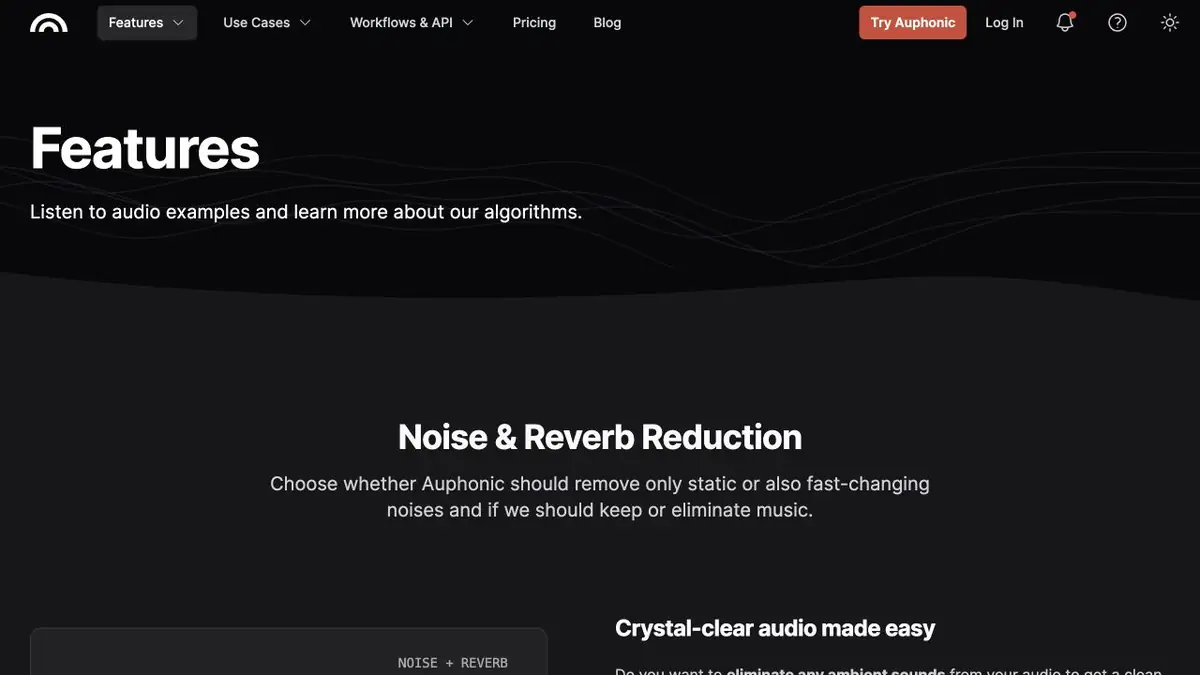
What tasks does the processing take on
Auphonic is designed to produce recorded sound. In the service, you can reduce the volume difference between replicas, reduce noise and set the level of the final file.
On a multitrack project, algorithms analyze records separately and together. For example, they can weaken the hearing of the guest's voice in the microphone of the presenter.
The choice of treatment depends on the material. In the recording of the conversation, the noise and echoes of the room are clearly heard. In a music screensaver, the same settings can cut off some of the desired sound. Therefore, it is useful to check each type of fragment that is in the issue.
Example for an interview
Take a short passage with a quiet answer and a loud laugh. If the interlocutors wrote on different microphones, use synchronous sources. After processing, compare the volume of replicas, hissing consonants and the end of each phrase. Compare at close playback level, otherwise the louder option is easy to take for a clearer one.
Leave a piece of music in the test. This will allow you to hear how noise reduction affects the screensaver, pauses and transitions.
Limits for regular work
The service has free minutes and paid processing volumes. For a regular podcast, estimate the duration of the sources and the desired number of treatments. If the editor transmits the material automatically, Auphonic has an API. To record with limited access, specify in advance whether cloud processing is allowed and who can receive the finished files.
Suitable tasks
- Processing interviews with individual microphones
- Prepare the podcast release to a given volume
Strengths
- Controlling volume and noise in one operation
- Separate processing of parallel tracks
Limitations
- Need to check the processed recording by ear
- Processing time spends credits
Selection and conditions
- Free access
- Yes
- Trial period
- Not confirmed
- No sign-up required
- Not confirmed
- Russian interface
- Not confirmed
- Local installation
- Not confirmed
- API
- Yes
“Not confirmed” means there is not enough information. The feature may still be available; check the developer’s terms.
- Input formats
- Audio, Video
- Result
- Audio
Terms
The service in the browser accepts records and prepares files for download. There is a documented API for automation.From task to first result
Practical example
- Task
- Processing interviews with individual microphones
- What to prepare
- Simultaneous recordings of two interlocutors and a small fragment with a quiet and loud speech.
Task brief or prompt
Treat the fragment in multi-track mode. Check the replica level and cleaning effect on the screensaver.
Expected result
Sound test before processing the entire interview.
How to check the result
- Check if the guest is heard in the host's recording.
- Compare the endings of phrases at close volume.
An editorial teaching example of a task brief, not the result of hands-on testing of the service. Check that the required mode is available, that you have rights to the source material and that the intended use of the result is permitted.
Check details
Official sources
This description is based on the developer’s material. Features, prices and availability may change; check the primary source before use.