

Phoenix takes app tracks with models. The team can open a chain of challenges and link quality scores with a single step or an entire answer.
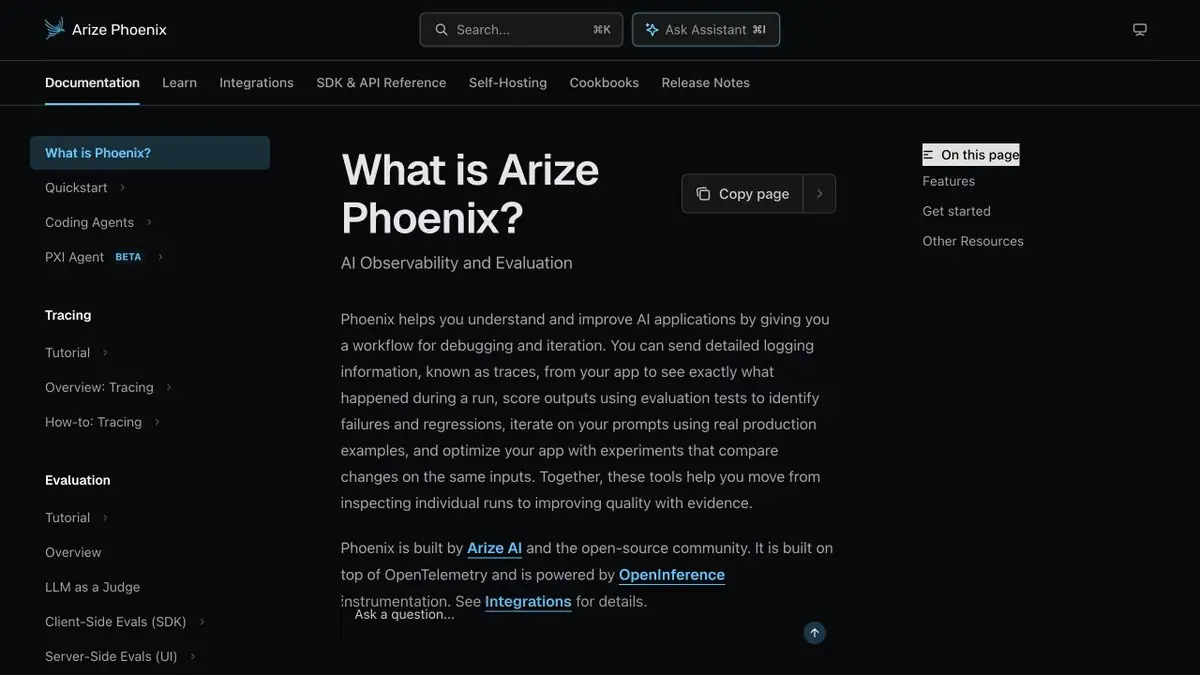
How to see what happened before the answer
A failed answer in a retrieval application can have several causes. The index may miss the passage, a filter may remove it, or the model may misread it. Arize Phoenix collects step data in a trace. Once instrumented, developers can inspect retrieval separately from generation. Start with one anonymized trace and a question with a known source.
Marks on the training track
Take two answers to one question. In the first case, there is a necessary paragraph in the context, in the second it is not. Check which event transmits the model snippets and which text it returned. Set separate search quality and output quality labels. Then compare the manual score with the selected automatic scorer. If the model has put a good estimate of the wrong answer, keep this example and clarify the criterion.
What to leave in the magazine
Remove sensitive information before exporting traces. Step names, durations, and anonymized identifiers may be enough to locate a delay. Store query and document text only where permitted. Set retention and roles, and check that the answer links to the right index and model versions. As traffic increases, assess trace volume and evaluation frequency separately. Compare the same types of traces across runs.
Suitable tasks
- Find Search Failure in the Query Chain
- Compare manual quality labels and automatic ratings
Strengths
- Shows related model steps and tools
- Document assessment with model and track view
Limitations
- Instrument traces with appropriate data controls
- Compare model evaluations against human annotations
Selection and conditions
- Free access
- Yes
- Trial period
- Not confirmed
- No sign-up required
- Not confirmed
- Russian interface
- Not confirmed
- Local installation
- Yes
- API
- Not confirmed
“Not confirmed” means there is not enough information. The feature may still be available; check the developer’s terms.
- Input formats
- Data, Text
- Result
- Text, Data
Terms
The open-source library has no license fee. Hosting, trace retention, and model evaluation can carry separate costs. Instrument traces with appropriate data controls.From task to first result
Practical example
- Task
- Find Search Failure in the Query Chain
- What to prepare
- Assistant test track with question, search results and answer.
Task brief or prompt
Find the step where the desired fragment is lost. Compare the assessment of the correctness of the answer and the suitability of the context.
Expected result
A marked track with a reasonable conclusion about the problem step.
How to check the result
- Verify the output with manual marking.
- Check which tracks are saved.
An editorial teaching example of a task brief, not the result of hands-on testing of the service. Check that the required mode is available, that you have rights to the source material and that the intended use of the result is permitted.
Check details
Official sources
This description is based on the developer’s material. Features, prices and availability may change; check the primary source before use.