

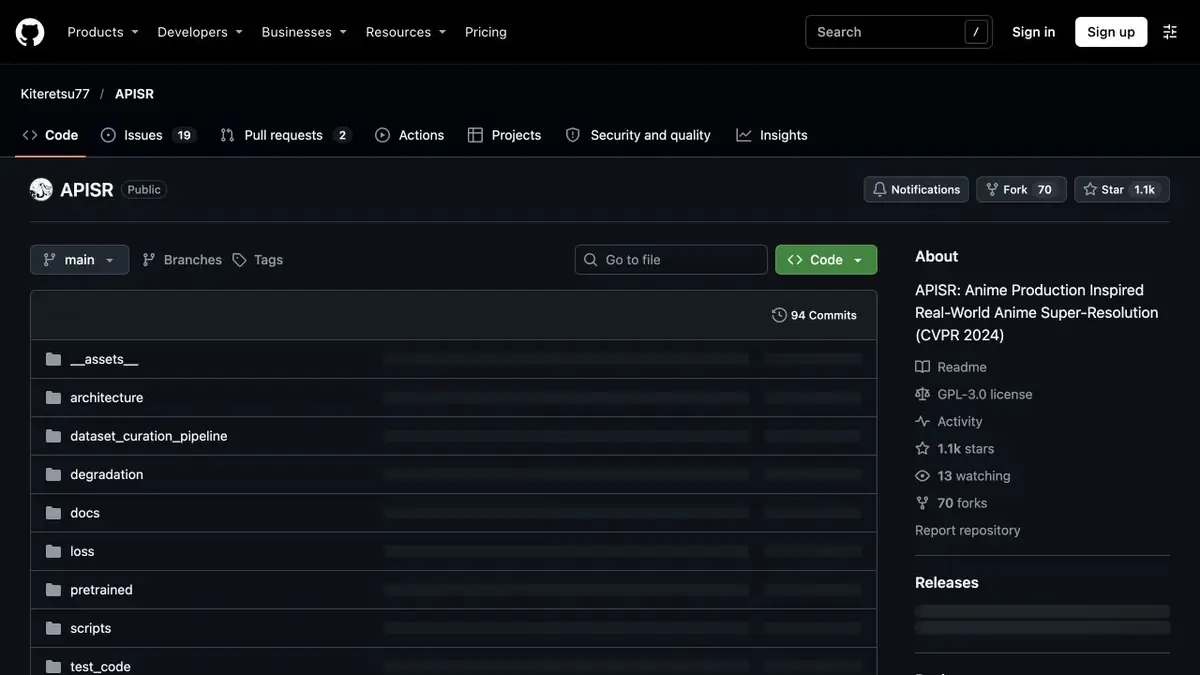
The model of increasing resolution for painted frames. The project offers several processing scales and examples of running on images and videos.
Why a painted frame is a separate model
APISR is designed to increase low-quality painted frames. Its authors took into account the properties of materials from the production of animation, where a sharp thin line often passes near a flat fill. If the image has survived recompression, the line can disintegrate into small steps. The model offers a recovery that needs to be evaluated on the material of a particular drawing. Sometimes a sharper version looks foreign next to the rest of the footage.
Check on your own short fragment
Take a training video with a moving character and a simple background. Start with a single frame, which shows the eyelashes, the edge of the sleeve and a small inscription. Compare the two dimensions of increase. If the inscription has changed or the strokes are missing, do not transfer the result to the whole series. After that, process several neighboring frames and view them in a row to notice a flicker on the moving contour.
Keep the trial files separate. When a larger pattern is shown in the overall layout, the readability of the line is more important than the expression of each new detail.
Where to choose weight and mode
The official repository contains a model catalog, instructions for processing images and video, and examples at different scales. Record the chosen weights and processing settings for your workflow. Check that you have permission to transform and share the source materials. Publishing an enlarged copy may involve different requirements from evaluating it on your computer. Show the original and processed frames side by side for review.
Suitable tasks
- Prepare an enlarged illustration for the layout
- Compare short animation processing
Strengths
- The model is focused on painted contours and frames
- Different increase rates are available
Limitations
- The restored lines may differ from the original
- Individual frames need to be checked for flickering
Selection and conditions
- Free access
- Yes
- Trial period
- Not confirmed
- No sign-up required
- Not confirmed
- Russian interface
- Not confirmed
- Local installation
- Yes
- API
- Not confirmed
“Not confirmed” means there is not enough information. The feature may still be available; check the developer’s terms.
- Input formats
- Image, Video
- Result
- Image, Video
Terms
Authors publish code, model weights and instructions. For a sample on your machine, check for Python dependencies and image or video processing mode.From task to first result
Practical example
- Task
- Prepare an enlarged illustration for the layout
- What to prepare
- A copy of your own drawing or animation fragment with compression traces.
Task brief or prompt
Increase the copy at the right scale and check if thin lines and flat fills have changed.
Expected result
Enlarged version for viewing with marked artifacts.
How to check the result
- Examine the strokes, inscriptions and transitions of color.
- For the roller, check the stability of the contours from frame to frame.
An editorial teaching example of a task brief, not the result of hands-on testing of the service. Check that the required mode is available, that you have rights to the source material and that the intended use of the result is permitted.
Check details
Official sources
This description is based on the developer’s material. Features, prices and availability may change; check the primary source before use.